
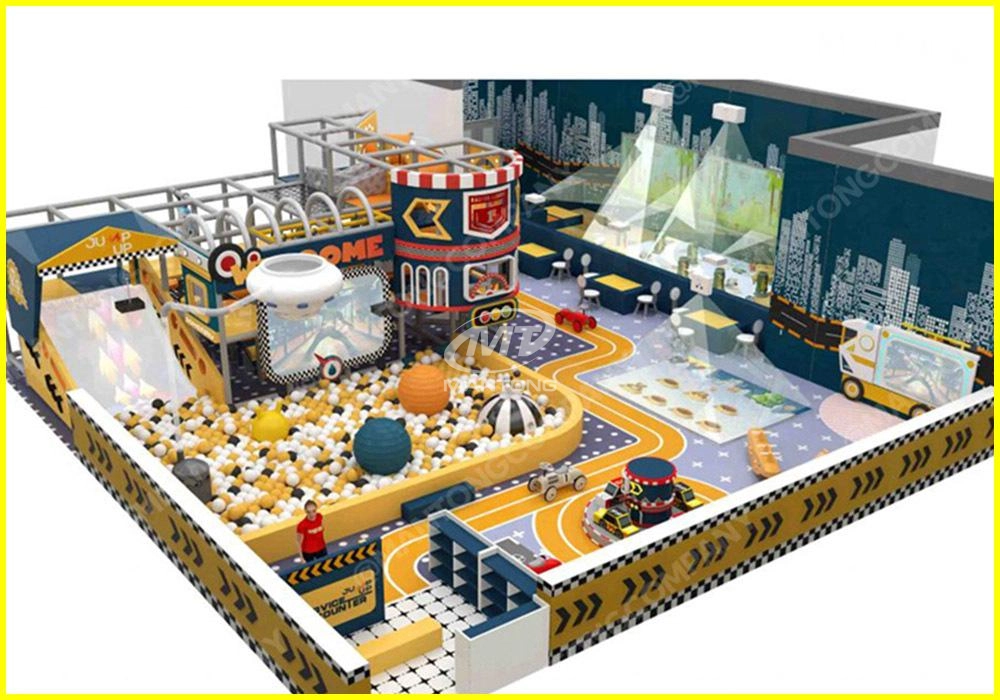
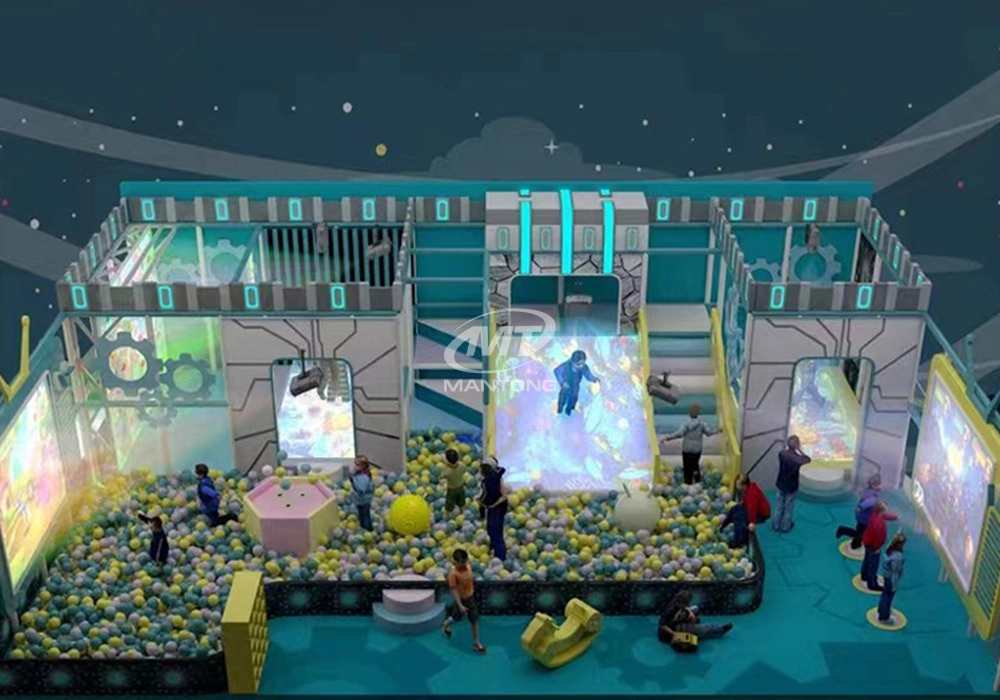
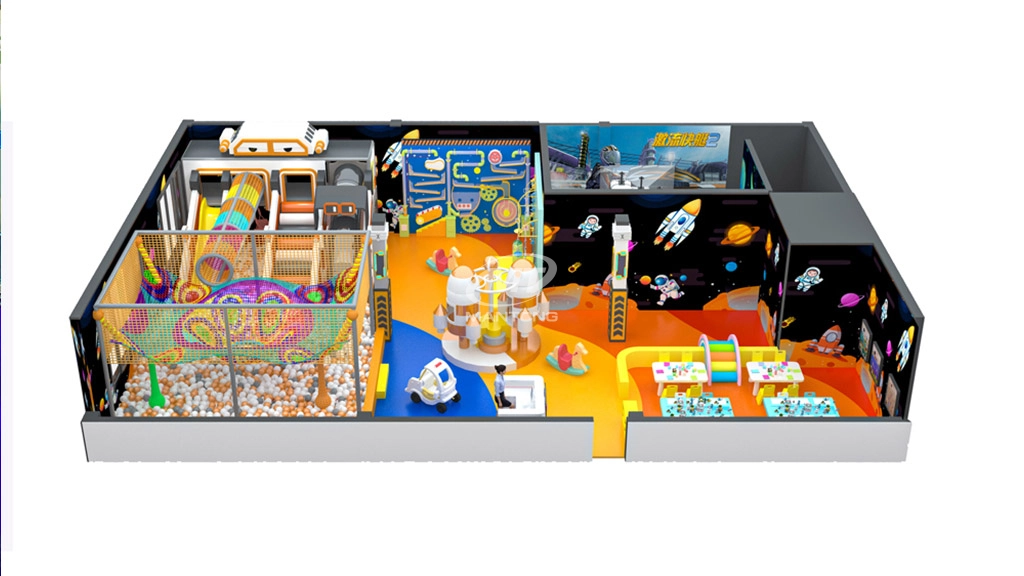
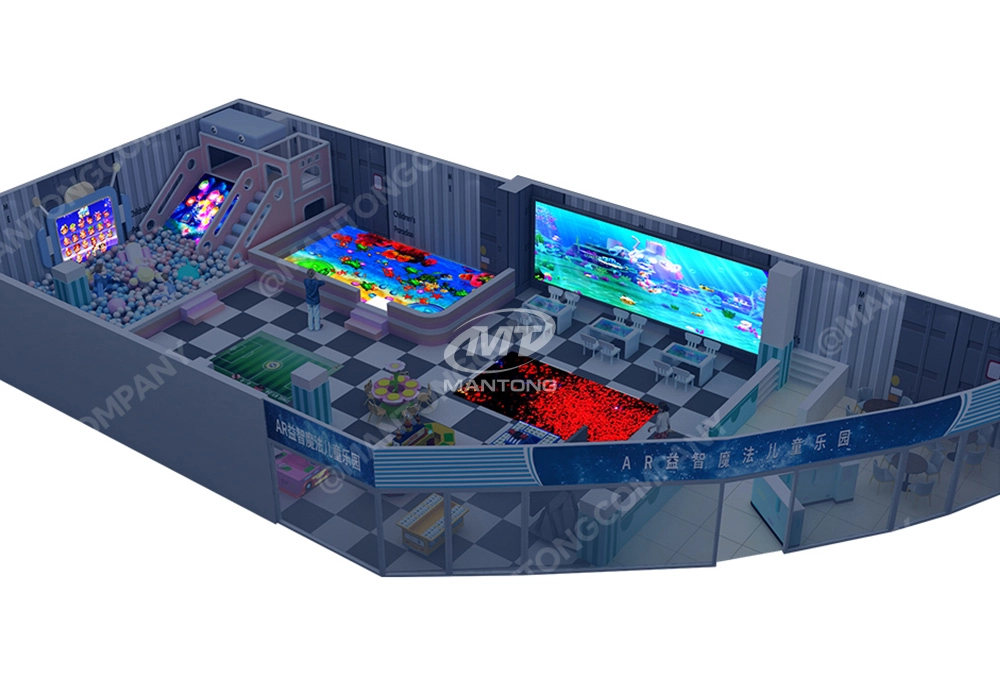
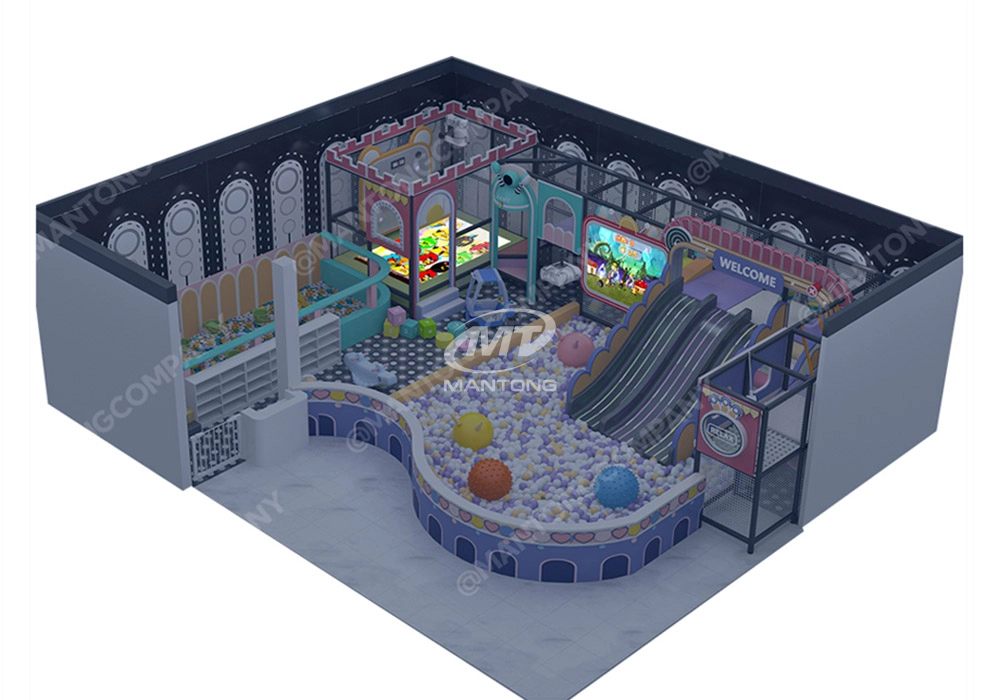
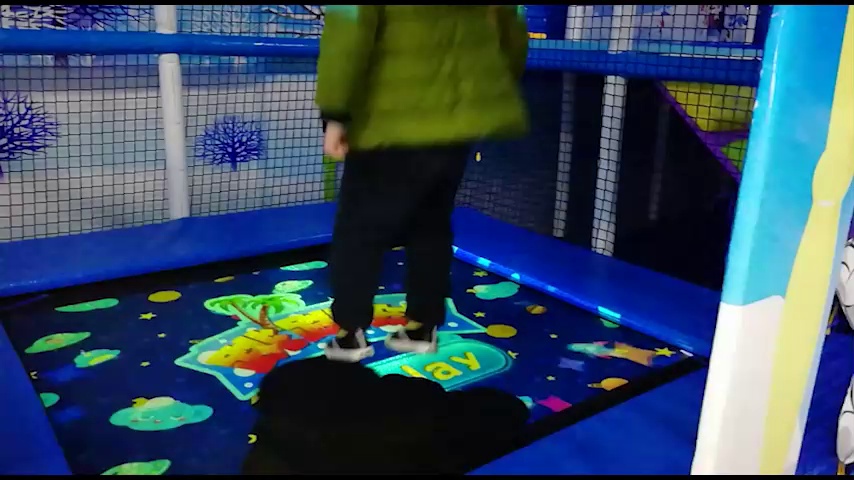
Educational Interactive Projection Games
Product Overview
Mantong Educational Interactive Projection Games turn floors, walls and tabletops into playful learning spaces. Designed by Mantong Digital, a Guangzhou-based manufacturer with over 10 years of experience, these solutions pair reliable hardware with flexible software to create immersive, safe and easy-to-use learning activities for children and learners of all ages.
Key Features
Interactive and Curriculum-Aligned
Our games cover math, language, science and motor skills. Content can be adjusted to match class levels and local curriculum requirements, helping teachers reinforce lessons with hands-on, visual activities.
Plug-and-Play Hardware
Compact projectors and durable mounting options allow fast setup in classrooms, halls and museums. Systems are built for long-term use with quiet operation and low maintenance needs.
Multi-User and Adaptive
Support for multiple simultaneous users encourages group play and collaboration. Adaptive difficulty keeps learners challenged and motivated.
Benefits for Educators and Institutions
- Boosts student engagement through motion-based learning.- Encourages teamwork and physical activity.- Simple teacher controls and reporting tools save prep time.- Safe materials and settings suitable for young children and special needs.
Typical Applications
Schools and Kindergartens
Interactive lessons, storytime games and activity corners.
Museums and Science Centers
Immersive exhibits that invite exploration and play.
Therapy and Special Education
Motor skill and cognitive development activities designed for rehabilitation and special needs support.
Why Choose Mantong
As a one-stop interactive projection solution provider, Mantong offers complete packages — from hardware to custom software and global support. With over a decade of manufacturing expertise, we deliver cost-effective, dependable systems and responsive after-sales service. We welcome business partnerships worldwide to bring interactive learning to more institutions.
Get Started
Visit https://www.mtprojection.com/ to learn more or contact our team for a customized demo. Transform your space into an interactive classroom with Mantong’s trusted projection games.
Product Image


Qualification Certificate

CE EMC

NB

LVD
Frequently Asked Questions
How to install the projection equipment ?
1) Install the projector in a suitable position. We will provide you with a hanger, which you need to fix on the ceiling with
screws.
2) Connect projectors, computers and other accessories through wires.
3) After completing the above 2 steps, we will carry out the edge blending steps. Our team can complete it through remote
control.
In general, installation instructions for each project need to be specified on a project-by-project basis. The above is for
reference only.
Are you trader or manufacturer ?
We are direct manufacturer who specialize in providing one-stop solution for different outdoor & indoor projection project with our stable software and qualified projectors
How to Write an Interactive-Effect Video Customisation Script ?
① Project Background: Briefly introduce the context in which this interactive scene will be used (e.g., exhibition, museum,
event space, children's area). Example: This scene is part of the “Underwater World” zone in a children's science museum,
designed to be engaging and exploratory.
②Visual Style / Atmosphere: What kind of visual mood are you aiming for? Please describe the color scheme, style, and any
references. it should focus solely on describing the visual aspects of the scene, supported by relevant charts or reference
images.
③ Interaction Points Overview:List each interactive hotspot along with the effect you'd like to trigger when the user
touches or clicks the area. example: when player touch the clownfish, it will swims away with bubble trail (animation effect)
and produce the bubble sound ( sound effect requirement )
④ Static Visual Reference:including but not limited to background image/video, a list of major visual elements (e.g., coral,
rocks, seaweed, fish), which elements should be interactive?
What about the wall/floor material for the projection?
It’s recommended to choose a light-colored material with minimal reflectivity—pure white or light grey works best. the
common material is cement & plaster board
For optimal projection results, the surface should be free of any patterns or textures, as the projector will display content
directly onto it.
There are no specific material requirements; you may use any commonly available material in your local market, as long as it
meets the above conditions.
If you have any questions about our goods or services, please feel free to contact us.

Amusement Rapidly Rotating Bouncing Sphere Interactive Wall Floor Projection Sports Games
Rapidly Rotating Bouncing Sphere is an interactive space where participants jump on rotating spheres. As they step on it, the spheres surface will show special interactivity
Jumping on spheres of the same color in succession causes them to pop, releasing light particles. The more consecutive jumps, the greater the reward—caterpillars appear, and eventually, all spheres of that color burst, filling the space with light and even more caterpillars.
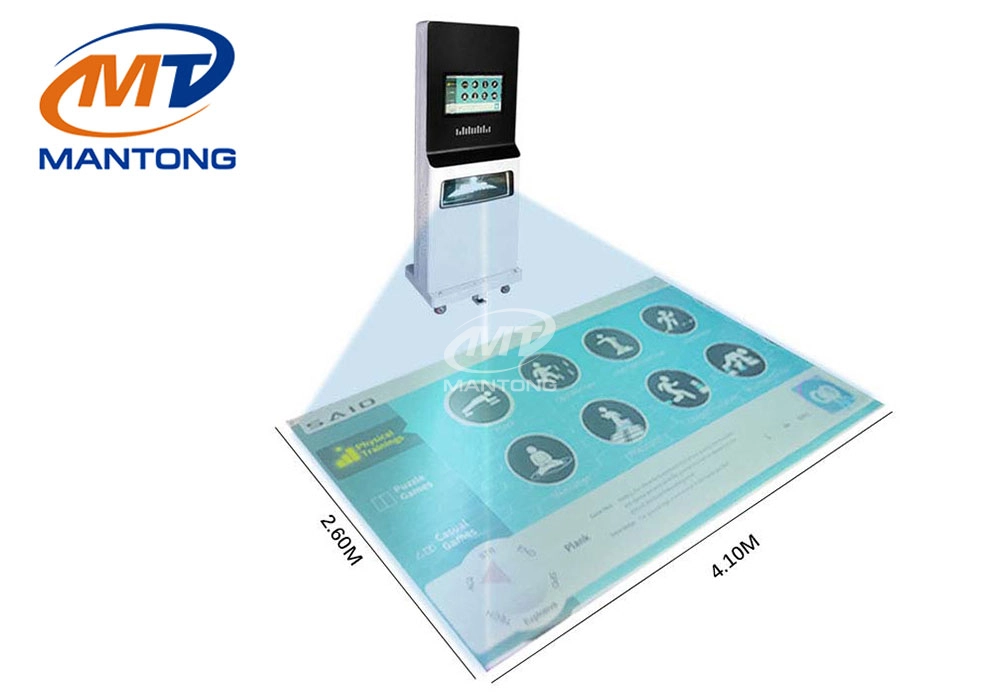
Dynamic Interactive Floor Fitness Education Interactive Floor Projection Projector Games
The mobile educational and sports all-in-one projector not only improves the efficiency of teaching and sports training but also increases the flexibility of use through its portability, making it an indispensable device in modern education and sports fields.
Digital Kids Interactive AR Games Slide Trampoline Drawing Wall Floor Interactive Projection Games
A variety of interactive games solution for your kids playing area, such as interactive small ball games, trampoline interactive games, slide interactive projection games, drawing interactive wall projection games, interactive floor games, kinect interactive games and so on. it’s interactive solutions designed based on your needs.

Kaida Business Center, Shixin Road, Panyu District,Guangzhou City, Guangdong Province, China.
ManTong
ManTong
ManTong