
Interactive Floor Projection Installation and Setup - Mantong
Overview
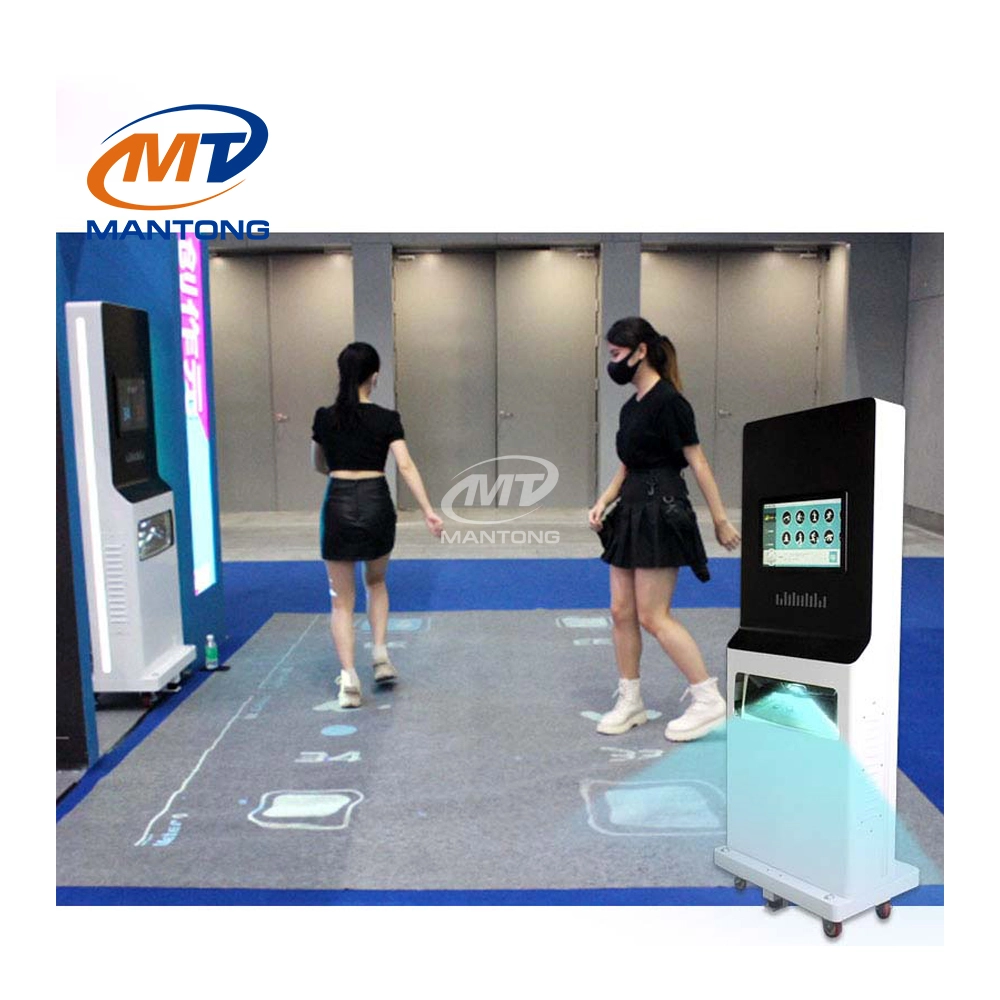
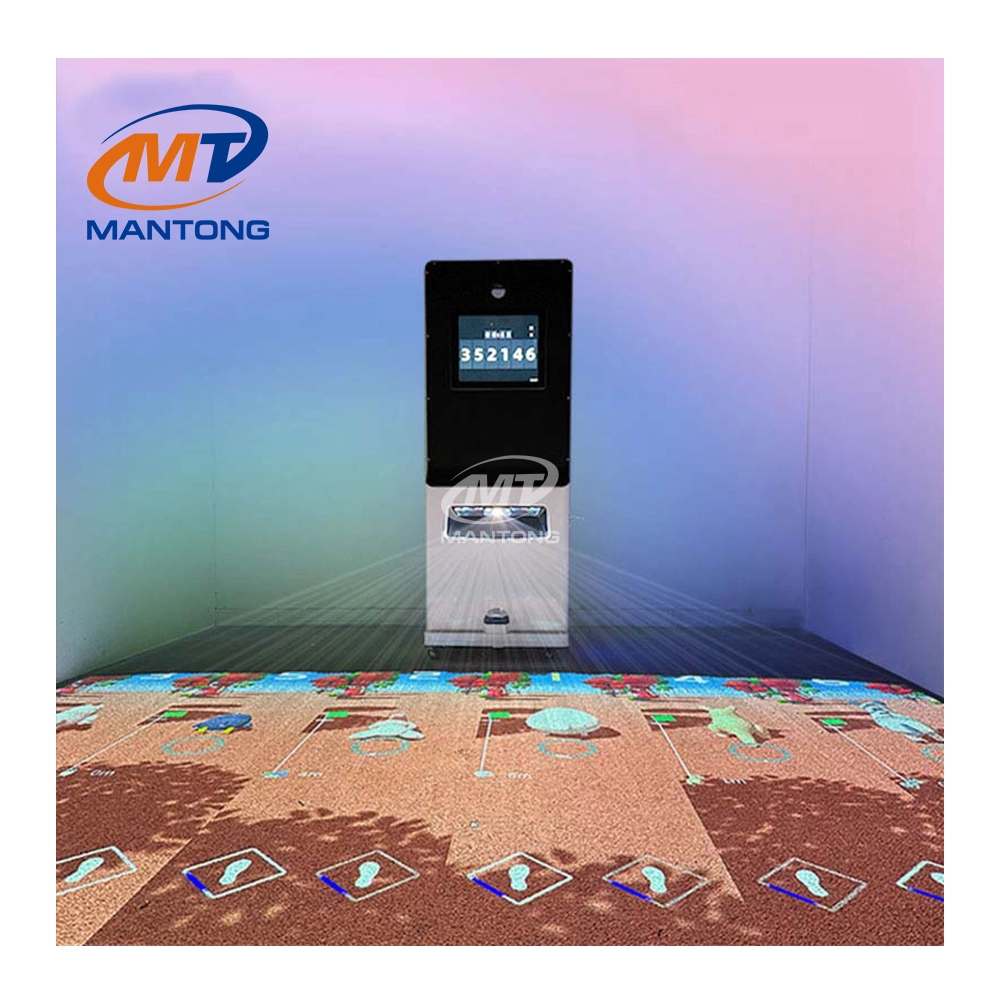
Mantong Digital is a one-stop interactive projection solution provider and direct manufacturer based in Guangzhou with over 10 years of experience. Our interactive floor projection systems combine hardware and software to deliver immersive, cost-effective experiences for retail, museums, education, events and outdoor shows. This guide explains simple installation and setup steps so you can get your interactive floor projection running quickly and reliably.
Installation Steps
1. Hardware placement
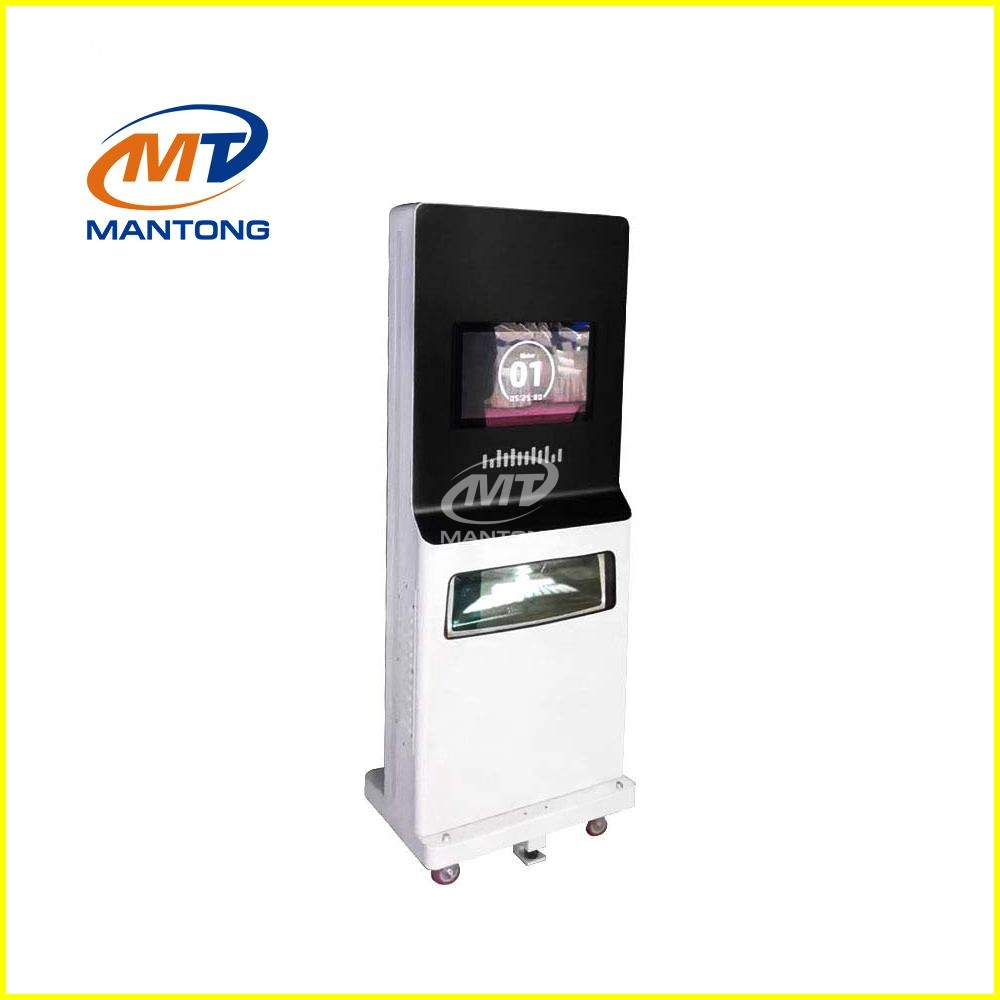
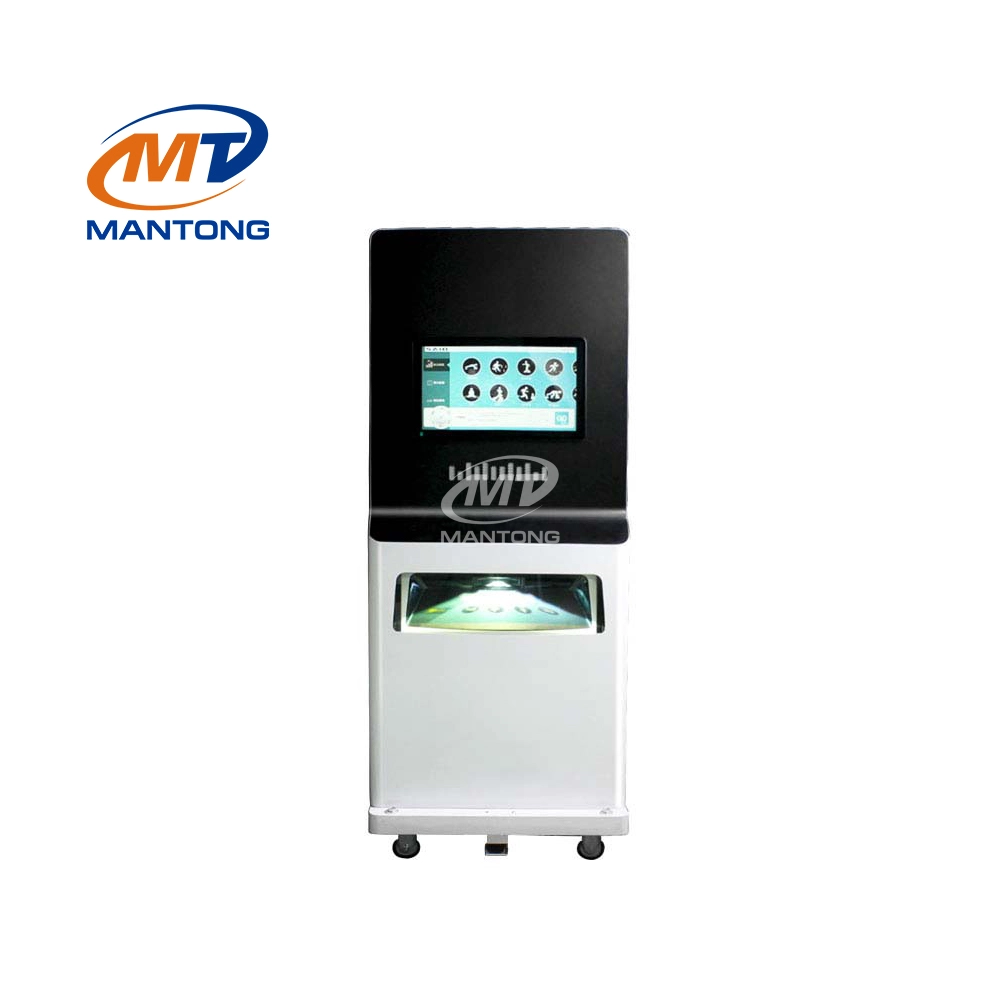
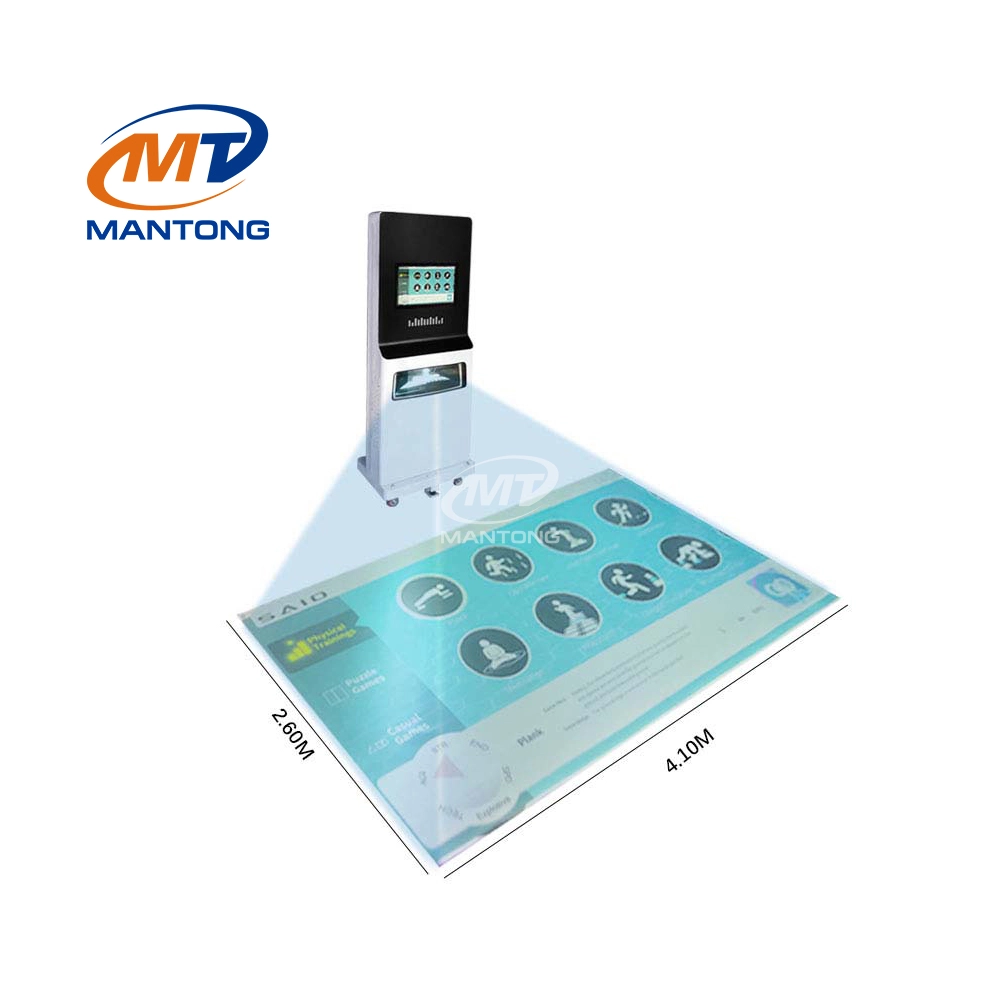
Place the projector or projector box above the play area with a stable mount. Ensure a clear line of sight and correct throw distance for the model. Use Mantong's mounting templates and secure all cables. For outdoor or public spaces, choose weather-resistant mounts and cover cables to avoid hazards.
2. Screen surface and environment
Use a flat, non-reflective surface for the best tracking and colors. Control ambient light where possible; lower light improves contrast and sensor performance. If used on carpeting or irregular floors, consider a clear overlay or frame to define the interaction area.
3. Software setup
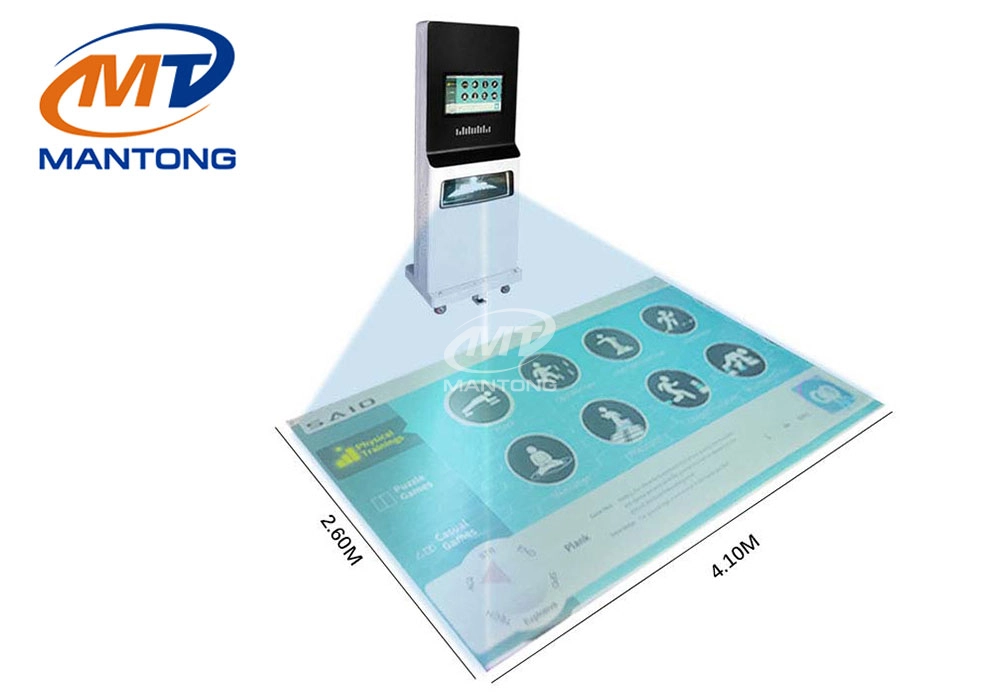
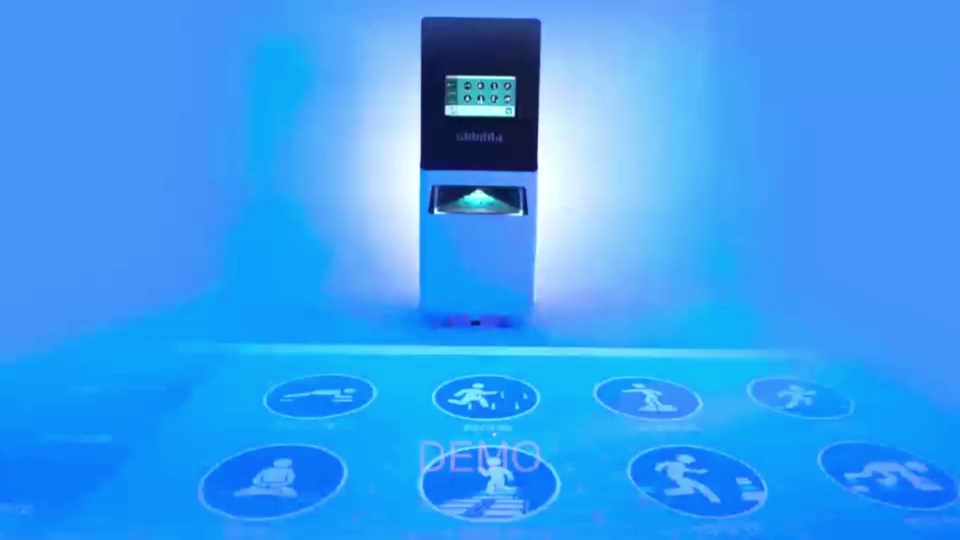
Connect the projector to Mantong’s control unit or PC. Launch our interactive floor software and select a preset based on the play area size. Upload content or choose built-in templates for games, branding, or wayfinding. Configure sensors or cameras in the software and assign interaction zones.
4. Calibration and testing
Run the calibration wizard to align the projection with the floor area. Test touch response and motion detection across the entire zone. Adjust sensitivity and delay settings to suit traffic flow and user age groups.
5. Maintenance & tips
Regularly clean lenses and sensors, check mounts and cable integrity, and update Mantong software for new features and security. Keep a spare lamp or LED module and a basic toolkit onsite for quick fixes.
Why choose Mantong
Our solutions are flexible, customizable, and backed by factory support. We offer tailored content, rental-ready systems, and scalable installations worldwide. Whether you need immersive play for kids, branded experiences for retail, or dynamic projections for events, Mantong delivers reliable results.
Ready to partner
Contact Mantong Digital to discuss custom setups, bulk orders, or global partnership opportunities. Visit https://www.mtprojection.com/ for details.
Picture Show


Qualification Certificate

NB

LVD

CE EMC
Frequently Asked Questions
What about the wall/floor material for the projection?
It’s recommended to choose a light-colored material with minimal reflectivity—pure white or light grey works best. the
common material is cement & plaster board
For optimal projection results, the surface should be free of any patterns or textures, as the projector will display content
directly onto it.
There are no specific material requirements; you may use any commonly available material in your local market, as long as it
meets the above conditions.
What information do you need to know before making the proposal/solution?
We know that everyone wants to know the price, but the price of our products is determined by many factors since most of our products are custom, so no ready price list. In order to fast understand what you need, can you send us an inquiry like this?
For example: I am really interested in your immersive projection products, we are a company in the USA and want to install some in my restaurant. It is about 50 meters long, and 5m in width. Projection size you can decide but the length should be not less than 20 meters. We want some content about SeaWorld because our place is all about the sea. Thank you.
What's Immersive Projection ?
Immersive projection refers to a technology that creates a captivating and all-encompassing visual experience for viewers by projecting images or videos onto large surfaces, such as walls, floors, or even entire rooms. This technology aims to immerse the audience in a simulated environment, blurring the boundaries between the physical and virtual worlds.
How to Write an Interactive-Effect Video Customisation Script ?
① Project Background: Briefly introduce the context in which this interactive scene will be used (e.g., exhibition, museum,
event space, children's area). Example: This scene is part of the “Underwater World” zone in a children's science museum,
designed to be engaging and exploratory.
②Visual Style / Atmosphere: What kind of visual mood are you aiming for? Please describe the color scheme, style, and any
references. it should focus solely on describing the visual aspects of the scene, supported by relevant charts or reference
images.
③ Interaction Points Overview:List each interactive hotspot along with the effect you'd like to trigger when the user
touches or clicks the area. example: when player touch the clownfish, it will swims away with bubble trail (animation effect)
and produce the bubble sound ( sound effect requirement )
④ Static Visual Reference:including but not limited to background image/video, a list of major visual elements (e.g., coral,
rocks, seaweed, fish), which elements should be interactive?

Amusement Rapidly Rotating Bouncing Sphere Interactive Wall Floor Projection Sports Games
Rapidly Rotating Bouncing Sphere is an interactive space where participants jump on rotating spheres. As they step on it, the spheres surface will show special interactivity
Jumping on spheres of the same color in succession causes them to pop, releasing light particles. The more consecutive jumps, the greater the reward—caterpillars appear, and eventually, all spheres of that color burst, filling the space with light and even more caterpillars.
Dynamic Interactive Floor Fitness Education Interactive Floor Projection Projector Games
The mobile educational and sports all-in-one projector not only improves the efficiency of teaching and sports training but also increases the flexibility of use through its portability, making it an indispensable device in modern education and sports fields.
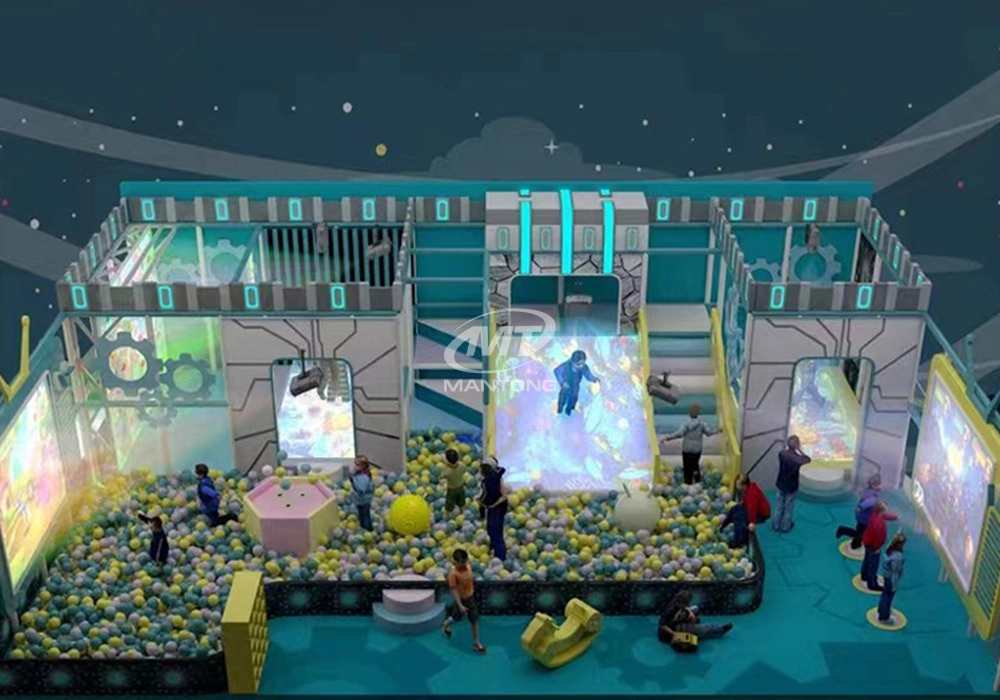
Digital Kids Interactive AR Games Slide Trampoline Drawing Wall Floor Interactive Projection Games
A variety of interactive games solution for your kids playing area, such as interactive small ball games, trampoline interactive games, slide interactive projection games, drawing interactive wall projection games, interactive floor games, kinect interactive games and so on. it’s interactive solutions designed based on your needs.
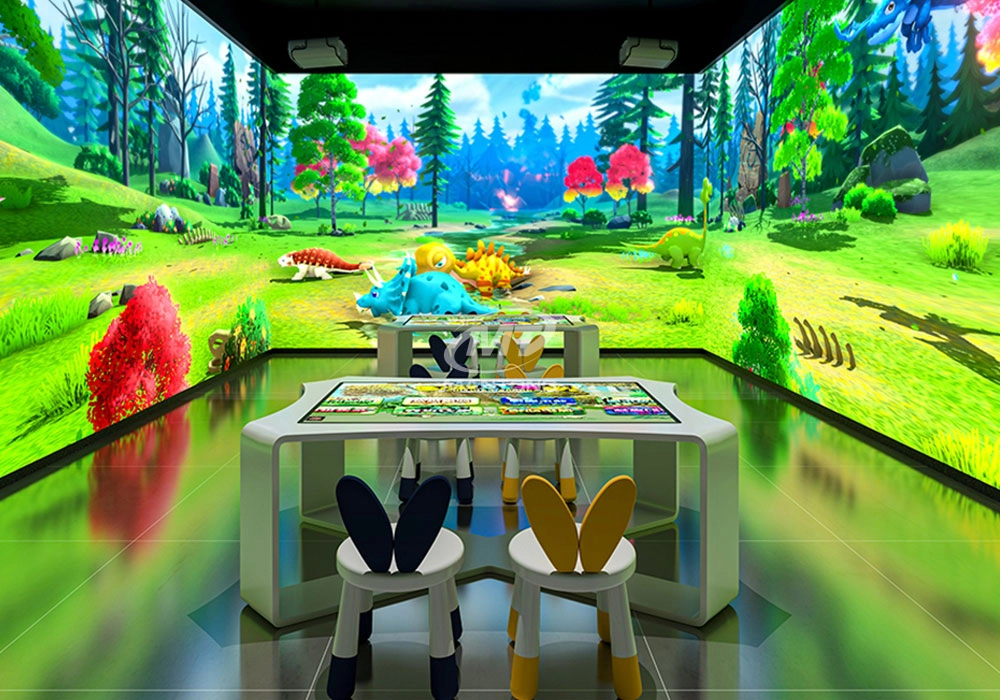
Augmented Reality 3D AR Interactive Projector Games Drawing Painting Interactive Projection Game
Interactive Painting Projection Games is a 3D interactive projection drawing game carefully designed by our company for children aged 2 & above. It combines AR technology to transform children's doodles and drawings into lifelike 3D animations that are both audio-visual and interactive. also It offers a multi-sensory experience of visual, auditory, and tactile sensations, stimulating children's boundless artistic inspiration

Kaida Business Center, Shixin Road, Panyu District,Guangzhou City, Guangdong Province, China.
ManTong
ManTong
ManTong