
Is investing in an interactive floor projection system worth it? | Insights by Mantong
- Is investing in an interactive floor projection system worth it?
- 1) What measurable benefits and KPIs should I expect?
- 2) What are the cost components and total cost of ownership (TCO)?
- 3) Which use cases and verticals get the best results?
- 4) What technical specifications and features matter most?
- 5) How to evaluate vendors and run a low-risk pilot?
- Procurement checklist (quick reference)
- Final recommendations
Is investing in an interactive floor projection system worth it?
Interactive floor projection systems (floor projection + motion/tracking + interactive software) are increasingly used to create high-visibility, touch-free interactive experiences in retail, museums, hospitality, healthcare and education. Whether it's worth the investment depends on your goals, KPIs and the alternatives available for achieving those goals (e.g., mobile interactivity, kiosks, AR apps).
This article addresses five high‑priority procurement questions buyers ask when evaluating interactive floor projection systems and provides practical, vendor‑agnostic guidance to maximize ROI and reduce deployment risk.
1) What measurable benefits and KPIs should I expect?
Interactive floor systems are primarily engagement tools. Typical, trackable benefits organizations target include:
- Visitor engagement: increases in interaction events and dwell time near the installation.
- Footfall and pathing insights: heatmaps and movement analytics when combined with tracking sensors.
- Conversion and sales lift (retail): product trials, promotional engagement and uplift in nearby product category conversion when tied to promotions.
- Brand metrics and social amplification: higher recall and social shares driven by novelty and photo/video opportunities.
- Operational benefits: touchless interaction reduces surface contact (valuable for healthcare/public spaces).
How these translate to ROI depends on the baseline. Define metrics before procurement (e.g., +dwell minutes, +conversion %, number of interactions/day) and set a short pilot period (4–12 weeks) to measure lift against the baseline.
2) What are the cost components and total cost of ownership (TCO)?
Costs break down into hardware, software/licensing, installation, content development, integration, and ongoing support:
- Hardware: projector(s), sensors/cameras (or depth sensors), compute unit (PC or media player), mounting, cables, protective enclosures.
- Software: interactive engine licenses (perpetual or subscription), analytics packages, content management system (CMS).
- Content creation: design, animations, UX for interactivity and localization.
- Installation & construction: ceiling mounts, power, sensor calibration, ADA compliance adjustments.
- Operations & maintenance: lamp or projector maintenance (or replacement if laser), sensor recalibration, software updates, and cleaning protocols.
- Integration: tying interactions to POS, CRM, ticketing or analytics systems, plus any network/security controls.
When calculating TCO, include multi-year licensing, expected hardware lifetime (projectors and sensors often run 3–7 years depending on model), and a realistic budget for content refresh (visuals and interaction flows). Get line‑item quotes and ask vendors for typical payback timelines from similar deployments.
3) Which use cases and verticals get the best results?
Some verticals consistently report strong results because they rely on experiential differentiation or visitor engagement:
- Retail: promotional zones, gamified product information, and wayfinding increase dwell and can influence nearby purchases.
- Museums & attractions: immersive exhibits, educational games and crowd flow management.
- Hospitality & F&B: lobbies and family dining areas use projection play to entertain and extend dwell time.
- Healthcare & senior care: calming interactive projections for therapy and sensory stimulation (touchless interaction beneficial).
- Education & STEAM: interactive floor activities for kinesthetic learning.
Prioritize sites with natural footfall, dwell opportunity, or the need for safe, touchless interaction. Complex retail environments with many product adjacencies often produce measurable uplift if campaigns are closely integrated with promotions and staff engagement.
4) What technical specifications and features matter most?
Key technical considerations for procurement:
- Projection brightness & throw: lumen rating must match ambient light; choose projectors with sufficient ANSI lumens or laser projection for high-ambient locations.
- Resolution & image quality: content clarity affects perceived quality; higher resolution yields crisper interactions for detailed visuals.
- Interaction tracking: camera vs. depth sensor vs. IR floor sensors — choose tech that matches required accuracy, privacy and lighting constraints.
- Latency: ensure the system responds instantaneously (<100–200 ms) to feel natural; ask for demo numbers under real conditions.
- Software flexibility: a CMS for remote content updates, A/B testing, analytics export (CSV/API), and scheduling is essential for scalable deployments.
- Durability & environmental rating: enclosures and cabling to protect against dust, spills and accidental impact in public settings.
- Accessibility & safety: safe mounting, anti‑trip considerations, clear signage for zones and pathways, and ADA considerations where applicable.
- Privacy & data: if using cameras or tracking visitors, confirm data minimization, anonymization and adherence to local privacy laws (e.g., GDPR in EU).
5) How to evaluate vendors and run a low-risk pilot?
Procurement best practices to reduce risk:
- Define success metrics up front: engagement rate, dwell time lift, conversion, and acceptable uptime.
- Require references and site visits: ask for deployments in similar verticals and request performance data from those sites.
- Request an on-site pilot or demo: 4–12 week pilots let you measure lift and uncover environmental issues.
- Get clear SLAs for uptime, response time for support, warranty terms and replacement timelines for hardware failures.
- Confirm software licensing model: per‑site, per‑player, or per‑interaction subscription; check lock‑in risks and portability of content/assets.
- Ask for an integration plan: APIs, event export, and how the solution will share analytics with your systems.
- Negotiate content and creative: decide who owns creative assets and how easy it will be to update or repurpose them.
- Plan for maintenance: schedule preventive maintenance (e.g., projector cleaning/replacement), remote monitoring, and staff training on simple troubleshooting.
Procurement checklist (quick reference)
- Business goal & KPIs documented
- Site survey for light, ceiling height, traffic patterns
- Hardware spec sheet and spare parts plan
- Software/CMS features and license terms
- Analytics and data export capabilities
- Security and privacy compliance (data handling, anonymization)
- Support SLA, warranty, and spare stock
- Pilot plan with measurement period and exit criteria
Final recommendations
Interactive floor projection can be worth the investment when: you have clear engagement-driven goals, a measurable KPI framework, a suitable physical environment, and a procurement plan that includes a pilot. Reduce risk by insisting on demonstrations in similar environments, validating software flexibility and analytics, and including lifecycle costs in the TCO. For public or high-traffic spaces, prioritize robust hardware (laser projectors, protected mounts), low-latency tracking and a scalable CMS.
If you want, I can help you draft an RFP template, a pilot measurement plan, or a vendor evaluation scorecard tailored to your vertical and budget. Note: this guidance is based on industry practice up to mid‑2024; for current vendor quotes and the latest market data, request up-to-date proposals and references from shortlisted suppliers.


One-Stop Projection Solution Provider Since 2011
Are you trader or manufacturer ?
We are direct manufacturer who specialize in providing one-stop solution for different outdoor & indoor projection project with our stable software and qualified projectors
What's Immersive Projection ?
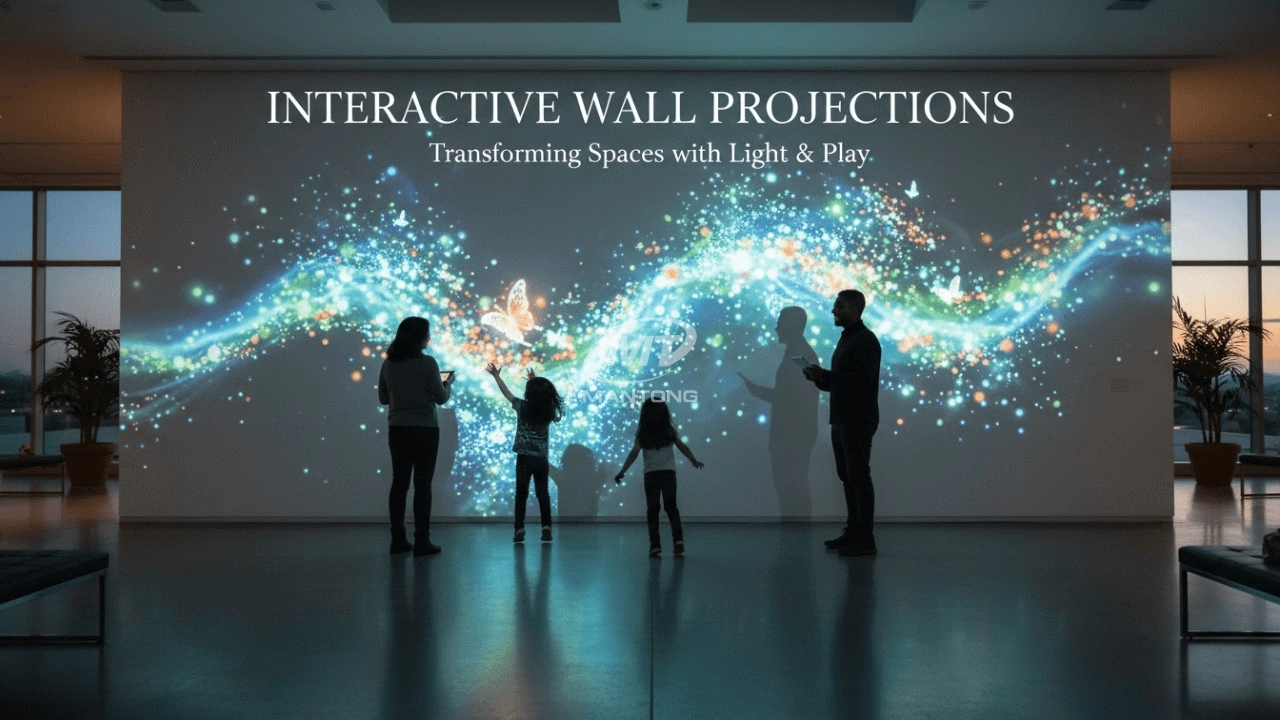
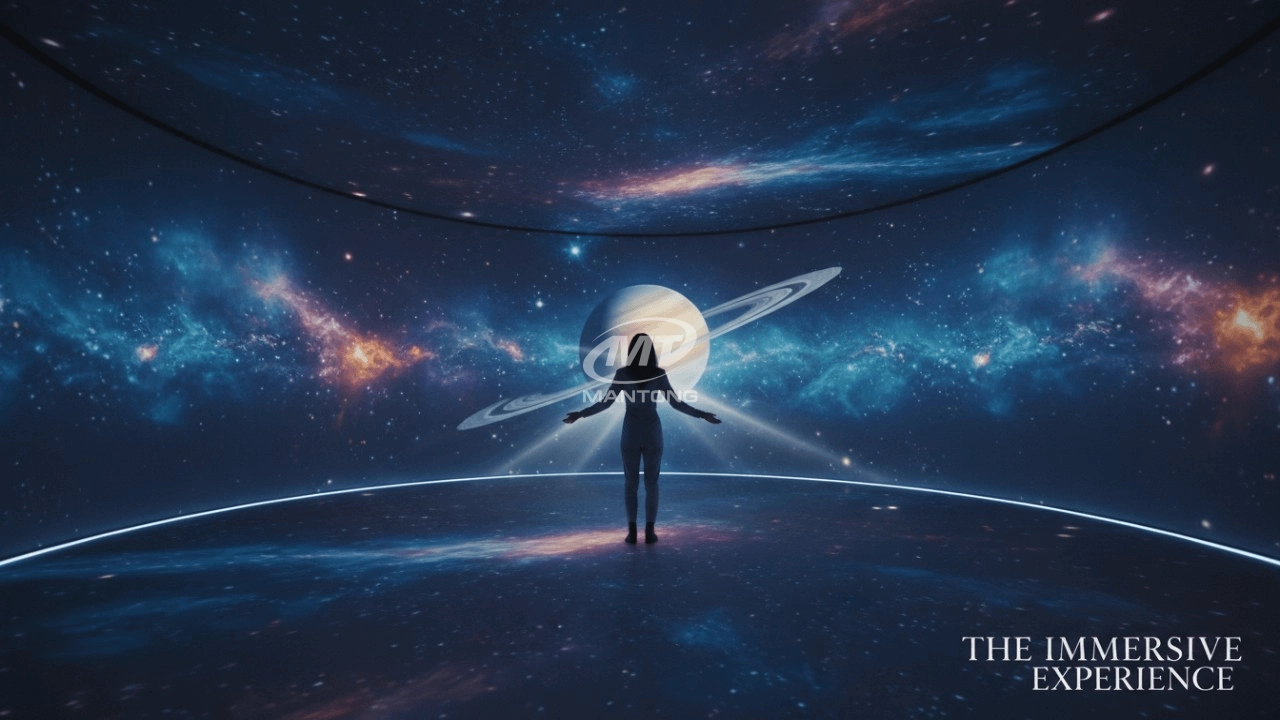
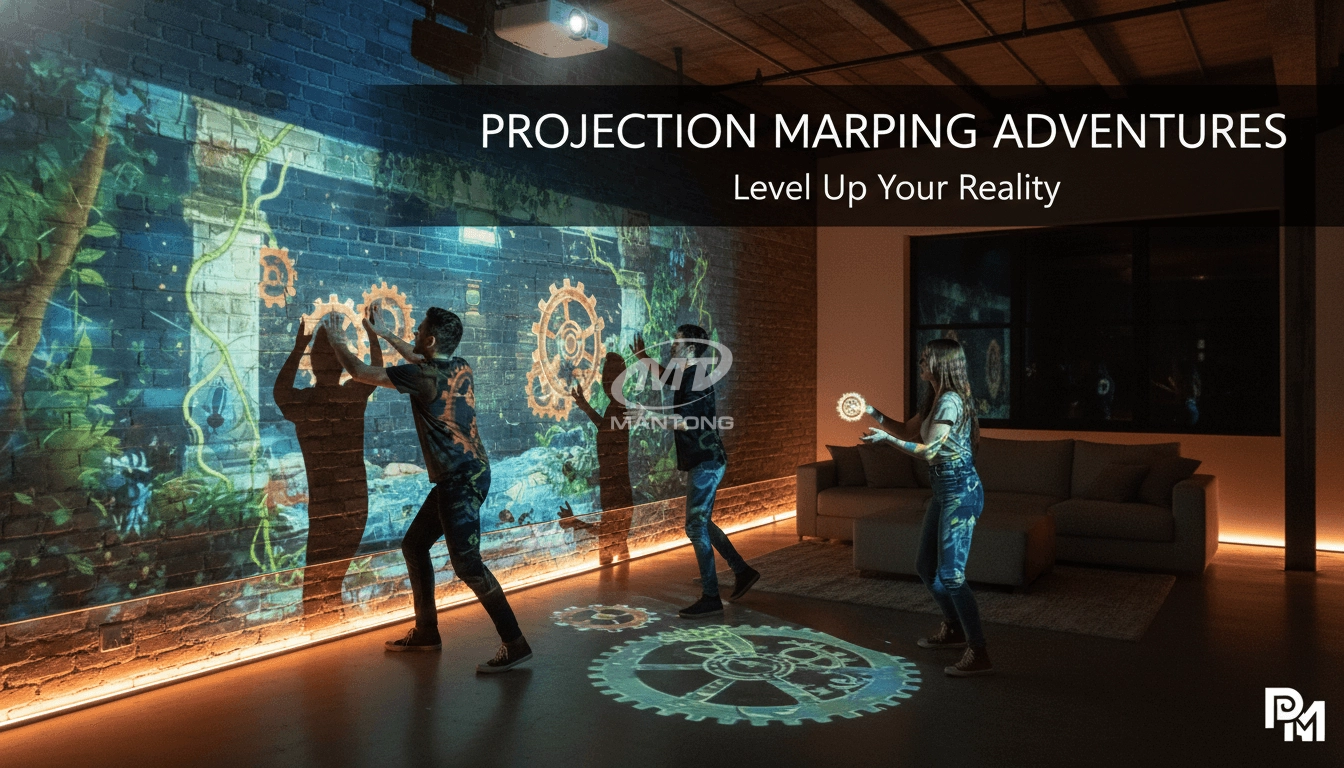
Immersive projection refers to a technology that creates a captivating and all-encompassing visual experience for viewers by projecting images or videos onto large surfaces, such as walls, floors, or even entire rooms. This technology aims to immerse the audience in a simulated environment, blurring the boundaries between the physical and virtual worlds.
What information do you need to know before making the proposal/solution?
We know that everyone wants to know the price, but the price of our products is determined by many factors since most of our products are custom, so no ready price list. In order to fast understand what you need, can you send us an inquiry like this?
For example: I am really interested in your immersive projection products, we are a company in the USA and want to install some in my restaurant. It is about 50 meters long, and 5m in width. Projection size you can decide but the length should be not less than 20 meters. We want some content about SeaWorld because our place is all about the sea. Thank you.
What about the wall/floor material for the projection?
It’s recommended to choose a light-colored material with minimal reflectivity—pure white or light grey works best. the
common material is cement & plaster board
For optimal projection results, the surface should be free of any patterns or textures, as the projector will display content
directly onto it.
There are no specific material requirements; you may use any commonly available material in your local market, as long as it
meets the above conditions.
How to install the projection equipment ?
1) Install the projector in a suitable position. We will provide you with a hanger, which you need to fix on the ceiling with
screws.
2) Connect projectors, computers and other accessories through wires.
3) After completing the above 2 steps, we will carry out the edge blending steps. Our team can complete it through remote
control.
In general, installation instructions for each project need to be specified on a project-by-project basis. The above is for
reference only.
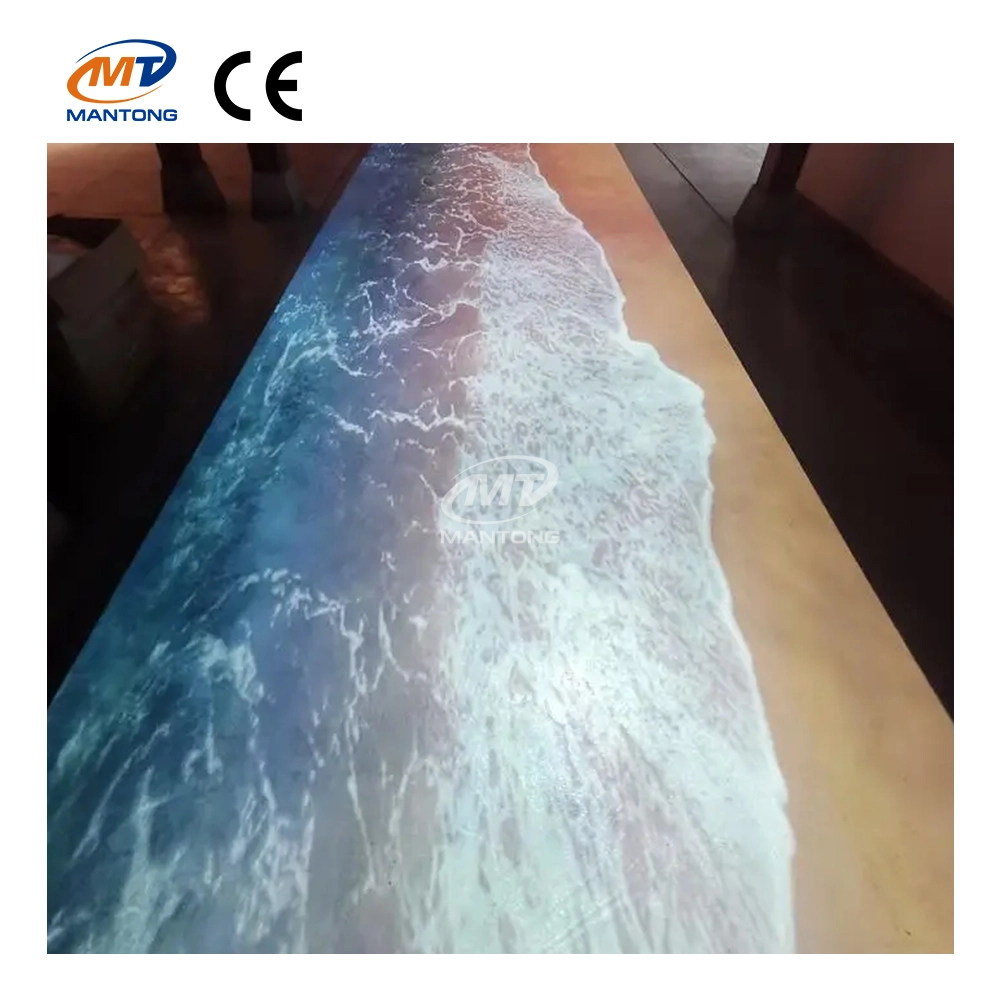
Indoor interactive floor projections display dynamic themed videos on the floor, commonly used in venues aiming to enhance brand influence or attract foot traffic, such as restaurants, hotel corridors, and brand car retail stores.
By using projectors and compatible software, the interactive content is projected onto the floor, encouraging engagement between people and the projected visuals. A single 5500-lumen indoor floor projector can cover an area of 5 m × 3 m. Typically, each project will use at least 3 units to ensure broad coverage and optimal visual effects.
We also offer customized design and installation support to enhance the interactive experience for your venue.
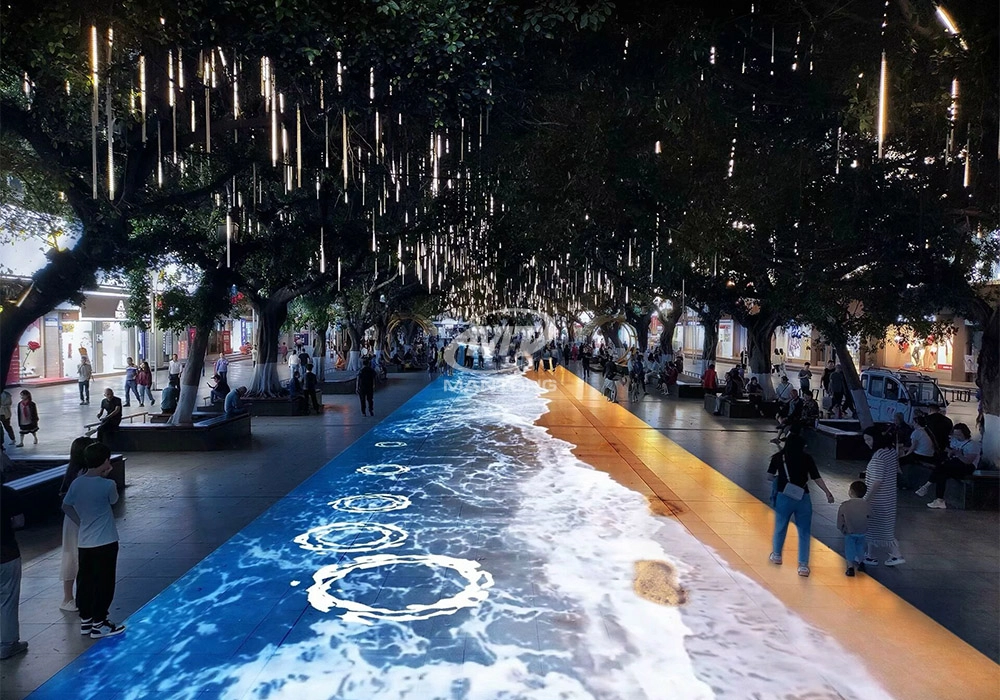
Combining projection mapping with 3D interactive ground projection technology brings an unprecedented immersive experience to outdoor scenes.
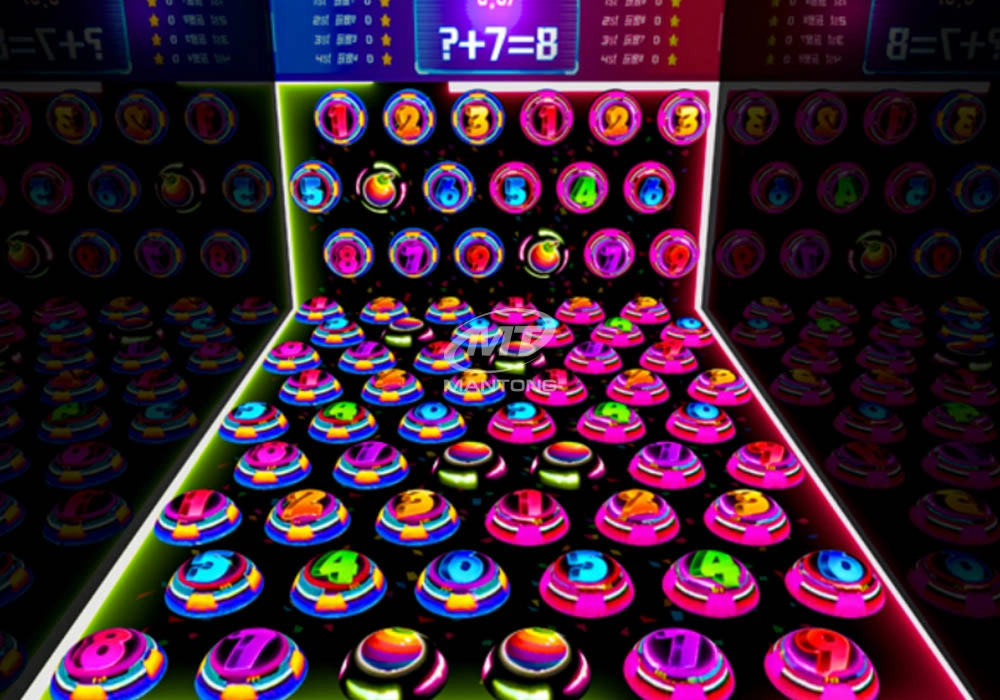
Rapidly Rotating Bouncing Sphere is an interactive space where participants jump on rotating spheres. As they step on it, the spheres surface will show special interactivity
Jumping on spheres of the same color in succession causes them to pop, releasing light particles. The more consecutive jumps, the greater the reward—caterpillars appear, and eventually, all spheres of that color burst, filling the space with light and even more caterpillars.
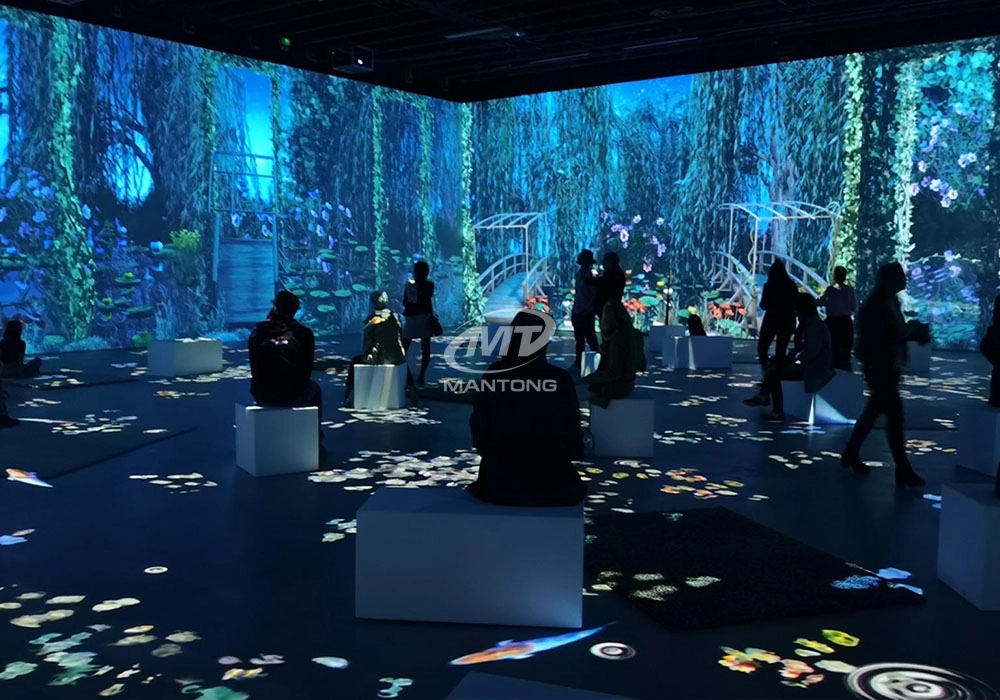
Transform any space with Mantong's immersive projection mapping systems. Our high-lumen projectors (up to 6500 LM) and custom software create captivating interactive experiences for floors and walls. Ideal for museums, events, retail, and hospitality. Each kit includes professional ceiling mounting and 80+ pre-loaded video contents and is backed by a 12-month warranty and CE certification. We offer full customization and support to bring your vision to life.
Contact Us to Start Your Interactive Projection Journey
Contact us now to discuss how to create innovative projection solutions for your space.

Kaida Business Center, Shixin Road, Panyu District,Guangzhou City, Guangdong Province, China.
ManTong
ManTong
ManTong