
Unveiling the Magic: A Comprehensive Guide to Interactive Projection Mapping
Interactive projection mapping is revolutionizing how we experience physical spaces by blending digital visuals with real-time user engagement. This comprehensive guide explores the technology behind the spectacle, from sensors and software to diverse applications in marketing, education, and entertainment. We delve into the benefits of immersive storytelling, outline key setup considerations, and address common challenges. Finally, we look ahead at emerging trends like AI and AR integration that are shaping the future of this dynamic medium.
- Introduction: What is Interactive Projection Mapping?
- The Science Behind the Spectacle: How Interactive Projection Mapping Works
- Beyond the Screen: Diverse Applications of Interactive Projection Mapping
- Benefits of Embracing Interactive Projection Mapping
- Setting Up for Success: Key Considerations
- Challenges and Solutions in Interactive Projection Mapping
- The Future is Now: Emerging Trends
- Conclusion
- FAQs
- What is the primary difference between projection mapping and interactive projection mapping?
- What kind of surfaces can be used for interactive projection mapping?
- What types of sensors are commonly used for interactive projection mapping?
- Is interactive projection mapping suitable for outdoor events?
- What software is typically used for creating interactive projection mapping?
- How complex is it to set up an interactive projection mapping installation?
- Can interactive projection mapping be used for permanent installations?
- What are the key benefits for businesses using interactive projection mapping?
Introduction: What is Interactive Projection Mapping?
In the realm of digital innovation, few technologies bridge the gap between the physical and virtual worlds as effectively as interactive projection mapping. At its core, this technology goes beyond the passive viewing experience of traditional media. While standard projection mapping molds video content onto irregular 3D surfaces—be it a building, a stage prop, or a retail product—interactive projection mapping introduces a critical new element: the user.
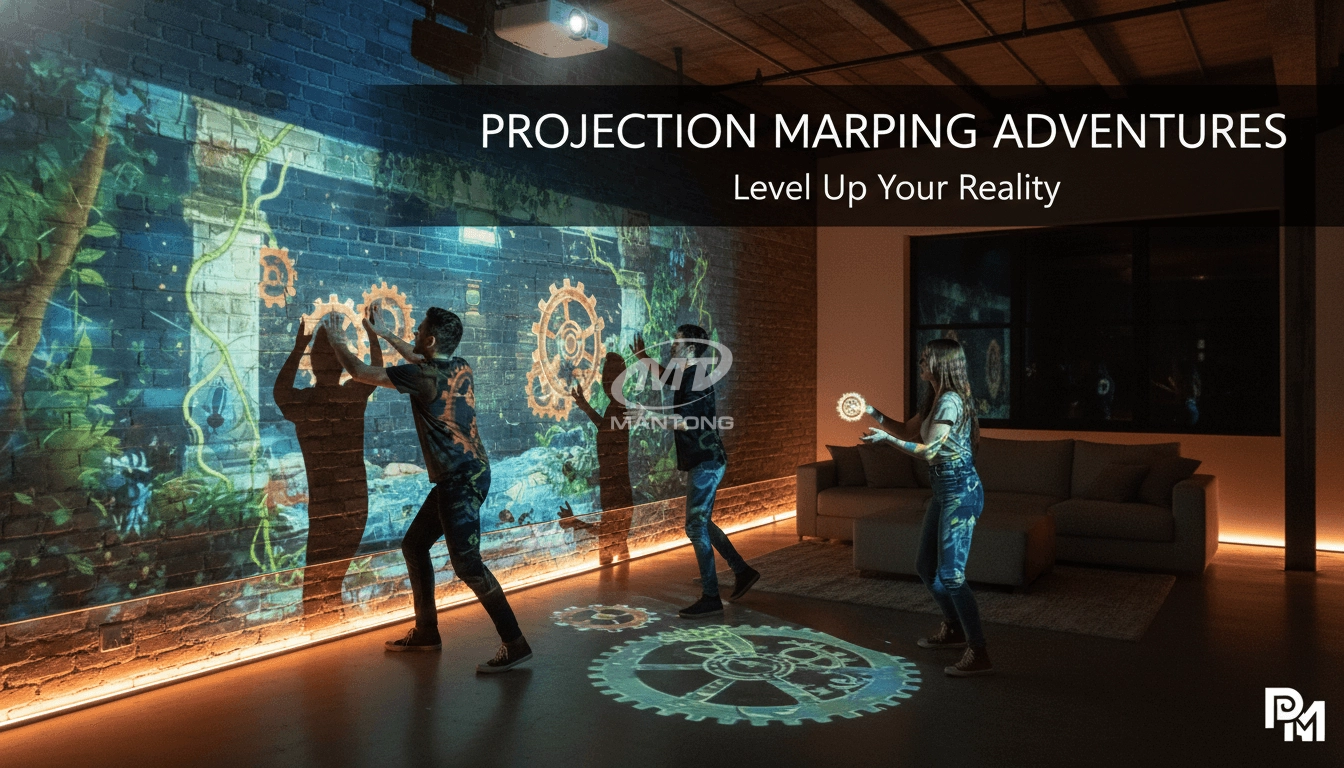
This technology transforms static surfaces into dynamic, responsive environments. Instead of merely watching a pre-rendered loop of animations, audiences can touch, step on, or gesture at the projected imagery, causing it to react in real-time. Whether it is a floor that ripples like water as you walk across it or a building facade that crumbles digitally when a crowd cheers, the defining characteristic is the feedback loop between the human participant and the digital display.
Today, the popularity of this medium is skyrocketing. From immersive art installations to high-tech retail displays, interactive projection mapping is redefining engagement, proving that when you allow an audience to become part of the story, the impact is infinitely more powerful.
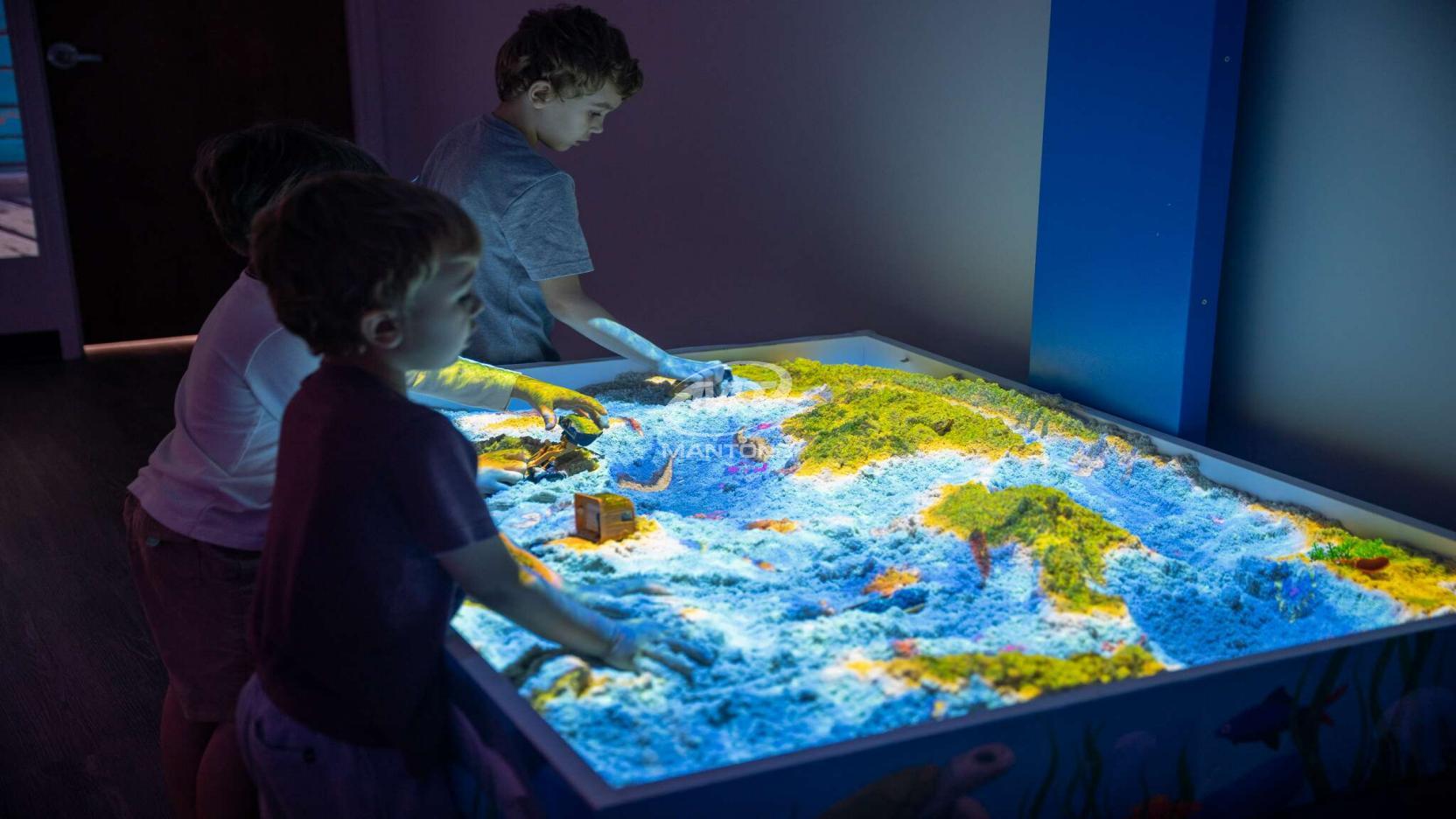
The Science Behind the Spectacle: How Interactive Projection Mapping Works
To the uninitiated, these installations often feel like magic. However, the mechanism driving them is a sophisticated orchestration of hardware and software. Understanding the workflow is essential for anyone looking to implement this technology.
Key Components The ecosystem generally consists of four main pillars:
- Projectors: High-lumen devices capable of throwing bright images onto complex surfaces.
- Computers: Powerful media servers or high-end PCs equipped with robust GPUs to render graphics in real-time.
- Sensors: The eyes of the system. These detect user presence, movement, or touch.
- Software: The brain that stitches everything together, mapping the content to the object and interpreting sensor data to trigger visual changes.
The Workflow and Sensor Technology The process begins with content creation, but unlike traditional video, the content is often generative—meaning it is computed on the fly. The magic happens via the feedback loop. Sensors scan the environment constantly.
- Motion Sensors & Depth Cameras: Devices like the Microsoft Azure Kinect or LiDAR scanners create a volumetric map of the space. They can track skeletal movement or simple presence, allowing a projection mapping game to respond to a player's body position.
- Touch Interfaces: Capacitive sensors or infrared (IR) overlays can turn a wall or table into a massive touchscreen.
- Audio Sensors: Microphones can trigger visuals based on volume or pitch, often used in concert settings.
When a sensor detects an input (e.g., a hand wave), it sends data to the computer. The software processes this input and immediately alters the projected graphic, projecting the result back onto the surface. This happens in milliseconds, creating the illusion of instant interaction.
Beyond the Screen: Diverse Applications of Interactive Projection Mapping
The versatility of interactive displays allows them to be deployed across a multitude of industries, each utilizing the tech to solve different engagement challenges.
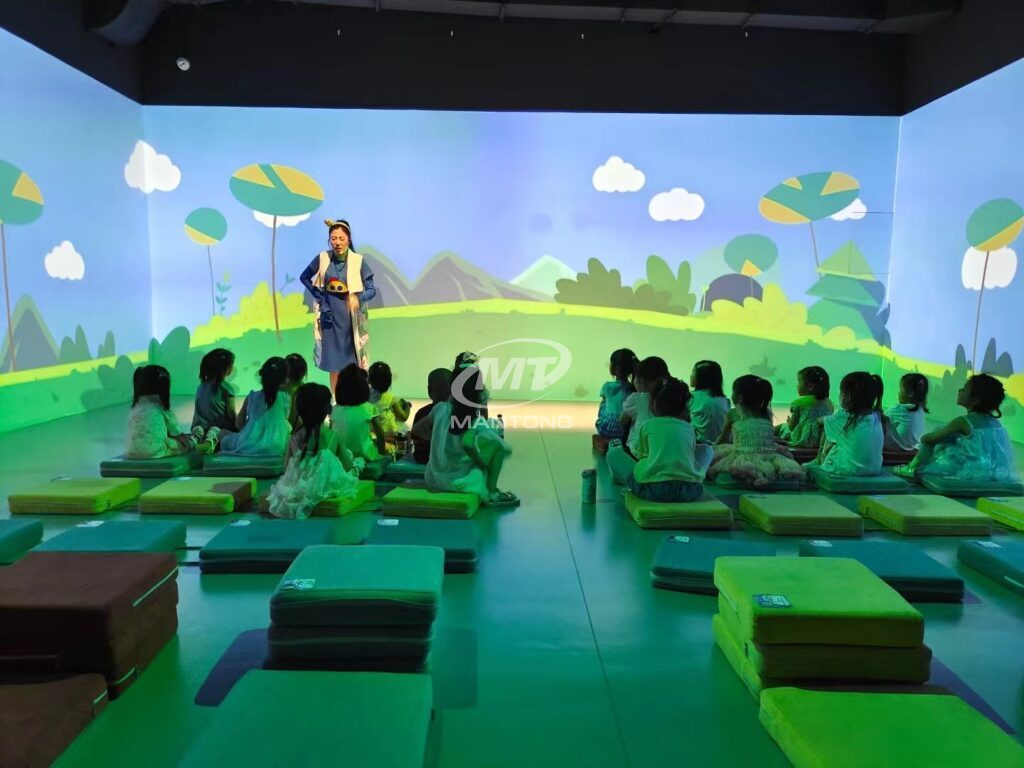
Experiential Marketing and Advertising Brands are constantly fighting for attention. Interactive projection mapping offers a way to cut through the noise. Imagine a sneaker launch where the shoe is a blank white canvas, and customers can use a tablet to project different colorways and patterns onto the physical shoe in real-time. These brand activations create shareable moments that extend reach far beyond the physical event.
Entertainment and Events In the entertainment sector, the line between performer and audience is blurring. Concerts now feature backdrops that react to the musician's movements. Themed attractions use this tech to create "magic" mirrors or walls that reveal secrets when guests approach, enhancing the narrative of the space.
Retail and Hospitality Retailers are using dynamic storefronts to stop pedestrians in their tracks. A window display might mirror the passerby's movement or change the mannequin's outfit based on the weather. In hospitality, interactive bar tops and lobby displays entertain guests, reducing perceived wait times and adding a layer of luxury.
Education and Museums This is perhaps one of the most impactful sectors. Static plaques are being replaced by interactive exhibits. In a history museum, visitors might touch a map to see how borders shifted over centuries, or "excavate" a digital projection of a fossil site. It transforms passive learning into active exploration.
Architectural and Public Spaces City planners and artists use large-scale mapping to turn buildings into public art installations. These can be gamified, allowing a crowd in a town square to collaboratively solve a puzzle projected onto a municipal building, fostering a sense of community.
Benefits of Embracing Interactive Projection Mapping
Why invest in such complex technology? The return on investment is often measured in engagement and brand recall.
- Unforgettable Experiences: By involving the senses and requiring physical action, these installations create stronger memory encoding than passive media.
- Increased Engagement: People stay longer. Whether it's a child playing with a floor projection or a shopper customizing a product, the dwell time increases significantly.
- Flexibility: The physical object doesn't need to change to show something new. A single white statue can wear a thousand different "digital skins."
- Data Insights: Because the system tracks interaction, it generates data. You can learn which parts of a display were touched most, how long people interacted, and what path they took through an exhibit.
-
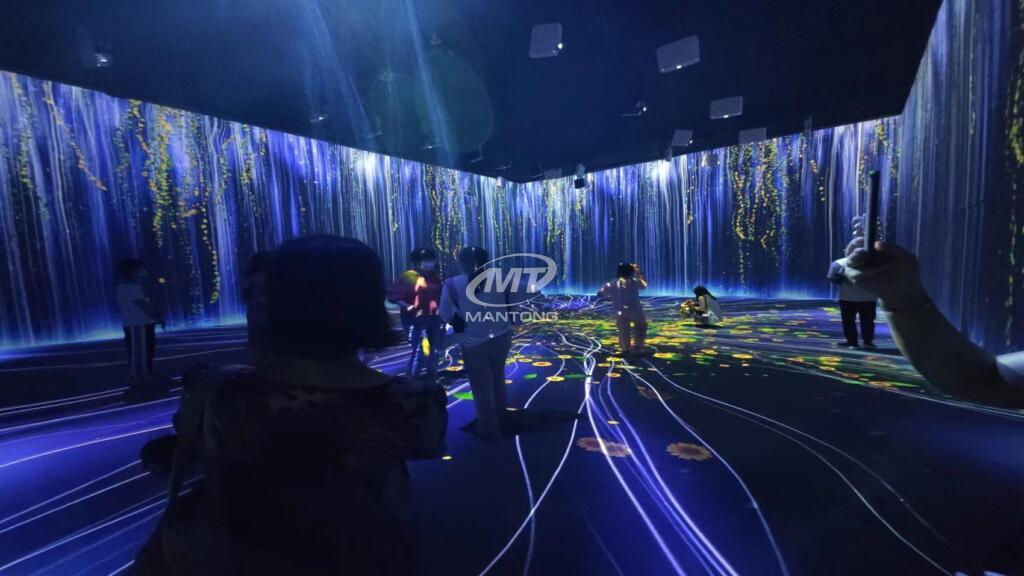
Setting Up for Success: Key Considerations
Delivering a flawless interactive experience requires meticulous planning.
Hardware and Software Selection
Hardware must be chosen based on the environment. Outdoor events need weather-resistant, high-ANSI lumen projectors. For software, industry standards like MadMapper, Resolume Arena, and TouchDesigner are popular choices. TouchDesigner, in particular, is favored for complex interactive logic.
Content Design Principles
Content must be designed for interaction. Visuals need to be responsive; lag destroys the illusion. High-contrast graphics often work best to combat ambient light. Furthermore, the user interface (UI) must be intuitive—users shouldn't need a manual to understand how to interact with the wall.
Environmental Factors and Calibration
Lighting is the enemy of projection. The darker the environment, the better. Surface geometry is also critical; projecting on a black surface will absorb light, while white or grey matte surfaces are ideal. Finally, calibration—aligning the digital image perfectly with the physical object—takes time. Pre-event testing is non-negotiable.
Challenges and Solutions in Interactive Projection Mapping
Despite its benefits, the path to a successful installation is fraught with hurdles.
Technical Complexity: The integration of sensors and projectors requires specialized skills. Solution: Hire experienced AV technologists and creative technologists who understand both code and design.
Environmental Constraints: Ambient light can wash out images.
Solution: Conduct site surveys at the same time of day the event will occur. Use ultra-short-throw projectors to minimize shadows cast by users.
Budget Management: High-end projectors and servers are expensive.
Solution: clearly define the scope. Sometimes a simple 2D interaction is more effective than a complex 3D illusion.
Content Creation: Finding designers who can animate for non-standard aspect ratios is difficult.
Solution: Use templates or hire agencies specializing in generative art.
The Future is Now: Emerging Trends
As we look forward, interactive projection mapping is becoming smarter and more integrated.
- AI and Machine Learning: Systems are beginning to recognize who is interacting, not just that someone is interacting. Imagine a projection that changes based on the demographic or mood of the crowd, analyzed via AI.
- Advanced Sensors: We are moving beyond simple motion. Haptic feedback and biometric data (like heart rate) could influence visuals, creating deeply personal art experiences.
- AR/VR Synergy: We are seeing "hybrid" experiences where projection mapping fills the peripheral vision while AR glasses provide high-fidelity details, creating a seamless mixed reality.
Conclusion
Interactive projection mapping is more than just a visual trick; it is a powerful medium for storytelling that bridges the digital and physical realms. By inviting audiences to step inside the narrative and influence the outcome, businesses and artists can foster connections that are impossible through traditional screens. As technology becomes more accessible and sensors more sensitive, the potential for these immersive experiences is limited only by our imagination. The future of visual display is not just to be seen, but to be touched, played with, and experienced.
FAQs
What is the primary difference between projection mapping and interactive projection mapping?
Projection mapping transforms static objects into dynamic displays using pre-rendered video content. Interactive projection mapping adds a layer of user interaction (via sensors), allowing audiences to influence or control the projected visuals in real-time, effectively turning the surface into a responsive interface.
What kind of surfaces can be used for interactive projection mapping?
Virtually any surface can be utilized, including building facades, interior walls, stage sets, 3D objects, and floors. More experimental surfaces include water screens, fog, and even moving actors. Complex, irregularly shaped surfaces often provide the most striking visual opportunities.
What types of sensors are commonly used for interactive projection mapping?
The most common sensors include depth cameras (like Microsoft Azure Kinect or Intel RealSense), LiDAR scanners for large-scale motion tracking, infrared sensors, and pressure pads for floor interactions. Advanced installations may also use gesture recognition and smartphone integration.
Is interactive projection mapping suitable for outdoor events?
Yes, but it presents specific challenges. It requires high-luminosity projectors (often 20,000 lumens or more) to compete with city lights and must take place at night. Weather-resistant enclosures for both projectors and sensors are essential to protect the equipment from rain, wind, and humidity.
What software is typically used for creating interactive projection mapping?
Professionals use specialized mapping and compositing software. MadMapper and Resolume Arena are industry standards for mapping visuals to surfaces. TouchDesigner and Notch are frequently used to create the generative, real-time content and handle the logic between sensor data and visual output.
How complex is it to set up an interactive projection mapping installation?
Complexity varies significantly. A simple interactive floor for a kid's corner can be a "plug-and-play" solution. However, mapping a building or creating a complex brand activation requires a team of engineers, designers, and technicians to handle calibration, content creation, and hardware integration.
Can interactive projection mapping be used for permanent installations?
Absolutely. Many museums, flagship retail stores, and theme parks utilize permanent setups. These require robust, industrial-grade hardware designed for 24/7 operation and a maintenance schedule to ensure sensors remain calibrated and projector bulbs (or laser engines) remain bright.
What are the key benefits for businesses using interactive projection mapping?
The primary benefits are increased engagement and dwell time. It differentiates a brand from competitors, provides a versatile platform for storytelling that can be updated without physical construction, and creates "Instagrammable" moments that extend organic social media reach.
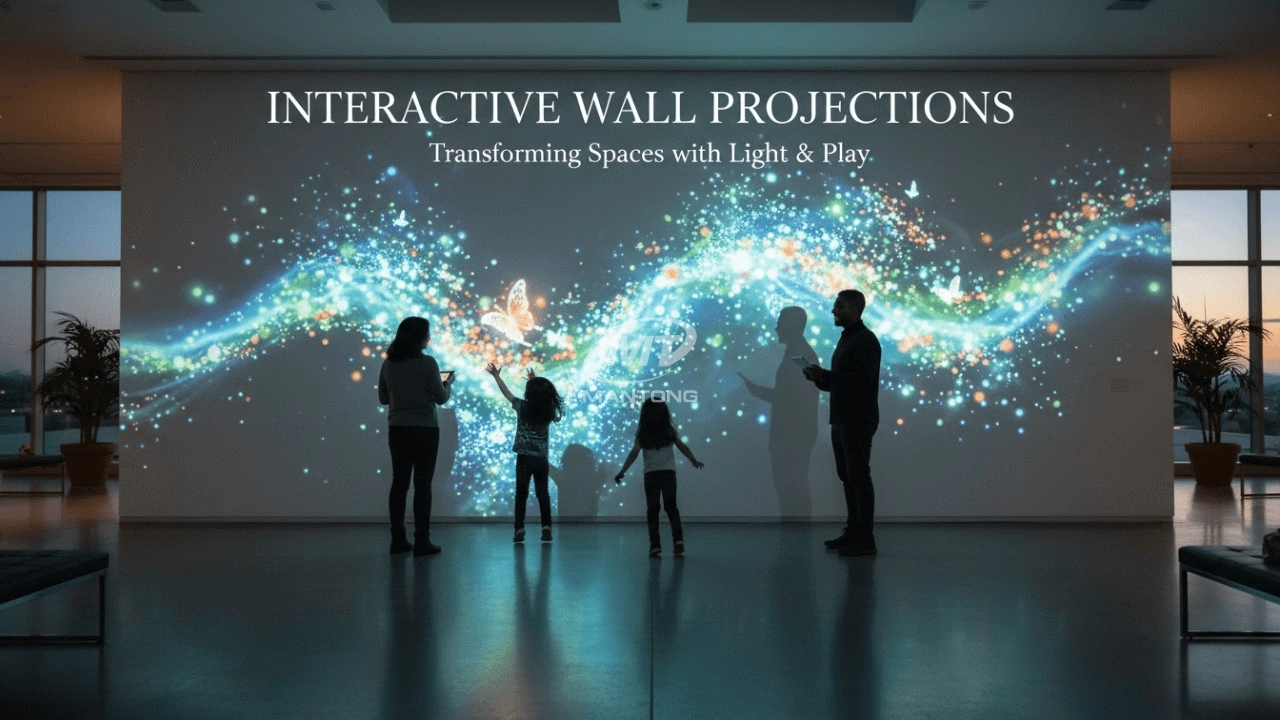


One-Stop Projection Solution Provider Since 2011
What information do you need to know before making the proposal/solution?
We know that everyone wants to know the price, but the price of our products is determined by many factors since most of our products are custom, so no ready price list. In order to fast understand what you need, can you send us an inquiry like this?
For example: I am really interested in your immersive projection products, we are a company in the USA and want to install some in my restaurant. It is about 50 meters long, and 5m in width. Projection size you can decide but the length should be not less than 20 meters. We want some content about SeaWorld because our place is all about the sea. Thank you.
What's the application of Immersive projection ?
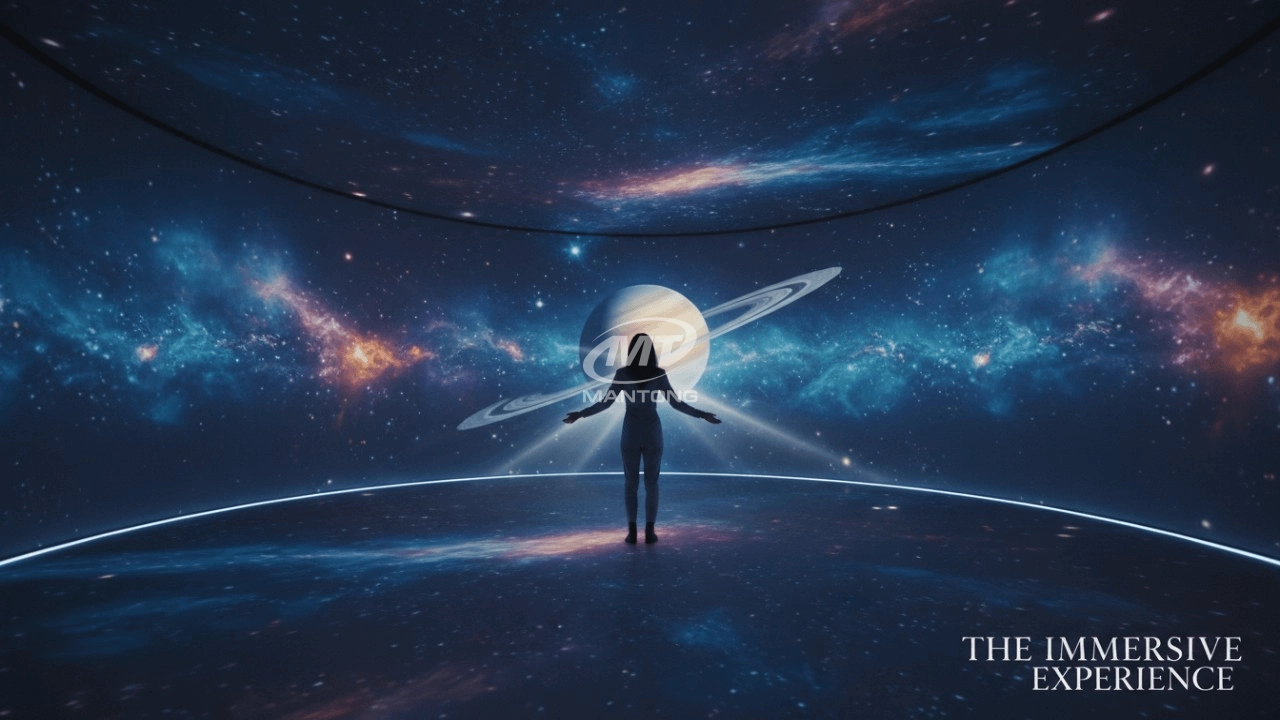
It can be used in various venues, such as art exhibition, entertainment venues, educational institution, Wedding hall /Banquet/Bar,Yoga Studio and so on. It often involves advanced projection techniques, multimedia content, and interactive elements to engage and captivate the audience's senses.
How to install the projection equipment ?
1) Install the projector in a suitable position. We will provide you with a hanger, which you need to fix on the ceiling with
screws.
2) Connect projectors, computers and other accessories through wires.
3) After completing the above 2 steps, we will carry out the edge blending steps. Our team can complete it through remote
control.
In general, installation instructions for each project need to be specified on a project-by-project basis. The above is for
reference only.
How to Write an Interactive-Effect Video Customisation Script ?
① Project Background: Briefly introduce the context in which this interactive scene will be used (e.g., exhibition, museum,
event space, children's area). Example: This scene is part of the “Underwater World” zone in a children's science museum,
designed to be engaging and exploratory.
②Visual Style / Atmosphere: What kind of visual mood are you aiming for? Please describe the color scheme, style, and any
references. it should focus solely on describing the visual aspects of the scene, supported by relevant charts or reference
images.
③ Interaction Points Overview:List each interactive hotspot along with the effect you'd like to trigger when the user
touches or clicks the area. example: when player touch the clownfish, it will swims away with bubble trail (animation effect)
and produce the bubble sound ( sound effect requirement )
④ Static Visual Reference:including but not limited to background image/video, a list of major visual elements (e.g., coral,
rocks, seaweed, fish), which elements should be interactive?
What about the wall/floor material for the projection?
It’s recommended to choose a light-colored material with minimal reflectivity—pure white or light grey works best. the
common material is cement & plaster board
For optimal projection results, the surface should be free of any patterns or textures, as the projector will display content
directly onto it.
There are no specific material requirements; you may use any commonly available material in your local market, as long as it
meets the above conditions.

Indoor interactive floor projections display dynamic themed videos on the floor, commonly used in venues aiming to enhance brand influence or attract foot traffic, such as restaurants, hotel corridors, and brand car retail stores.
By using projectors and compatible software, the interactive content is projected onto the floor, encouraging engagement between people and the projected visuals. A single 5500-lumen indoor floor projector can cover an area of 5 m × 3 m. Typically, each project will use at least 3 units to ensure broad coverage and optimal visual effects.
We also offer customized design and installation support to enhance the interactive experience for your venue.

Combining projection mapping with 3D interactive ground projection technology brings an unprecedented immersive experience to outdoor scenes.

Rapidly Rotating Bouncing Sphere is an interactive space where participants jump on rotating spheres. As they step on it, the spheres surface will show special interactivity
Jumping on spheres of the same color in succession causes them to pop, releasing light particles. The more consecutive jumps, the greater the reward—caterpillars appear, and eventually, all spheres of that color burst, filling the space with light and even more caterpillars.

Transform any space with Mantong's immersive projection mapping systems. Our high-lumen projectors (up to 6500 LM) and custom software create captivating interactive experiences for floors and walls. Ideal for museums, events, retail, and hospitality. Each kit includes professional ceiling mounting and 80+ pre-loaded video contents and is backed by a 12-month warranty and CE certification. We offer full customization and support to bring your vision to life.
Contact Us to Start Your Interactive Projection Journey
Contact us now to discuss how to create innovative projection solutions for your space.

Kaida Business Center, Shixin Road, Panyu District,Guangzhou City, Guangdong Province, China.
ManTong
ManTong
ManTong