
Projection Mapping Games: Your Ultimate Guide to Immersive Interactive Worlds in 2026
This comprehensive guide explores the exploding world of projection mapping games, from their academic roots in spatial augmented reality to modern AI-driven immersive experiences. Learn how to create your own projection games using tools like Unity and LiDAR, explore 2026 trends, and master the hardware and software required to turn any surface into a dynamic gaming environment.
- Introduction
- What Are Projection Mapping Games?
- The Evolution of Interactive Play: Why Projection Mapping Games are the Future
- Types of Projection Mapping Games and Inspiring Examples
- 1. Architectural-Scale Games
- 2. Interactive Floor Projection Games
- 3. Object-Based & Tabletop Games
- Essential Technology: Hardware & Software for Game Creation
- Hardware
- Projection Game Software
- Step-by-Step Guide: How to Create Your Own Projection Mapping Game
- Game Design Principles for Projected Environments
- Challenges and Solutions
- The Future of Projection Mapping Games in 2026 and Beyond
- Frequently Asked Questions
- What is the primary difference between a regular video game and a projection mapping game?
- Do I need special equipment to create a basic projection mapping game at home?
- What kind of interactive elements can be used in projection mapping games?
- Can projection mapping games be multiplayer?
- What software is best for developing projection mapping games?
- Are there any limitations or challenges when designing projection mapping games?
- How much does it cost to set up a professional projection mapping game installation?
- What are some emerging trends for projection mapping games in the near future?
- References
Introduction
Imagine a video game that breaks free from the screen and spills onto your living room floor. Picture it wrapping around the architecture of a building or turning a physical sculpture into a living character. This is the world of interactive projection games, a rapidly evolving frontier where digital content seamlessly merges with the physical world. Unlike virtual reality (VR), which isolates users in headsets, this technology invites players to engage with their surroundings, fostering shared social experiences that are redefining entertainment.
As we look toward 2026, the barrier to entry for creators is lower than ever. Whether you're a developer looking to create projection games for professional events or a hobbyist interested in DIY projection mapping games, powerful, accessible tools are at your fingertips. This guide is your definitive roadmap to understanding, designing, and building these experiential gaming designs.
What Are Projection Mapping Games?
At its core, projection mapping (often referred to academically as Spatial Augmented Reality or SAR) is the technique of warping and blending projected images so they fit perfectly onto irregularly shaped surfaces. When applied to gaming, it transforms static objects—walls, floors, tables, or even moving bodies—into dynamic displays.
According to Wikipedia, SAR differs from traditional screens by decoupling the display from the device, effectively integrating the digital interface into the real-world environment. In a projection mapping game, the physical world is the level. A player might jump over virtual lava projected onto a real gymnasium floor or tap a physical button that triggers a digital explosion on a building facade. The key components always involve a light source (projectors), a brain (computer/software), and a nervous system (interactive sensors).
The Evolution of Interactive Play: Why Projection Mapping Games are the Future
The roots of this technology run deep. According to Projection Mapping Central, the first examples date back to the opening of Disney's Haunted Mansion in 1969, when 16mm film was projected onto busts to create the "Grim Grinning Ghosts." However, the leap to interactive gaming began in earnest with projects like the "Office of the Future" at the University of North Carolina at Chapel Hill in the late '90s.
Today, we are witnessing a renaissance. Future trends in interactive projection suggest a shift away from passive viewing toward hyper-responsive environments. This evolution is driven by:
· Social Connection: Multiplayer projection games allow users to see and interact with each other physically, unlike the isolation of VR.
· Physicality: These games require movement, bridging the gap between e-sports and physical sports.
· Versatility: The same hardware used for an interactive floor projection game in a school gym can be recalibrated for an art installation in a museum.
Types of Projection Mapping Games and Inspiring Examples
To understand the possibilities, we can categorize these experiences by their surface and scale:
1. Architectural-Scale Games
These are massive spectacles often used for brand activations. A prime example verified by Brave Productions and Nocte Studio is the Candy Crush Friends Live event. In this world-record-breaking project, the game was mapped onto a skyscraper in New York City, turning the building's windows into a playable grid controlled by participants on the ground.
2. Interactive Floor Projection Games
Common in malls, schools, and therapy centers, these turn the ground into an interface. Technologies like LiDAR and motion cameras track footsteps to trigger ripples, soccer balls, or musical notes. As noted by Poelidar, these setups are increasingly using PoE (Power over Ethernet) LiDAR for precise, multi-point detection over large areas.
3. Object-Based & Tabletop Games
Instead of large flat surfaces, these games map onto 3D models. Studio McGuire, renowned for their projection mapping art, has experimented with "mixed-reality gaming worlds" where miniature characters navigate real-life obstacles. Their projects, such as PinBallWall, demonstrate how physical objects can become integral parts of the gameplay loop.

Essential Technology: Hardware & Software for Game Creation
Creating a robust projection mapping setup for games requires a careful selection of tools.
Hardware
· Projectors: For gaming, low latency is critical. Laser projectors are preferred for their brightness and longevity. High-lumen models (10,000+) are needed for large venues, while short-throw projectors are ideal for smaller DIY setups to minimize shadows.
· Interactive Sensors:
o LiDAR: According to industry comparisons by Poelidar, LiDAR is superior for large walls and floors as it creates a precise "touch" curtain effectively immune to ambient light.
o Depth Cameras (Azure Kinect / Orbbec): Best for tracking skeletal data (body movements) rather than just touch points.
Projection Game Software
Choosing the right software depends on your goals:
· Game Engines (Unity / Unreal Engine): For complex game logic, physics, and AI, these are industry standards. You build the game here and use plugins to handle the mapping.
· Mapping Specialists (MadMapper / Resolume):
o MadMapper: Highly recommended for its user-friendly interface and "spatial scanner" tools. It integrates well with sensors via protocols like OSC (Open Sound Control).
o Resolume Arena: Excellent for VJing and loop-based visuals but less suited for complex game logic.
o TouchDesigner: A node-based visual programming language that bridges the gap, allowing for sophisticated sensor integration and real-time generative visuals.
Step-by-Step Guide: How to Create Your Own Projection Mapping Game
If you are ready to build a DIY projection mapping game, follow this development roadmap:
1. Concept & IdeationStart small. A "whack-a-mole" style game on a physical box is easier than a building-scale RPG. Define your surface early.
2. Site Survey & PlanningMeasure your physical space. Use a "Throw Distance Calculator" (available on most projector manufacturer sites) to ensure your projector can cover the desired area without the player blocking the beam (shadows are the enemy).
3. Hardware Setup & CalibrationMount your projector and sensor. Stability is key; if the projector moves 1mm, the image moves inches.
4. Software Configuration
· The Workflow: Create your game in Unity. Use a camera that matches your projector's aspect ratio.
· Mapping: Use a tool like MadMapper (or a Unity mapping plugin) to "warp" your game view to fit the physical object.
· Sensor Integration: Use TUIO or OSC protocols to send data from your sensor (e.g., Kinect) to Unity. For example, "If Depth Camera sees movement at Vector X,Y, trigger 'Jump' function."
5. Testing & IterationTest in the actual lighting conditions. Projectors fight ambient light; you may need to increase contrast in your game assets to ensure visibility.
Game Design Principles for Projected Environments
Designing for the real world is different from designing for a screen.
· Spatial Awareness: You must account for the surface texture. Projecting text onto a brick wall requires large, bold fonts.
· User Interface (UI): Avoid clutter. In experiential gaming design, the environment is the UI. Instead of a health bar in the corner, project the health status directly onto the player's avatar or the floor beneath them.
· Latency: In a projected environment, lag breaks the illusion instantly. Optimize your code to keep frame rates high (60fps minimum).
Challenges and Solutions
· The Shadow Problem: Players standing in front of the projector block the light.
Solution: Use Ultra-Short Throw (UST) projectors placed immediately adjacent to the surface, or mount projectors high above (ceiling down) for floor games.
· Calibration Drift: Over time, hardware shifts.
Solution: Build a "Quick Calibrate" mode into your software that lets you drag the corners of the screen back into place using a mouse or remote.
The Future of Projection Mapping Games in 2026 and Beyond
Looking ahead, the future of interactive projection is merging with AI. According to industry reports, by 2026, we will see "generative mapping," where AI creates game assets in real time based on scanned architecture. Furthermore, the distinction between AR and projection is becoming increasingly blurred. We are moving toward "headset-free AR," where sophisticated projection systems track the user's eye position to create anamorphic illusions that appear 3D and are visible only to the player, essentially creating a personal hologram.
Frequently Asked Questions
What is the primary difference between a regular video game and a projection mapping game?
Regular video games are played on a dedicated screen (TV, monitor, VR headset). Projection mapping games use projectors to turn any real-world surface (walls, floors, objects) into the game display, allowing for physical interaction with the environment and merging digital content with physical reality.
Do I need special equipment to create a basic projection mapping game at home?
Yes, but it is accessible. You need a computer, a projector (even a standard home theater model works for beginners), and software. For interactivity, you will need a sensor, such as a webcam (for basic motion) or a Microsoft Kinect/Azure Kinect (for depth tracking). Software like MadMapper often has trial versions to get started.
What kind of interactive elements can be used in projection mapping games?
Common inputs include touch (via LiDAR or IR frames), body motion (via depth cameras), and even sound. Advanced setups can track physical objects (fiducial markers) placed on a table, allowing players to move game pieces that the system recognizes and augments digitally.
Can projection mapping games be multiplayer?
Absolutely. Multiplayer projection games are a huge strength of the medium. Because the "screen" is a large physical wall or floor, multiple people can interact with it simultaneously without split-screens, fostering a highly social, cooperative, or competitive environment.
What software is best for developing projection mapping games?
For game logic, Unity and Unreal Engine are the best choices. For the actual mapping (warping the image), tools like MadMapper, Resolume, or TouchDesigner are industry standards. Many developers use Unity to build the game and send the visual output to MadMapper via Spout/Syphon for the final projection alignment.
Are there any limitations or challenges when designing projection mapping games?
The biggest challenges are lighting (projections are invisible in direct sunlight) and shadows (players blocking the beam). You also need to manage technical complexity, such as precise calibration between the sensor and the projector to ensure that when a player touches a spot, the game registers it exactly there.
How much does it cost to set up a professional projection mapping game installation?
Costs vary wildly. A DIY home setup might cost $500–$1,000 (using used equipment). A permanent professional installation for a museum or mall, involving high-end laser projectors, server-grade computers, and custom software development, can easily range from $20,000 to over $100,000.
What are some emerging trends for projection mapping games in the near future?
Expect to see more AI-driven content that adapts to the room automatically, higher brightness compact projectors, and "anamorphic" 3D illusions that look three-dimensional to the naked eye. The integration of "smart" surfaces that act as both display and sensor is also on the horizon.
References
· Wikipedia: Augmented Reality (Spatial AR Definition)
· Wikipedia: Projection Mapping (History)


One-Stop Projection Solution Provider Since 2011
What's the application of Immersive projection ?
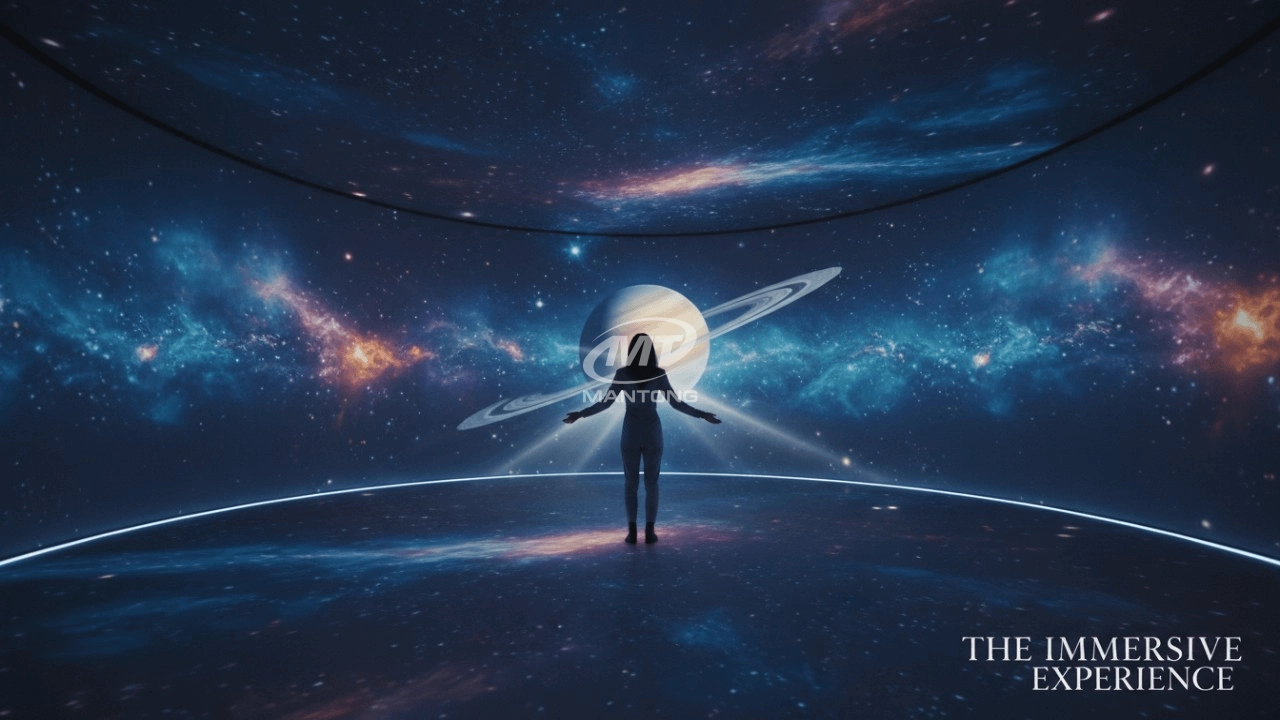
It can be used in various venues, such as art exhibition, entertainment venues, educational institution, Wedding hall /Banquet/Bar,Yoga Studio and so on. It often involves advanced projection techniques, multimedia content, and interactive elements to engage and captivate the audience's senses.
How to Write an Interactive-Effect Video Customisation Script ?
① Project Background: Briefly introduce the context in which this interactive scene will be used (e.g., exhibition, museum,
event space, children's area). Example: This scene is part of the “Underwater World” zone in a children's science museum,
designed to be engaging and exploratory.
②Visual Style / Atmosphere: What kind of visual mood are you aiming for? Please describe the color scheme, style, and any
references. it should focus solely on describing the visual aspects of the scene, supported by relevant charts or reference
images.
③ Interaction Points Overview:List each interactive hotspot along with the effect you'd like to trigger when the user
touches or clicks the area. example: when player touch the clownfish, it will swims away with bubble trail (animation effect)
and produce the bubble sound ( sound effect requirement )
④ Static Visual Reference:including but not limited to background image/video, a list of major visual elements (e.g., coral,
rocks, seaweed, fish), which elements should be interactive?
Are you trader or manufacturer ?
We are direct manufacturer who specialize in providing one-stop solution for different outdoor & indoor projection project with our stable software and qualified projectors
What's Immersive Projection ?
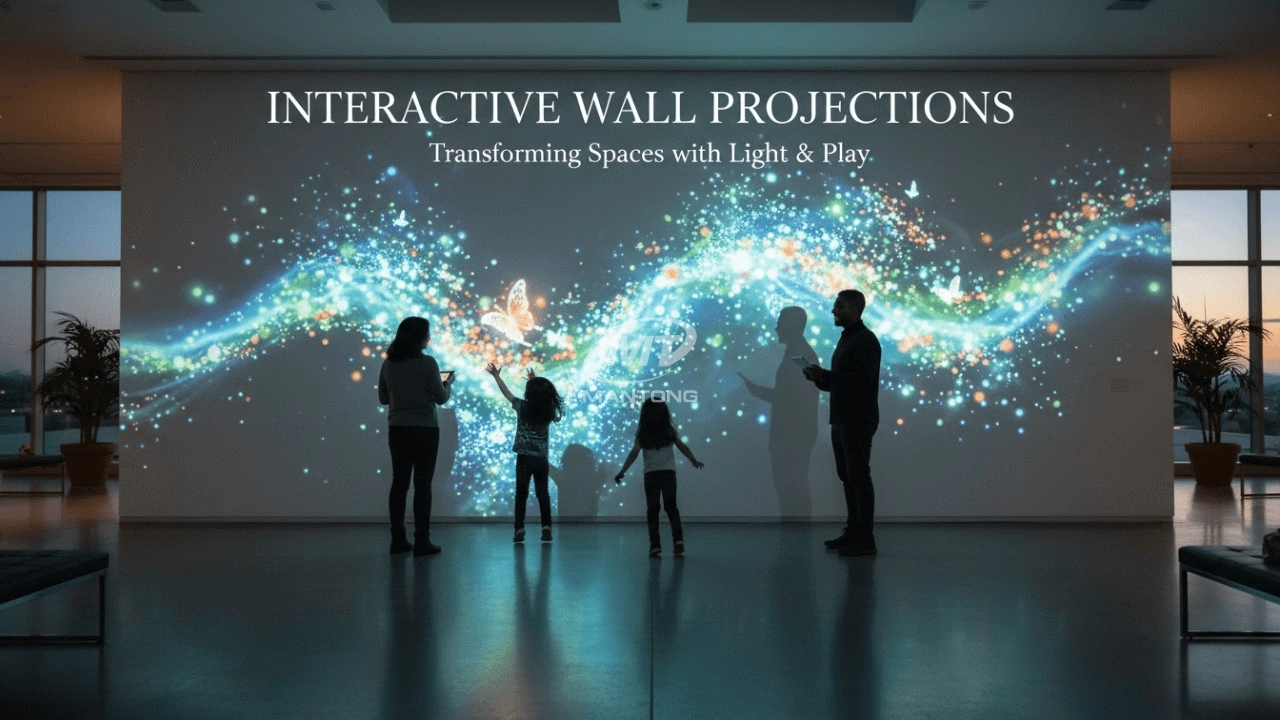
Immersive projection refers to a technology that creates a captivating and all-encompassing visual experience for viewers by projecting images or videos onto large surfaces, such as walls, floors, or even entire rooms. This technology aims to immerse the audience in a simulated environment, blurring the boundaries between the physical and virtual worlds.
What about the wall/floor material for the projection?
It’s recommended to choose a light-colored material with minimal reflectivity—pure white or light grey works best. the
common material is cement & plaster board
For optimal projection results, the surface should be free of any patterns or textures, as the projector will display content
directly onto it.
There are no specific material requirements; you may use any commonly available material in your local market, as long as it
meets the above conditions.

Bring imagination to life with interactive sandbox projection mapping games designed for kids’ play parks. Using cutting-edge projection technology and real-time motion sensing, children can dig, build, and explore virtual worlds directly in the sand. Educational, engaging, and endlessly fun — it’s the perfect blend of play and learning.

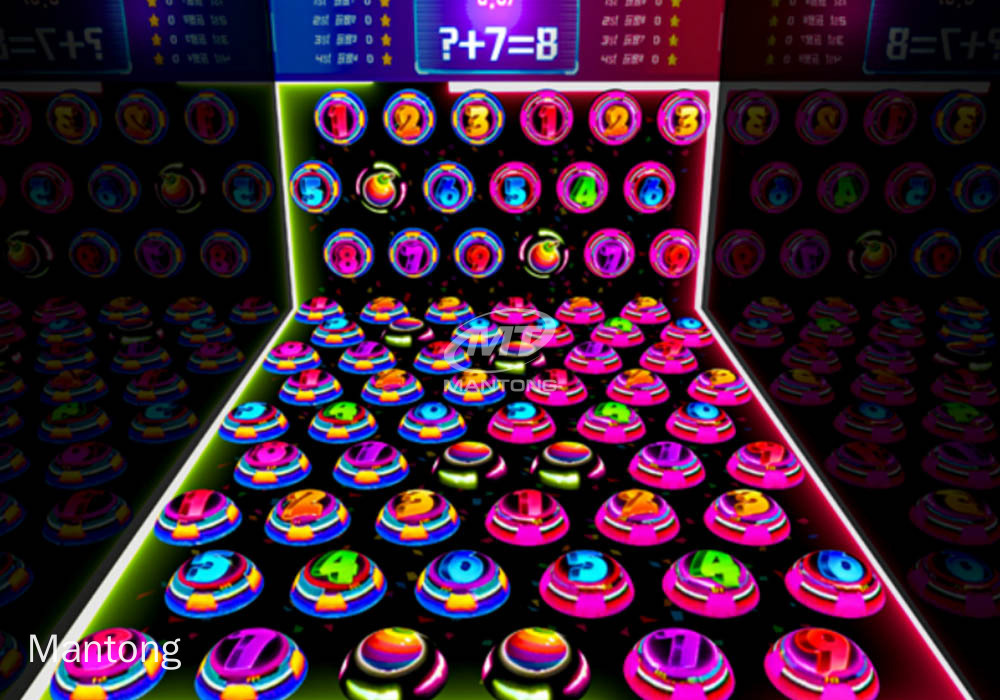
Rapidly Rotating Bouncing Sphere is an interactive space where participants jump on rotating spheres. As they step on it, the spheres surface will show special interactivity
Jumping on spheres of the same color in succession causes them to pop, releasing light particles. The more consecutive jumps, the greater the reward—caterpillars appear, and eventually, all spheres of that color burst, filling the space with light and even more caterpillars.

Transform any space with Mantong's immersive projection mapping systems. Our high-lumen projectors (up to 6500 LM) and custom software create captivating interactive experiences for floors and walls. Ideal for museums, events, retail, and hospitality. Each kit includes professional ceiling mounting and 80+ pre-loaded video contents and is backed by a 12-month warranty and CE certification. We offer full customization and support to bring your vision to life.

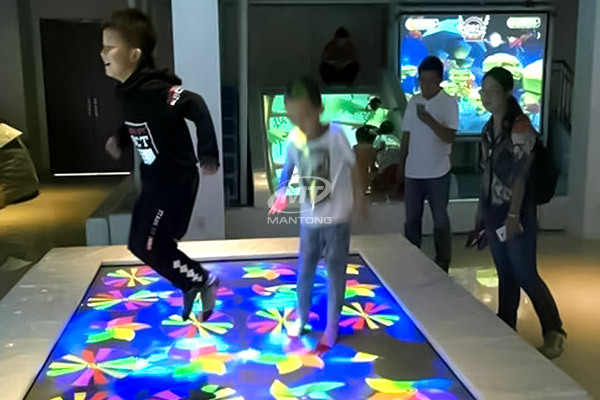
Indoor interactive floor projections display dynamic themed videos on the floor, commonly used in venues aiming to enhance brand influence or attract foot traffic, such as restaurants, hotel corridors, and brand car retail stores.
By using projectors and compatible software, the interactive content is projected onto the floor, encouraging engagement between people and the projected visuals. A single 5500-lumen indoor floor projector can cover an area of 5 m × 3 m. Typically, each project will use at least 3 units to ensure broad coverage and optimal visual effects.
We also offer customized design and installation support to enhance the interactive experience for your venue.
Contact Us to Start Your Interactive Projection Journey
Contact us now to discuss how to create innovative projection solutions for your space.

Kaida Business Center, Shixin Road, Panyu District,Guangzhou City, Guangdong Province, China.
ManTong
ManTong
ManTong