
What are the benefits of interactive projection games for kids? | Insights by Mantong
- What are the benefits of interactive projection games for kids?
- 1) What developmental and educational benefits do they provide?
- 2) Are interactive projection systems safe and age-appropriate?
- 3) How do interactive projection games compare to tablets, touchscreens and VR?
- 4) What technical specifications and features should procurement teams evaluate?
- 5) What are realistic cost, ROI and procurement best practices?
- Deployment, training and evaluation recommendations for buyers
- Vendor selection checklist (practical procurement items)
What are the benefits of interactive projection games for kids?
Interactive projection games turn floors, walls, and tabletops into large, dynamic, and sensor-driven play and learning surfaces. They combine motion tracking, projection, and software to create multisensory experiences that encourage physical activity, social interaction, and cognitive engagement. For schools, museums, pediatric clinics, and play centres they can increase engagement, support differentiated learning, and offer inclusive play options for children with varied abilities.
1) What developmental and educational benefits do they provide?
Interactive projection games support multiple developmental domains:
- Physical development: Promote gross motor skills, coordination, balance and sustained activity through games requiring movement and reach.
- Cognitive development: Encourage problem solving, pattern recognition, attention, and memory via puzzles, sequencing and adaptive challenges.
- Social and emotional skills: Facilitate cooperative play, turn-taking, communication, and confidence-building in group settings.
- Sensory integration: Provide multisensory feedback (visual, auditory, sometimes haptic via floor vibration or nearby devices) useful for children who benefit from sensory-rich environments.
- Inclusion and accessibility: Offer configurable difficulty and non-stigmatizing interfaces that can be adapted for children with motor, visual, or cognitive impairments.
2) Are interactive projection systems safe and age-appropriate?
Safety and age-appropriateness depend on system selection, installation, and software content. Key considerations:
- Projection brightness and eye safety: Choose systems that comply with LED/Laser safety standards in your region; avoid directing high-intensity beams at eye level for prolonged periods.
- Surface and trip hazards: Ensure projected areas are free from obstacles, that cables are secured, and surfaces are slip-resistant if children run or jump.
- Content suitability: Select software with age-ranged modes, clear instructions, and configurable timers to avoid overstimulation.
- Hygiene protocols: For multi-user environments, provide cleaning routines for physical controls or contact surfaces, and prefer touchless or motion-only interactions where infection control is a priority.
3) How do interactive projection games compare to tablets, touchscreens and VR?
They are complementary rather than strictly competitive:
- Scale and group play: Projection systems create large shared spaces suitable for group interaction, unlike single-user tablets or head-mounted VR which are typically individual experiences.
- Physical activity: Projection encourages full-body movement akin to active play; touchscreens and tablets are more sedentary, while VR can be immersive but requires equipment and supervision.
- Accessibility: Projection often supports simpler, gesture-based interactions that can be more inclusive for young children or those with limited fine motor control compared with small touch targets.
- Cost and maintenance: Projection systems can require higher upfront costs for hardware and installation than low-cost tablets but may serve many users concurrently and reduce per-user hardware needs.
4) What technical specifications and features should procurement teams evaluate?
For professional buyers (schools, museums, therapy centres), evaluate both hardware and software. Key specs and considerations:
- Projection type and brightness: Lumens appropriate for ambient light conditions; higher brightness for well-lit rooms. Verify lamp life or LED/laser lifetime and replacement costs.
- Resolution and image quality: HD or better for crisp visuals; resolution affects readability of text and clarity of interactive elements.
- Throw ratio and mounting flexibility: Short-throw or ultra-short-throw projectors reduce shadows and allow ceiling-mount near the surface.
- Tracking technology: Vision (camera-based), LiDAR, infrared or floor-sensor arrays—each has trade-offs in latency, accuracy, and robustness under varied lighting conditions.
- Latency and responsiveness: Low-latency tracking produces more natural interactions; test with target age groups during evaluation.
- Durability and IP rating: Ruggedized components, dust filters and secure mounting hardware for public or high-use installations.
- Software ecosystem: Content library breadth, curriculum alignment, multi-language support, user-management, analytics and the ability to run custom or third-party content (SDK/API availability).
- Accessibility features: Configurable difficulty, alternative input modes, high-contrast themes and audio cues for children with sensory differences.
- Connectivity and integration: Network management, remote content updates, classroom management compatibility and data privacy safeguards (COPPA/GDPR compliance where applicable).
- Service and warranty: On-site support options, warranty length, and availability of spare parts and maintenance contracts.
5) What are realistic cost, ROI and procurement best practices?
Costs vary widely by vendor, deployment scale, and feature set. Rather than fixed price figures, focus procurement on total cost of ownership (TCO) and measurable outcomes:
- TCO elements: Hardware purchase, installation (mounts, cabling, construction), software licensing/subscriptions, annual maintenance, staff training, replacement parts and content creation.
- Measure ROI by outcomes: Track engagement metrics (usage hours, repeat users), learning outcomes (pre/post assessments), and operational benefits (reduced need for supervision, increased visitor dwell time in exhibits). Establish baseline metrics before deployment.
- Procurement approach: Run pilot projects in a real environment with target users; require vendors to provide trial software, on-site demos, reference installations and measurable success cases; include clauses for scaling, service level agreements (SLAs) and data ownership.
- Funding and grants: For schools and public organisations, explore education technology funding, accessibility grants, and public-private partnerships to offset capital costs.
Deployment, training and evaluation recommendations for buyers
To maximize adoption and impact:
- Start with pilots: Deploy 1–2 units in representative spaces, collect qualitative and quantitative feedback from staff, children and caregivers for 4–12 weeks.
- Train staff: Provide operation, basic troubleshooting and behaviour-management training. Create concise quick-start guides and safety checklists.
- Schedule content refreshes: Keep experiences fresh with seasonal or curriculum-linked content; negotiate vendor or third-party content update plans.
- Data & privacy: Ensure logging and analytics respect privacy laws; anonymize user data and secure networks with vendor cooperation.
- Accessibility testing: Include children with diverse abilities during pilot and iterate on settings and content to ensure inclusive engagement.
Vendor selection checklist (practical procurement items)
- Request demonstration in a similar lighting/space condition.
- Ask for references from similar-size organisations and verify them.
- Obtain a breakdown of upfront vs. recurring costs and any limits on user or content licences.
- Confirm warranty, response time for on-site repairs, and availability of local technicians.
- Ensure software has analytics, remote update ability and an API or SDK for custom content.
- Get written safety and hygiene recommendations and request safety certifications where relevant.
If you want, I can now perform a live web search to collect the latest industry statistics (market size, growth rates, vendor pricing examples) and cite sources such as education technology reports, market research firms, or vendor whitepapers. Please confirm permission for an online search or provide specific sources you want included.


One-Stop Projection Solution Provider Since 2011
What's the application of Immersive projection ?
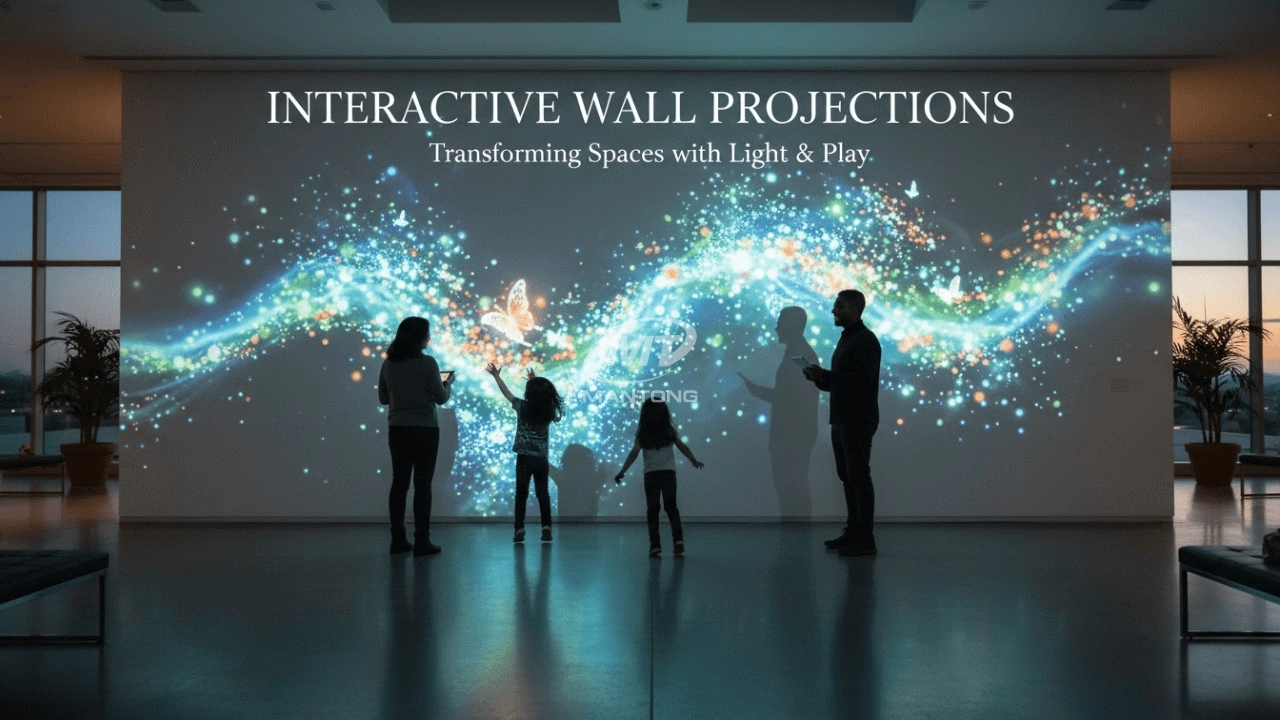
It can be used in various venues, such as art exhibition, entertainment venues, educational institution, Wedding hall /Banquet/Bar,Yoga Studio and so on. It often involves advanced projection techniques, multimedia content, and interactive elements to engage and captivate the audience's senses.
What about the wall/floor material for the projection?
It’s recommended to choose a light-colored material with minimal reflectivity—pure white or light grey works best. the
common material is cement & plaster board
For optimal projection results, the surface should be free of any patterns or textures, as the projector will display content
directly onto it.
There are no specific material requirements; you may use any commonly available material in your local market, as long as it
meets the above conditions.
What's Immersive Projection ?
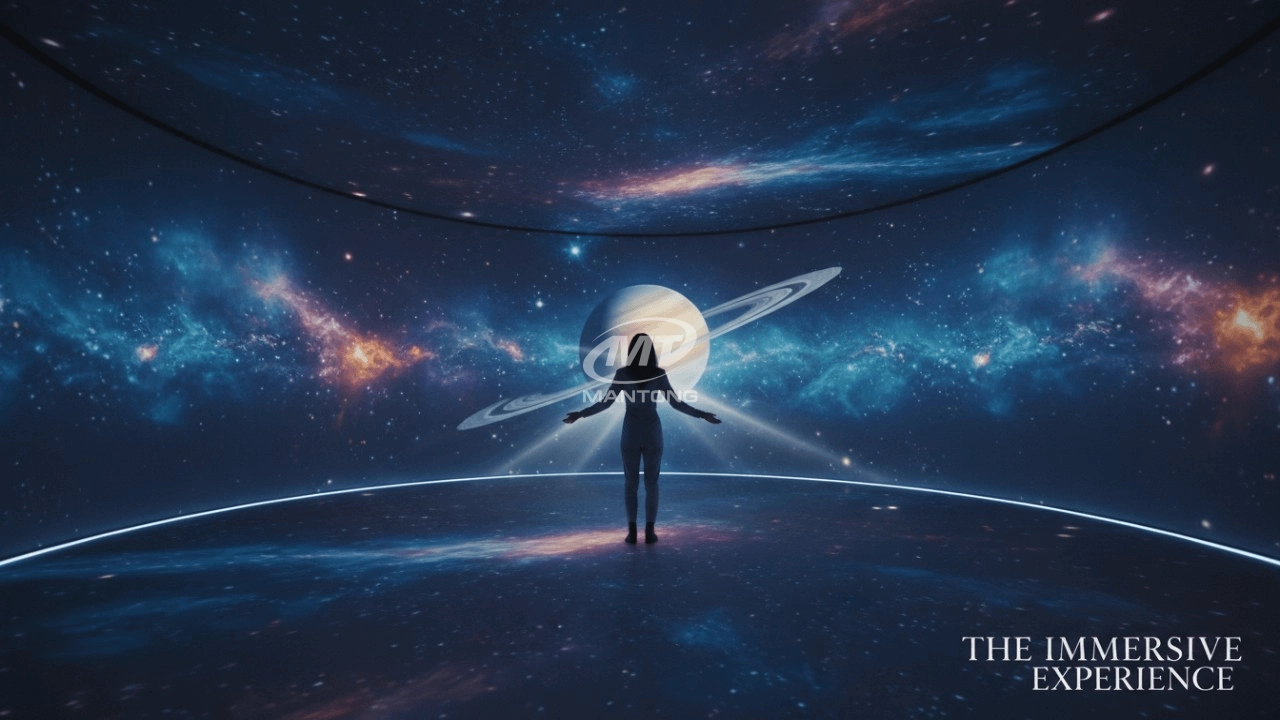
Immersive projection refers to a technology that creates a captivating and all-encompassing visual experience for viewers by projecting images or videos onto large surfaces, such as walls, floors, or even entire rooms. This technology aims to immerse the audience in a simulated environment, blurring the boundaries between the physical and virtual worlds.
What information do you need to know before making the proposal/solution?
We know that everyone wants to know the price, but the price of our products is determined by many factors since most of our products are custom, so no ready price list. In order to fast understand what you need, can you send us an inquiry like this?
For example: I am really interested in your immersive projection products, we are a company in the USA and want to install some in my restaurant. It is about 50 meters long, and 5m in width. Projection size you can decide but the length should be not less than 20 meters. We want some content about SeaWorld because our place is all about the sea. Thank you.
How to Write an Interactive-Effect Video Customisation Script ?
① Project Background: Briefly introduce the context in which this interactive scene will be used (e.g., exhibition, museum,
event space, children's area). Example: This scene is part of the “Underwater World” zone in a children's science museum,
designed to be engaging and exploratory.
②Visual Style / Atmosphere: What kind of visual mood are you aiming for? Please describe the color scheme, style, and any
references. it should focus solely on describing the visual aspects of the scene, supported by relevant charts or reference
images.
③ Interaction Points Overview:List each interactive hotspot along with the effect you'd like to trigger when the user
touches or clicks the area. example: when player touch the clownfish, it will swims away with bubble trail (animation effect)
and produce the bubble sound ( sound effect requirement )
④ Static Visual Reference:including but not limited to background image/video, a list of major visual elements (e.g., coral,
rocks, seaweed, fish), which elements should be interactive?

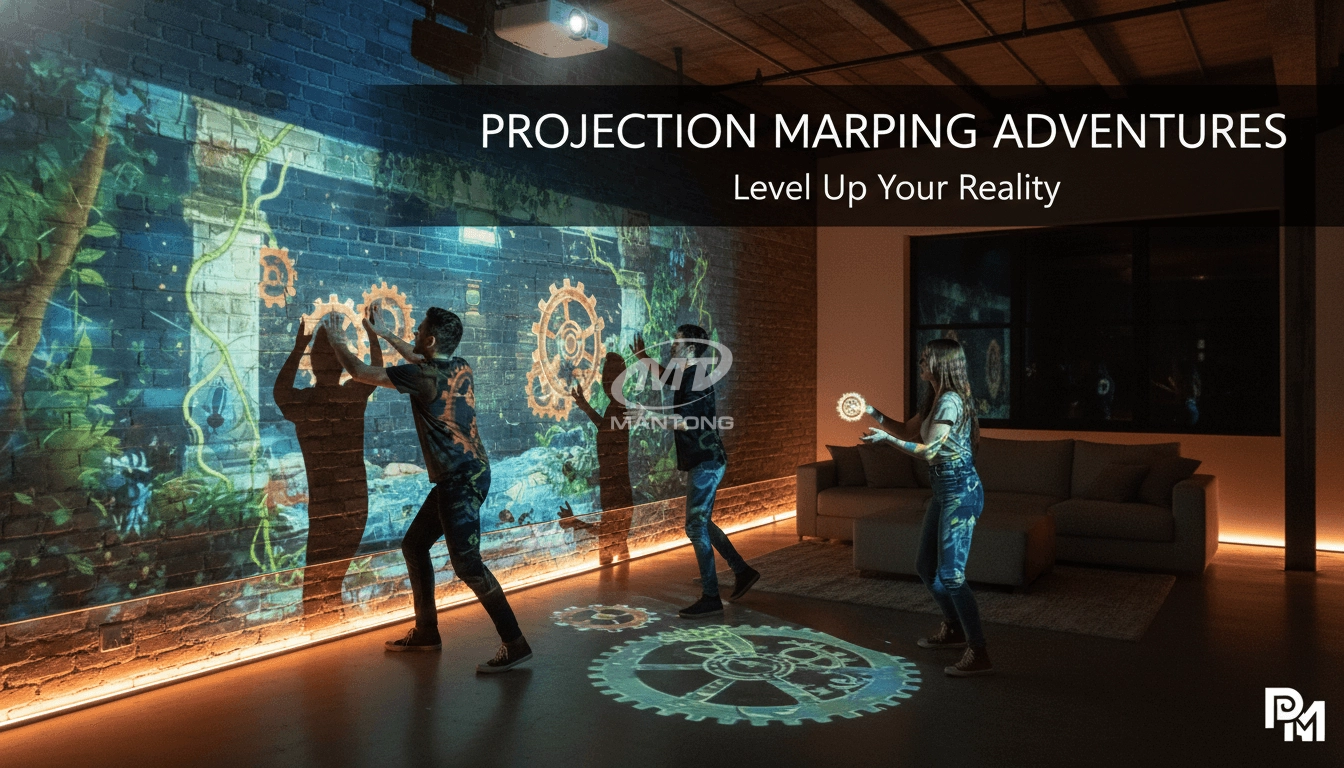
Indoor interactive floor projections display dynamic themed videos on the floor, commonly used in venues aiming to enhance brand influence or attract foot traffic, such as restaurants, hotel corridors, and brand car retail stores.
By using projectors and compatible software, the interactive content is projected onto the floor, encouraging engagement between people and the projected visuals. A single 5500-lumen indoor floor projector can cover an area of 5 m × 3 m. Typically, each project will use at least 3 units to ensure broad coverage and optimal visual effects.
We also offer customized design and installation support to enhance the interactive experience for your venue.

Combining projection mapping with 3D interactive ground projection technology brings an unprecedented immersive experience to outdoor scenes.

Rapidly Rotating Bouncing Sphere is an interactive space where participants jump on rotating spheres. As they step on it, the spheres surface will show special interactivity
Jumping on spheres of the same color in succession causes them to pop, releasing light particles. The more consecutive jumps, the greater the reward—caterpillars appear, and eventually, all spheres of that color burst, filling the space with light and even more caterpillars.

Transform any space with Mantong's immersive projection mapping systems. Our high-lumen projectors (up to 6500 LM) and custom software create captivating interactive experiences for floors and walls. Ideal for museums, events, retail, and hospitality. Each kit includes professional ceiling mounting and 80+ pre-loaded video contents and is backed by a 12-month warranty and CE certification. We offer full customization and support to bring your vision to life.
Contact Us to Start Your Interactive Projection Journey
Contact us now to discuss how to create innovative projection solutions for your space.

Kaida Business Center, Shixin Road, Panyu District,Guangzhou City, Guangdong Province, China.
ManTong
ManTong
ManTong