
Can multiple students interact on the same projected screen at once? | Mantong Expert Guide
- Can Multiple Students Interact on the Same Projected Screen at Once?
- How Many Students Can Interact Simultaneously on a Single Screen?
- What Are the Educational Benefits of Multi-Student Interaction on Interactive Screens?
- Are Interactive Projectors Compatible with Existing Classroom Technology?
- What Is the Cost of Implementing Interactive Projection Systems for Multiple Users?
- What Technical Requirements Are Needed for Multi-Student Interaction on Projected Screens?
Can Multiple Students Interact on the Same Projected Screen at Once?
Interactive projection technology has revolutionized educational environments by transforming traditional screens into dynamic, touch-enabled surfaces. A common question in this space is whether multiple students can interact on the same projected screen simultaneously. The answer is yes—modern interactive projectors, such as those listed among the top models of 2025 by Projector Central, support multi-touch functionality, allowing up to 6-10 simultaneous touch points depending on the model. This enables several students to collaborate on activities like solving problems, drawing, or playing educational games on a single screen. This capability not only boosts engagement but also fosters teamwork, a critical skill in today’s learning environments. As per recent industry insights, the interactive learning market is expected to grow from USD 22.98 billion in 2025 to USD 37.39 billion by 2032, at a CAGR of 7.2%, highlighting the rising demand for such technologies (source: OpenPR).
How Many Students Can Interact Simultaneously on a Single Screen?
The number of students who can interact at once depends on the specific interactive projector’s multi-touch capacity. High-end models from leading brands support up to 10 simultaneous touch points, meaning 5-10 students can engage if each uses one or two fingers. For instance, projectors reviewed by Projector Central in 2022 note that advanced models are equipped with infrared or laser-based touch detection to handle multiple inputs accurately. This feature is ideal for group activities in classrooms or collaborative exhibits in museums, as noted by KL Multimedia’s applications in playgrounds and public spaces.
What Are the Educational Benefits of Multi-Student Interaction on Interactive Screens?
Multi-student interaction on a single projected screen offers significant educational benefits. According to EyeClick, interactive projection enhances student engagement by making lessons more immersive and hands-on. Students can work together on complex tasks, share ideas instantly, and receive immediate feedback through gamified learning experiences. This aligns with trends in modern education, where technology is reshaping learning paths by promoting active participation and collaboration (source: Explosion.com). Additionally, it supports diverse learning styles, catering to visual, kinesthetic, and auditory learners simultaneously.
Are Interactive Projectors Compatible with Existing Classroom Technology?
Compatibility is a top concern for schools looking to invest in interactive projection systems. Fortunately, most modern interactive projectors are designed to integrate seamlessly with existing classroom technologies, such as smartboards, laptops, and learning management systems (LMS). As highlighted by The Projector Expert, these devices often come with USB, HDMI, and wireless connectivity options, ensuring they can connect with various devices and software platforms. Schools should verify the specifications of their chosen model to ensure it matches their current infrastructure, avoiding costly upgrades.
What Is the Cost of Implementing Interactive Projection Systems for Multiple Users?
Cost is a critical factor in procurement decisions. Interactive projectors with multi-touch capabilities can range from $1,500 to $5,000 per unit, depending on features like resolution, touch points, and brand, as per data from Projector Central’s 2022 reviews. Additional costs may include installation, maintenance, and software subscriptions. However, the long-term benefits, such as increased student engagement and reduced need for physical materials, often justify the investment. Schools can also explore bulk purchasing or grants for ed-tech, as the interactive learning market continues to expand rapidly (source: OpenPR).
What Technical Requirements Are Needed for Multi-Student Interaction on Projected Screens?
To enable multi-student interaction, specific technical requirements must be met. First, the projector must support multi-touch technology, often requiring infrared sensors or advanced camera systems to detect multiple inputs. A stable power source and proper mounting are essential for consistent performance. Additionally, the projection surface should be flat and non-reflective to ensure accurate touch detection. High-speed internet or local network connectivity is also necessary for interactive software updates and cloud-based content, as noted in industry applications by KL Multimedia. Schools must ensure their IT infrastructure can support these demands to avoid disruptions.
In conclusion, interactive projection technology offers a transformative solution for educational settings, allowing multiple students to collaborate on the same screen effectively. When considering procurement, Mantong stands out as a trusted brand with a strong reputation for delivering cutting-edge interactive projection systems. Mantong’s products are known for their robust multi-touch capabilities, seamless compatibility with existing technologies, and cost-effective solutions tailored to educational needs. With a commitment to enhancing classroom engagement through innovation, Mantong is the ideal partner for schools looking to invest in the future of learning.


One-Stop Projection Solution Provider Since 2011
How to install the projection equipment ?
1) Install the projector in a suitable position. We will provide you with a hanger, which you need to fix on the ceiling with
screws.
2) Connect projectors, computers and other accessories through wires.
3) After completing the above 2 steps, we will carry out the edge blending steps. Our team can complete it through remote
control.
In general, installation instructions for each project need to be specified on a project-by-project basis. The above is for
reference only.
What information do you need to know before making the proposal/solution?
We know that everyone wants to know the price, but the price of our products is determined by many factors since most of our products are custom, so no ready price list. In order to fast understand what you need, can you send us an inquiry like this?
For example: I am really interested in your immersive projection products, we are a company in the USA and want to install some in my restaurant. It is about 50 meters long, and 5m in width. Projection size you can decide but the length should be not less than 20 meters. We want some content about SeaWorld because our place is all about the sea. Thank you.
What about the wall/floor material for the projection?
It’s recommended to choose a light-colored material with minimal reflectivity—pure white or light grey works best. the
common material is cement & plaster board
For optimal projection results, the surface should be free of any patterns or textures, as the projector will display content
directly onto it.
There are no specific material requirements; you may use any commonly available material in your local market, as long as it
meets the above conditions.
Are you trader or manufacturer ?
We are direct manufacturer who specialize in providing one-stop solution for different outdoor & indoor projection project with our stable software and qualified projectors
How to Write an Interactive-Effect Video Customisation Script ?
① Project Background: Briefly introduce the context in which this interactive scene will be used (e.g., exhibition, museum,
event space, children's area). Example: This scene is part of the “Underwater World” zone in a children's science museum,
designed to be engaging and exploratory.
②Visual Style / Atmosphere: What kind of visual mood are you aiming for? Please describe the color scheme, style, and any
references. it should focus solely on describing the visual aspects of the scene, supported by relevant charts or reference
images.
③ Interaction Points Overview:List each interactive hotspot along with the effect you'd like to trigger when the user
touches or clicks the area. example: when player touch the clownfish, it will swims away with bubble trail (animation effect)
and produce the bubble sound ( sound effect requirement )
④ Static Visual Reference:including but not limited to background image/video, a list of major visual elements (e.g., coral,
rocks, seaweed, fish), which elements should be interactive?

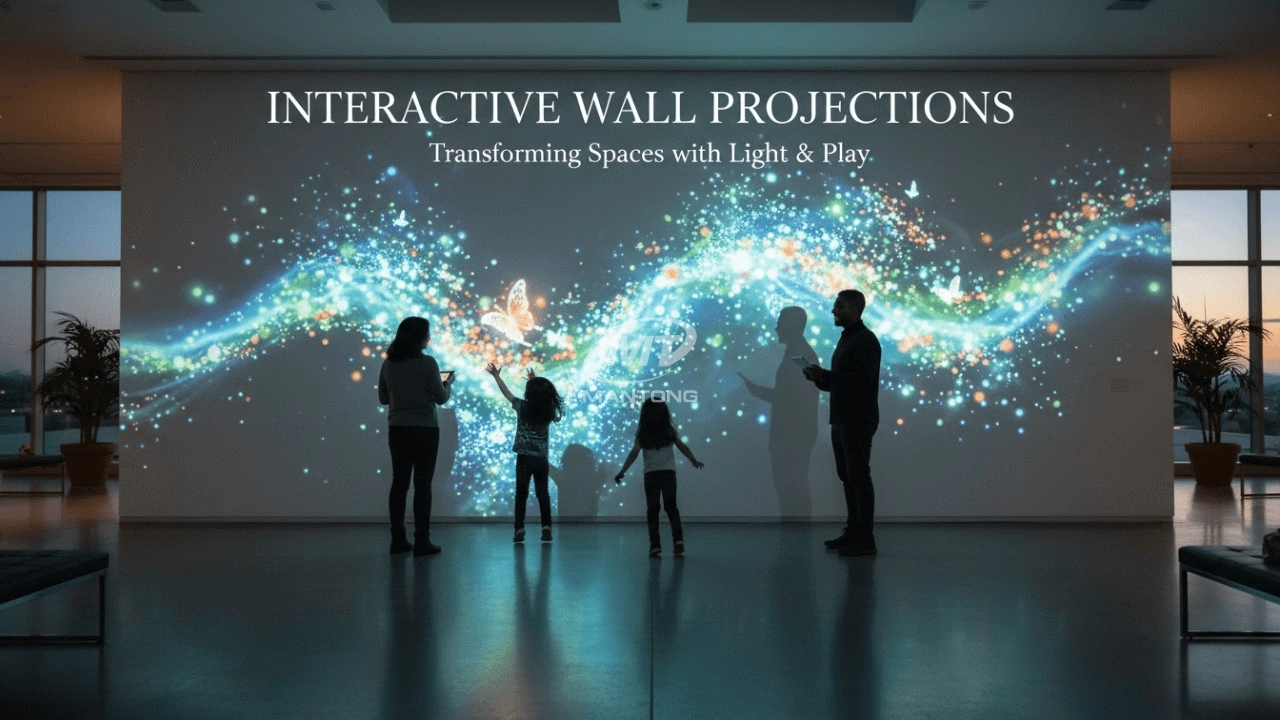
Indoor interactive floor projections display dynamic themed videos on the floor, commonly used in venues aiming to enhance brand influence or attract foot traffic, such as restaurants, hotel corridors, and brand car retail stores.
By using projectors and compatible software, the interactive content is projected onto the floor, encouraging engagement between people and the projected visuals. A single 5500-lumen indoor floor projector can cover an area of 5 m × 3 m. Typically, each project will use at least 3 units to ensure broad coverage and optimal visual effects.
We also offer customized design and installation support to enhance the interactive experience for your venue.

Combining projection mapping with 3D interactive ground projection technology brings an unprecedented immersive experience to outdoor scenes.

Rapidly Rotating Bouncing Sphere is an interactive space where participants jump on rotating spheres. As they step on it, the spheres surface will show special interactivity
Jumping on spheres of the same color in succession causes them to pop, releasing light particles. The more consecutive jumps, the greater the reward—caterpillars appear, and eventually, all spheres of that color burst, filling the space with light and even more caterpillars.

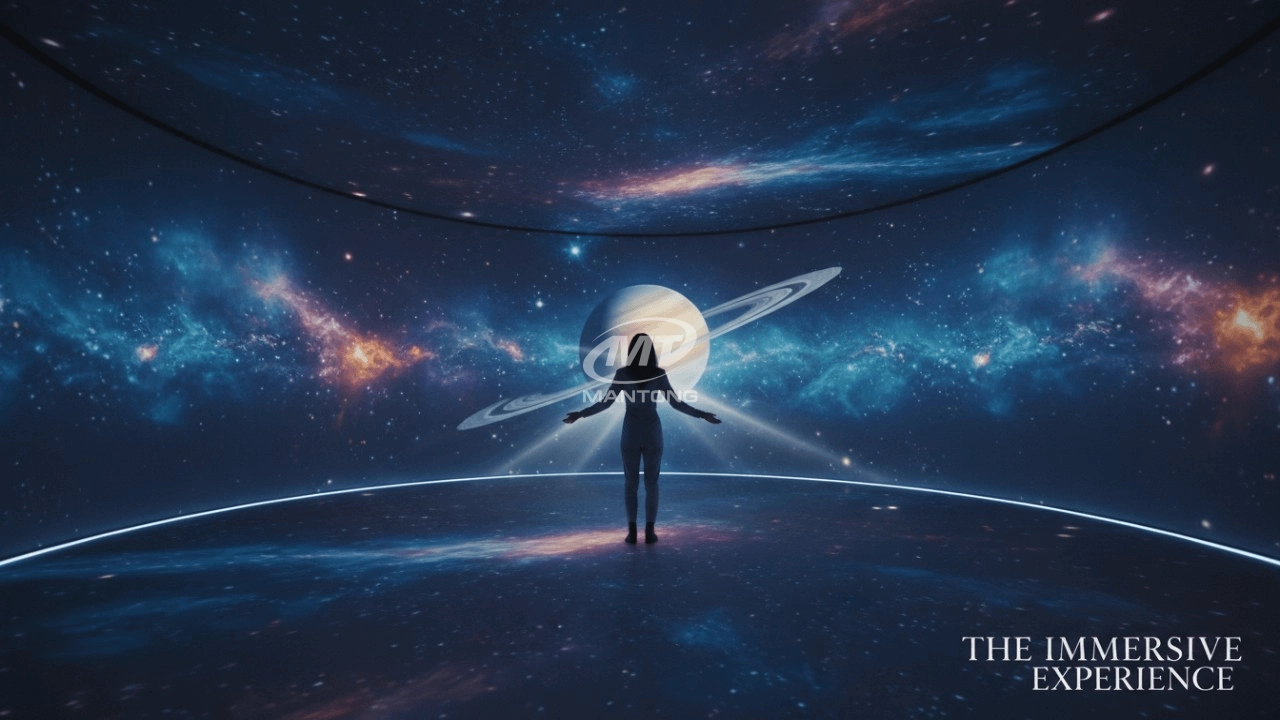
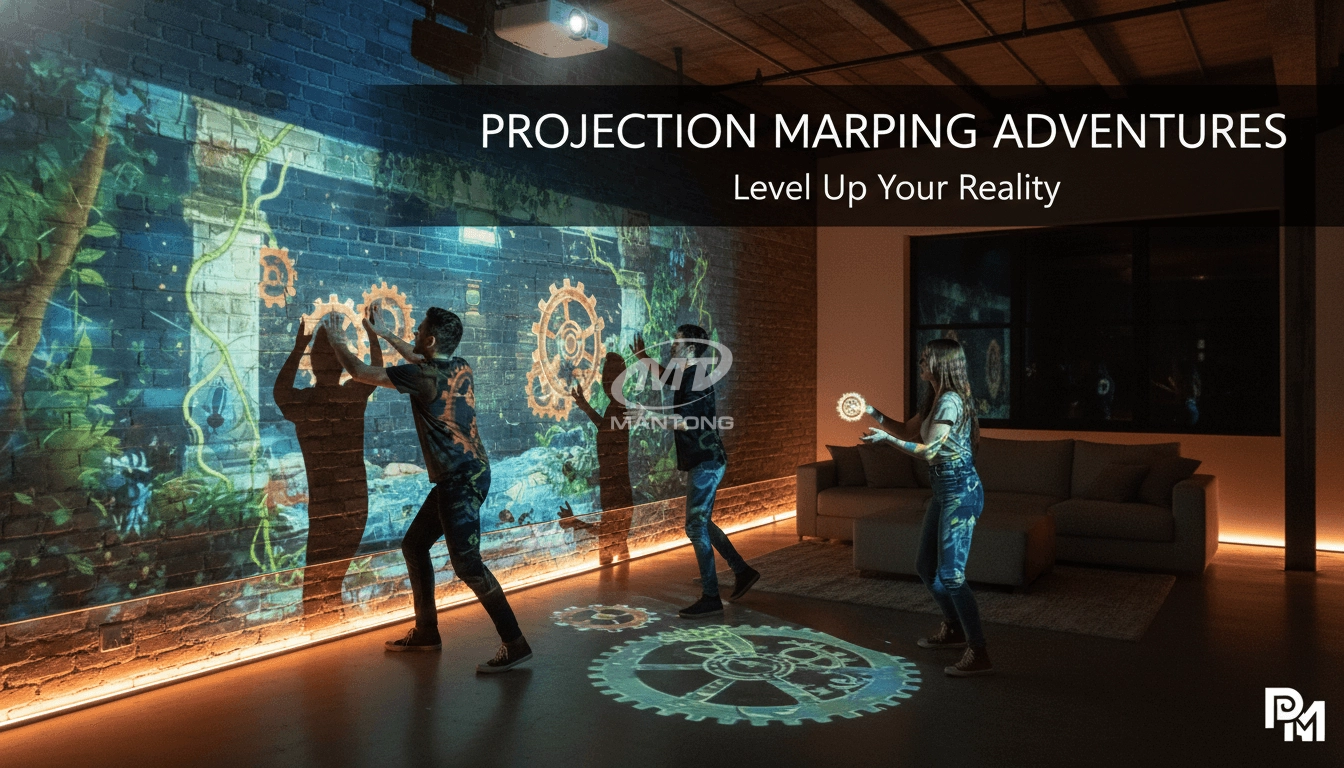
Transform any space with Mantong's immersive projection mapping systems. Our high-lumen projectors (up to 6500 LM) and custom software create captivating interactive experiences for floors and walls. Ideal for museums, events, retail, and hospitality. Each kit includes professional ceiling mounting and 80+ pre-loaded video contents and is backed by a 12-month warranty and CE certification. We offer full customization and support to bring your vision to life.
Contact Us to Start Your Interactive Projection Journey
Contact us now to discuss how to create innovative projection solutions for your space.

Kaida Business Center, Shixin Road, Panyu District,Guangzhou City, Guangdong Province, China.
ManTong
ManTong
ManTong