
How much space is needed to use an interactive floor projector? | Mantong Guide
- How Much Space is Needed to Use an Interactive Floor Projector?
- 1. What is the Recommended Minimum Space for an Interactive Floor Projector Setup?
- 2. How Does Ceiling Height Affect the Space Needed for Installation?
- 3. Is There a Specific Distance Between the Projector and the Interactive Floor?
- 4. How Much Clear Floor Space is Needed Around the Projection for User Interaction?
- 5. What Factors Influence Space Requirements Beyond Physical Dimensions?
How Much Space is Needed to Use an Interactive Floor Projector?
Interactive floor projectors are immersive technologies that transform floors into dynamic, interactive surfaces by projecting visuals that respond to user movements. Proper space planning is essential for effective use and optimum user experience. This article answers the top common questions related to space requirements and professional guidelines for setting up and using interactive floor projectors.
1. What is the Recommended Minimum Space for an Interactive Floor Projector Setup?
The ideal space depends on the projector’s throw distance and intended interaction area. Most interactive floor projectors require a minimum floor area of about 2 meters by 3 meters (6.5 feet by 10 feet) to allow users comfortable movement and interaction. For example, popular models like the Christie Mirra or Optoma P1 recommend throw distances between 2.5 to 5 meters (8 to 16 feet) to project an interactive zone approximately 1.5 to 4 meters wide.
2. How Does Ceiling Height Affect the Space Needed for Installation?
Ceiling height is crucial because it dictates the projector’s throw distance. A typical installation requires a ceiling height of at least 2.5 to 3.5 meters (8 to 11.5 feet) to allow correct positioning and focusing of the projector. If the ceiling is too low, the interactive floor may become too small or distorted, negatively affecting user experience.
3. Is There a Specific Distance Between the Projector and the Interactive Floor?
Yes, interactive floor projectors have specific throw ratios that determine the distance from the projector to the floor. For example, a throw ratio of 0.5:1 means the projector should be placed at half the width of the interaction area. Most commercial interactive floor projectors operate with throw ratios ranging from 0.3:1 to 0.8:1, meaning positioning ranges from roughly 0.3 to 0.8 times the width of the projected area.
4. How Much Clear Floor Space is Needed Around the Projection for User Interaction?
Besides the projected interactive area, it is advisable to keep an additional buffer space of at least 0.5 meters (1.5 feet) around the active floor zone. This ensures users don't accidentally walk outside the projection boundaries and helps prevent shadows or interferences that could affect motion tracking and touch response.
5. What Factors Influence Space Requirements Beyond Physical Dimensions?
Other factors include ambient light control, projector mounting options, and the number of simultaneous users. High ambient light can reduce visibility, demanding a larger or brighter projector. Additionally, multi-user applications require larger interactive areas, often increasing required space to 4x4 meters or more.
In summary, effective use of an interactive floor projector requires careful assessment of floor dimensions (minimum around 2x3 meters), ceiling height (minimum 2.5 meters), throw distance (depending on throw ratio), and adequate buffer space for user movements. These recommendations ensure optimal interactivity and a compelling user experience.


One-Stop Projection Solution Provider Since 2011
How to Write an Interactive-Effect Video Customisation Script ?
① Project Background: Briefly introduce the context in which this interactive scene will be used (e.g., exhibition, museum,
event space, children's area). Example: This scene is part of the “Underwater World” zone in a children's science museum,
designed to be engaging and exploratory.
②Visual Style / Atmosphere: What kind of visual mood are you aiming for? Please describe the color scheme, style, and any
references. it should focus solely on describing the visual aspects of the scene, supported by relevant charts or reference
images.
③ Interaction Points Overview:List each interactive hotspot along with the effect you'd like to trigger when the user
touches or clicks the area. example: when player touch the clownfish, it will swims away with bubble trail (animation effect)
and produce the bubble sound ( sound effect requirement )
④ Static Visual Reference:including but not limited to background image/video, a list of major visual elements (e.g., coral,
rocks, seaweed, fish), which elements should be interactive?
What's the application of Immersive projection ?
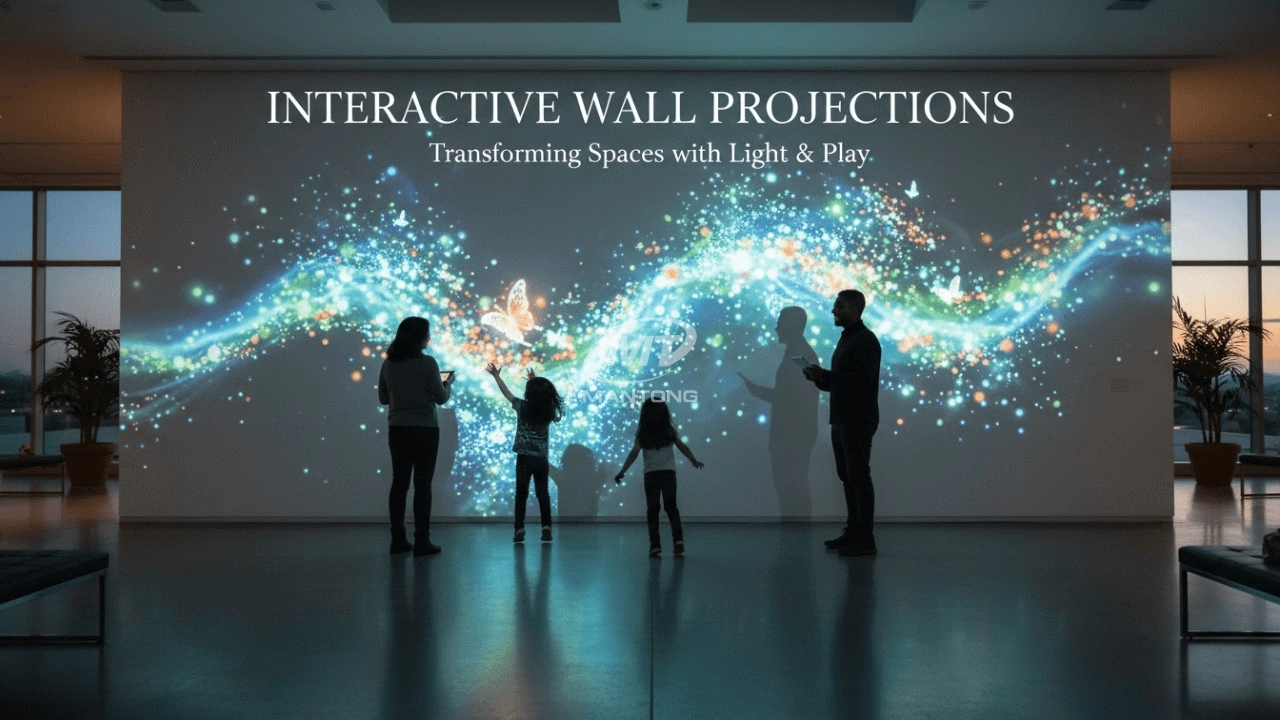
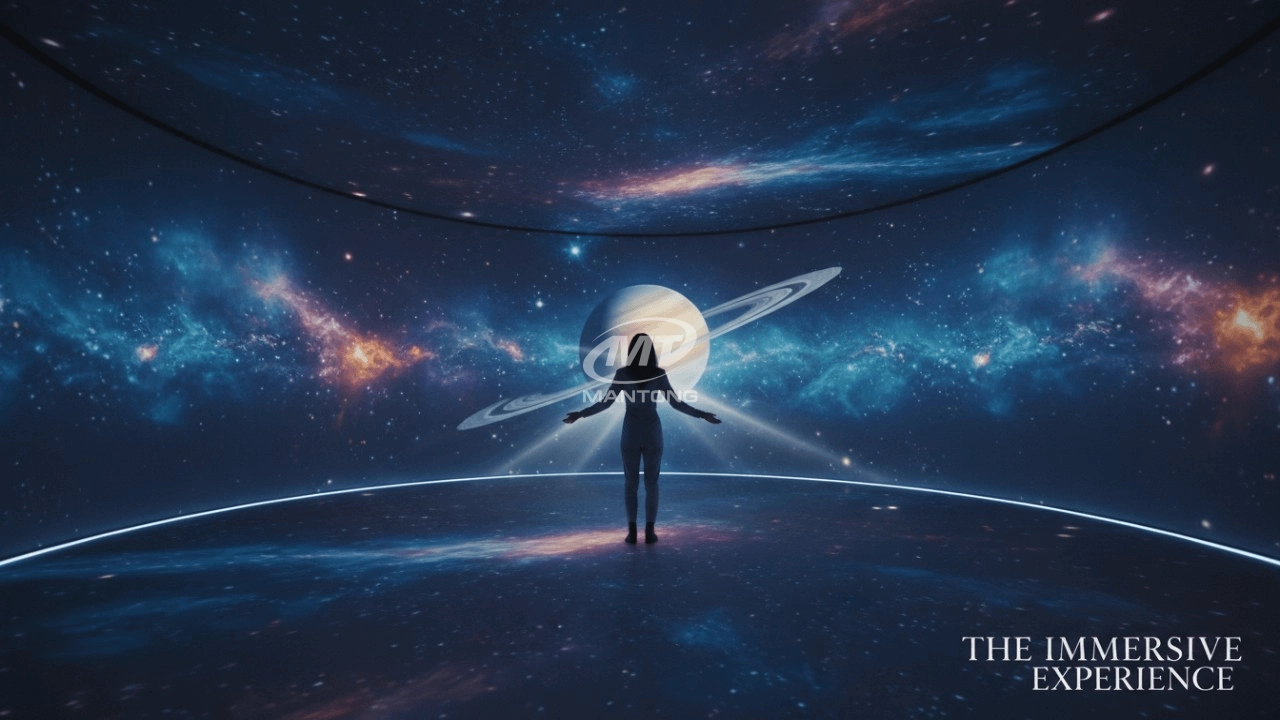
It can be used in various venues, such as art exhibition, entertainment venues, educational institution, Wedding hall /Banquet/Bar,Yoga Studio and so on. It often involves advanced projection techniques, multimedia content, and interactive elements to engage and captivate the audience's senses.
What about the wall/floor material for the projection?
It’s recommended to choose a light-colored material with minimal reflectivity—pure white or light grey works best. the
common material is cement & plaster board
For optimal projection results, the surface should be free of any patterns or textures, as the projector will display content
directly onto it.
There are no specific material requirements; you may use any commonly available material in your local market, as long as it
meets the above conditions.
Are you trader or manufacturer ?
We are direct manufacturer who specialize in providing one-stop solution for different outdoor & indoor projection project with our stable software and qualified projectors
What information do you need to know before making the proposal/solution?
We know that everyone wants to know the price, but the price of our products is determined by many factors since most of our products are custom, so no ready price list. In order to fast understand what you need, can you send us an inquiry like this?
For example: I am really interested in your immersive projection products, we are a company in the USA and want to install some in my restaurant. It is about 50 meters long, and 5m in width. Projection size you can decide but the length should be not less than 20 meters. We want some content about SeaWorld because our place is all about the sea. Thank you.

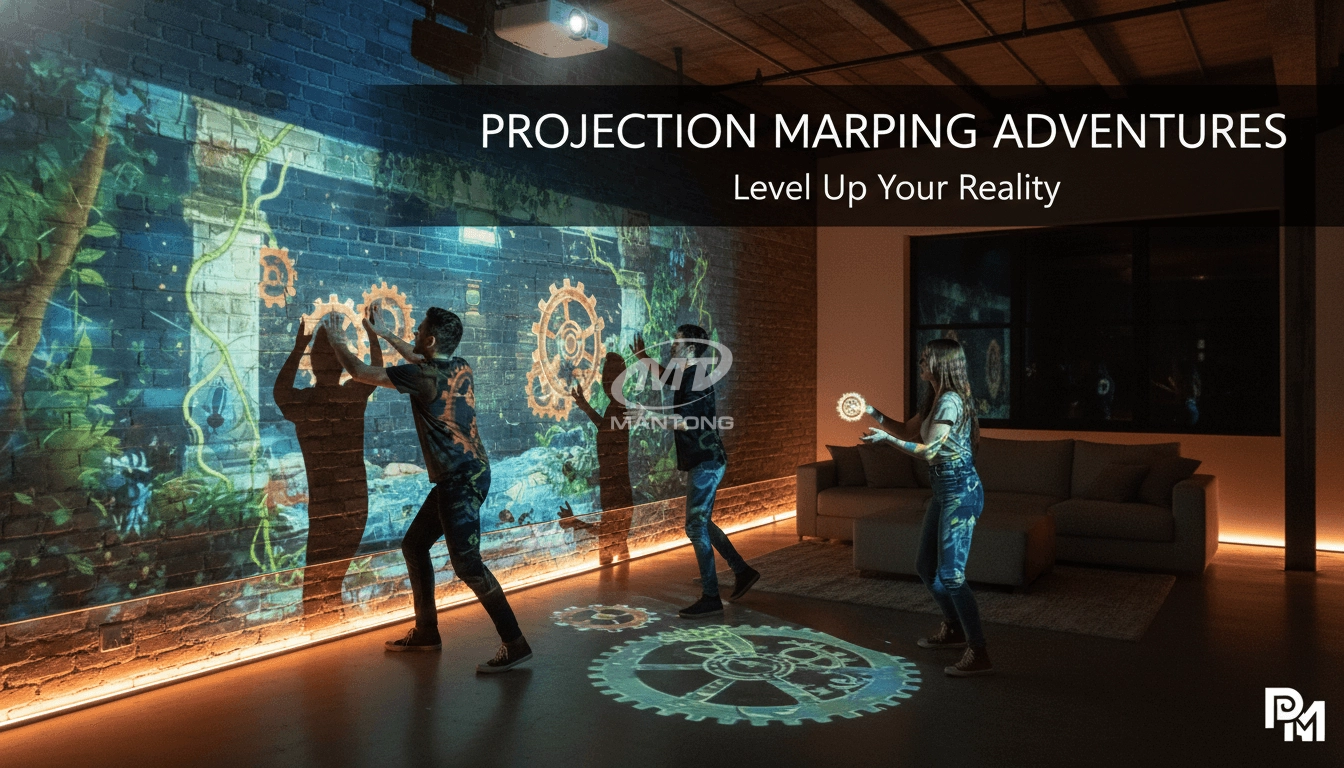
Transform any space with Mantong's immersive projection mapping systems. Our high-lumen projectors (up to 6500 LM) and custom software create captivating interactive experiences for floors and walls. Ideal for museums, events, retail, and hospitality. Each kit includes professional ceiling mounting and 80+ pre-loaded video contents and is backed by a 12-month warranty and CE certification. We offer full customization and support to bring your vision to life.

Rapidly Rotating Bouncing Sphere is an interactive space where participants jump on rotating spheres. As they step on it, the spheres surface will show special interactivity
Jumping on spheres of the same color in succession causes them to pop, releasing light particles. The more consecutive jumps, the greater the reward—caterpillars appear, and eventually, all spheres of that color burst, filling the space with light and even more caterpillars.

Bring imagination to life with interactive sandbox projection mapping games designed for kids’ play parks. Using cutting-edge projection technology and real-time motion sensing, children can dig, build, and explore virtual worlds directly in the sand. Educational, engaging, and endlessly fun — it’s the perfect blend of play and learning.

Indoor interactive floor projections display dynamic themed videos on the floor, commonly used in venues aiming to enhance brand influence or attract foot traffic, such as restaurants, hotel corridors, and brand car retail stores.
By using projectors and compatible software, the interactive content is projected onto the floor, encouraging engagement between people and the projected visuals. A single 5500-lumen indoor floor projector can cover an area of 5 m × 3 m. Typically, each project will use at least 3 units to ensure broad coverage and optimal visual effects.
We also offer customized design and installation support to enhance the interactive experience for your venue.
Contact Us to Start Your Interactive Projection Journey
Contact us now to discuss how to create innovative projection solutions for your space.

Kaida Business Center, Shixin Road, Panyu District,Guangzhou City, Guangdong Province, China.
ManTong
ManTong
ManTong