
Do interactive projectors support educational game content? | Insights by Mantong
- Do interactive projectors support educational game content?
- 1. What kinds of educational game content do interactive projectors support?
- 2. How many simultaneous players/ touch points do they support?
- 3. What performance specs affect game experience (latency, brightness, throw ratio, resolution)?
- 4. What software and content compatibility considerations should procurement teams check?
- 5. What are total cost of ownership (TCO) and maintenance factors for interactive projectors used with games?
- Procurement checklist (quick reference)
- Final recommendations
Do interactive projectors support educational game content?
Short answer: Yes — most modern interactive projectors can run or display educational game content, but capability varies by projector type (interactive-lite vs. full interactive), the operating system and apps supported, touch/pen input methods, latency, and classroom integration. Below are five top questions buyers research and concise, evidence-based answers to guide procurement decisions for schools and educational institutions.
1. What kinds of educational game content do interactive projectors support?
Interactive projectors typically support three ways of delivering educational games:
- On-device/Android apps: Projectors with built-in Android OS can run educational game apps directly (e.g., Kahoot-like quiz apps, interactive whiteboard suites with gamified modules). Many Epson and BenQ interactive projectors offer Android platforms—check specific model OS versions for app compatibility.
- PC/Mac-streamed or connected: When connected to a Windows or macOS computer, projectors act as a display and reflect whatever games run on that computer. This is the most flexible option for rich Windows-based educational games and browser-based games.
- Interactive overlay software: Some projectors provide interactive whiteboard software that includes gamified templates (drag-and-drop activities, matching, and quizzes). Interactive pens or touch input let multiple students play simultaneously.
Industry examples: BenQ’s interactive projectors (e.g., LK936ST) support interactive pens and PC connectivity; Epson’s BrightLink series supports multi-touch and integrates with interactive lesson software. Check vendor datasheets for explicit app support and OS versions.
2. How many simultaneous players/ touch points do they support?
Key specification: number of simultaneous touch points (multi-touch). Typical ranges:
- Low-end interactive projectors/pen-based systems: 2 touch points (single or dual user).
- Mid- to high-end interactive projectors: 10+ touch points (allowing full-class engagement). For example, many modern interactive projectors and interactive flat panels support 10–20 touch points. Specific models list “10-point multi-touch” or “20-point” in their spec sheets.
Why it matters: Educational games that require multiple students to tap, drag, or draw simultaneously need higher touch-point counts. Always verify the exact multi-touch capability in manufacturer specifications and whether it applies to touch, pen, or both.
3. What performance specs affect game experience (latency, brightness, throw ratio, resolution)?
Important specs to check:
- Latency: Lower input latency improves responsiveness for fast-paced interactions. Manufacturers may not always list exact latency numbers; look for “low-latency mode” or seek third-party reviews that measure response times.
- Brightness (ANSI lumens): For classroom use with some ambient light, target at least 3,000–4,000 ANSI lumens for clear images. Higher-brightness models (4,000–6,000+) work better in larger or bright rooms.
- Resolution: Full HD (1920×1080) is a good baseline; WUXGA (1920×1200) or higher (4K) offers sharper graphics for detailed game interfaces. Many interactive projectors support Full HD; 4K interactive projectors are becoming more available but costlier.
- Throw ratio: Short-throw (0.3–0.6) or ultra-short-throw projectors reduce shadows and allow closer placement to interactive surfaces, improving usability in tight classrooms. Short-throw models are popular in education because teachers can stand near the image without blocking it.
Data references: Industry product pages and EDU-focused reviews consistently recommend 3,000+ ANSI lumens and short-throw lens for classroom interactive projection (source: Epson BrightLink and BenQ education product documentation).
4. What software and content compatibility considerations should procurement teams check?
Checklist before purchase:
- OS and app store: If relying on on-device apps, verify the projector’s OS (Android version) and whether you can install required educational apps. Some vendors provide proprietary app stores or restrict app install capability.
- Interactive software license: Determine whether interactive whiteboard/game software is included, and if so, how many seats/licenses. Vendor bundles sometimes include classroom management and lesson-creation tools; ensure licensing fits number of classrooms/users.
- Connectivity and BYOD: Ensure support for HDMI, USB, wireless casting (Miracast, AirPlay), and network-based content sharing. Wireless casting lets students mirror mobile-based games without connecting a PC each time.
- Accessibility and standards: Check for compatibility with SCORM or LMS integration if your institution uses learning management systems, and confirm accessibility features for diverse learners.
Example: Some Epson BrightLink models include Easy Interactive Tools and support for third-party app installations; BenQ’s education projectors include EZWrite interactive whiteboard software with cloud sync options. Always verify included software versions and license duration in procurement quotes.
5. What are total cost of ownership (TCO) and maintenance factors for interactive projectors used with games?
Consider these recurring costs:
- Consumables: Laser projectors reduce lamp replacement costs. Traditional lamp-based projectors require periodic lamp changes — lamp life varies (2,000–5,000 hours for older lamps; long-life modes extend hours). Many modern interactive models use laser light sources rated 20,000+ hours, significantly lowering maintenance.
- Calibration and servicing: Interactive systems require calibration for touch accuracy. Check if vendor offers onsite calibration, remote support, or easy self-calibration routines. Calibration drift over time can affect game accuracy and user experience.
- Software updates and licenses: Budget for software subscription renewals or support contracts if interactive software requires them for full features or cloud services.
- Training: Teacher training impacts adoption. Include professional development costs to train staff on integrating games into pedagogy.
Industry trend: Education buyers increasingly prefer laser projectors for lower TCO and higher uptime. For example, many vendors now offer laser models in their interactive product lines as of 2023–2025 (source: vendor product catalogs and EDU market reports).
Procurement checklist (quick reference)
- Confirm number of multi-touch points needed (min 10 for full-class interactivity).
- Prefer short-throw or ultra-short-throw for front-of-class use to avoid shadows.
- Choose laser light source for lower maintenance and long life (20,000+ hours typical).
- Verify built-in OS/app compatibility or ensure seamless PC/Chromebook integration.
- Check included software licenses, number of seats, and update policy.
- Arrange teacher training and schedule calibration/maintenance plans.
Final recommendations
Interactive projectors can effectively support educational game content when you match hardware specs (multi-touch, low latency, brightness, resolution), software compatibility (apps or PC support), and classroom setup (short-throw, mounting, and maintenance). For most K–12 classrooms, aim for a short-throw laser projector with at least 3,000 ANSI lumens, Full HD resolution, and 10+ touch points. Validate software bundles and licensing with the vendor and budget for teacher training to maximize pedagogical impact.
Sources used: Manufacturer product pages and datasheets (Epson BrightLink, BenQ Education series), education technology reviews, and vendor whitepapers on laser vs. lamp projectors (2023–2025 market publications). Always confirm current specifications from vendor datasheets for the exact model under consideration.


One-Stop Projection Solution Provider Since 2011
How to install the projection equipment ?
1) Install the projector in a suitable position. We will provide you with a hanger, which you need to fix on the ceiling with
screws.
2) Connect projectors, computers and other accessories through wires.
3) After completing the above 2 steps, we will carry out the edge blending steps. Our team can complete it through remote
control.
In general, installation instructions for each project need to be specified on a project-by-project basis. The above is for
reference only.
What information do you need to know before making the proposal/solution?
We know that everyone wants to know the price, but the price of our products is determined by many factors since most of our products are custom, so no ready price list. In order to fast understand what you need, can you send us an inquiry like this?
For example: I am really interested in your immersive projection products, we are a company in the USA and want to install some in my restaurant. It is about 50 meters long, and 5m in width. Projection size you can decide but the length should be not less than 20 meters. We want some content about SeaWorld because our place is all about the sea. Thank you.
What's Immersive Projection ?
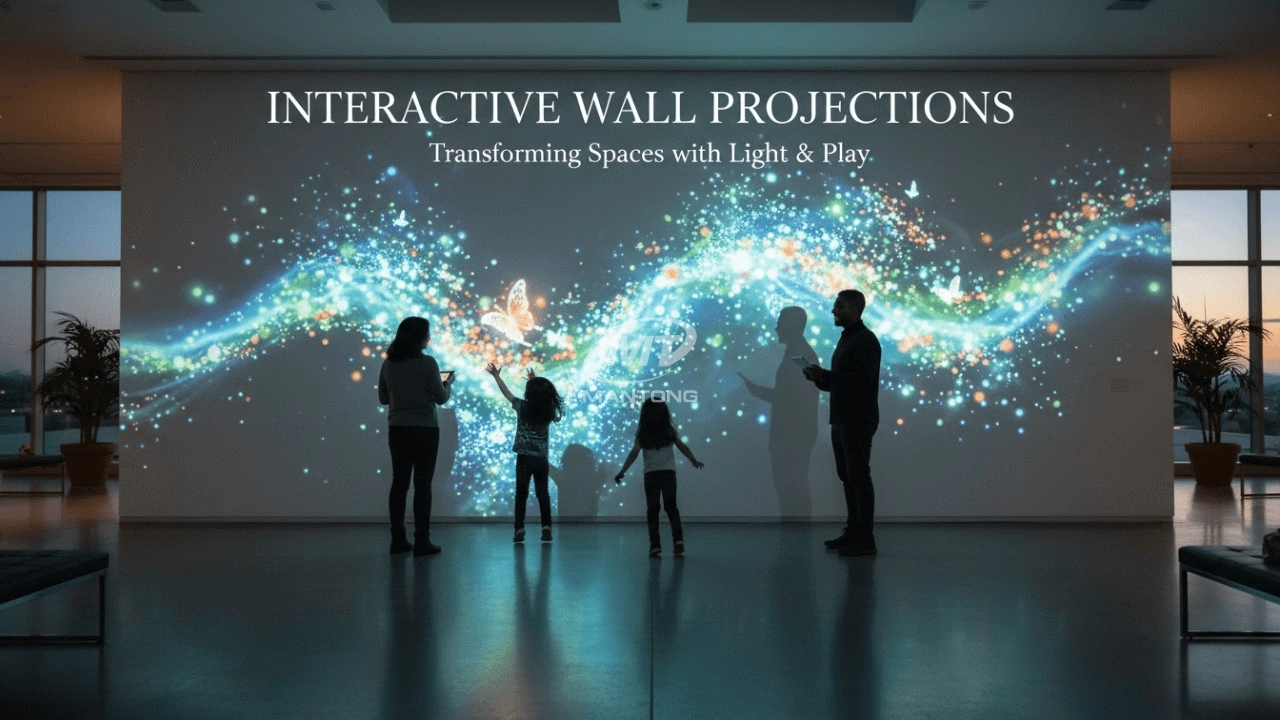
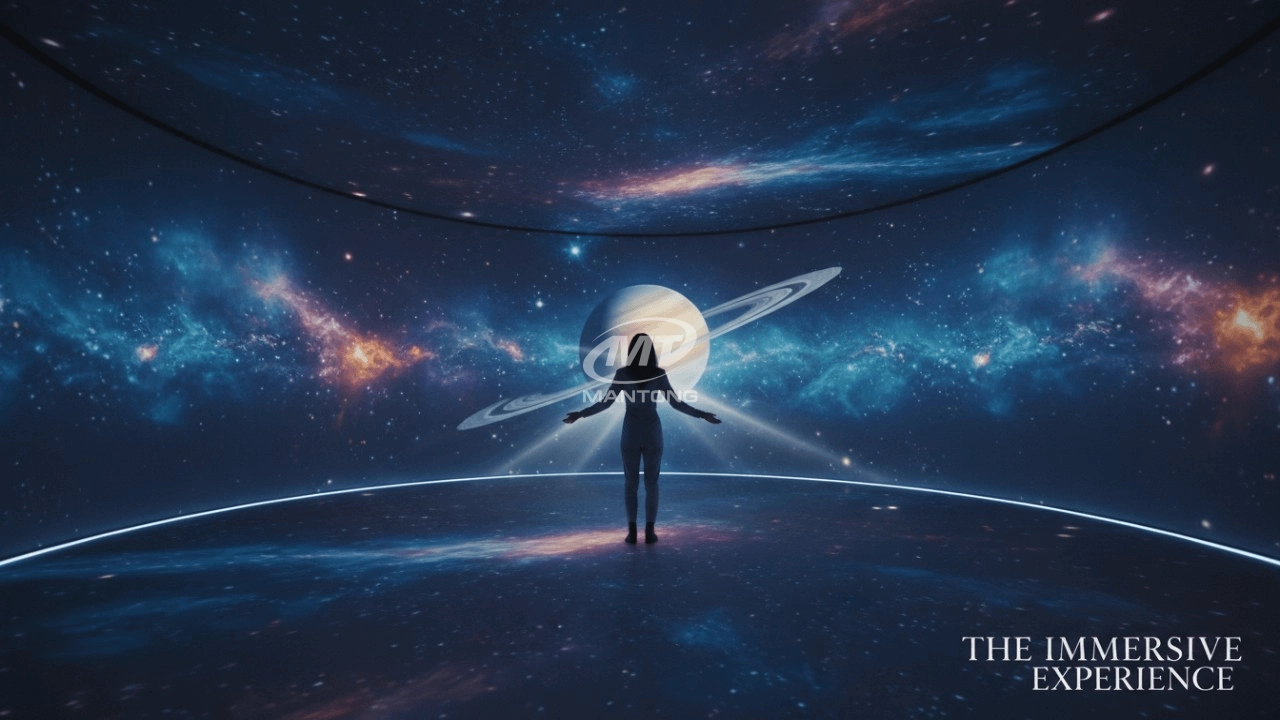
Immersive projection refers to a technology that creates a captivating and all-encompassing visual experience for viewers by projecting images or videos onto large surfaces, such as walls, floors, or even entire rooms. This technology aims to immerse the audience in a simulated environment, blurring the boundaries between the physical and virtual worlds.
How to Write an Interactive-Effect Video Customisation Script ?
① Project Background: Briefly introduce the context in which this interactive scene will be used (e.g., exhibition, museum,
event space, children's area). Example: This scene is part of the “Underwater World” zone in a children's science museum,
designed to be engaging and exploratory.
②Visual Style / Atmosphere: What kind of visual mood are you aiming for? Please describe the color scheme, style, and any
references. it should focus solely on describing the visual aspects of the scene, supported by relevant charts or reference
images.
③ Interaction Points Overview:List each interactive hotspot along with the effect you'd like to trigger when the user
touches or clicks the area. example: when player touch the clownfish, it will swims away with bubble trail (animation effect)
and produce the bubble sound ( sound effect requirement )
④ Static Visual Reference:including but not limited to background image/video, a list of major visual elements (e.g., coral,
rocks, seaweed, fish), which elements should be interactive?
Are you trader or manufacturer ?
We are direct manufacturer who specialize in providing one-stop solution for different outdoor & indoor projection project with our stable software and qualified projectors

Indoor interactive floor projections display dynamic themed videos on the floor, commonly used in venues aiming to enhance brand influence or attract foot traffic, such as restaurants, hotel corridors, and brand car retail stores.
By using projectors and compatible software, the interactive content is projected onto the floor, encouraging engagement between people and the projected visuals. A single 5500-lumen indoor floor projector can cover an area of 5 m × 3 m. Typically, each project will use at least 3 units to ensure broad coverage and optimal visual effects.
We also offer customized design and installation support to enhance the interactive experience for your venue.

Combining projection mapping with 3D interactive ground projection technology brings an unprecedented immersive experience to outdoor scenes.

Rapidly Rotating Bouncing Sphere is an interactive space where participants jump on rotating spheres. As they step on it, the spheres surface will show special interactivity
Jumping on spheres of the same color in succession causes them to pop, releasing light particles. The more consecutive jumps, the greater the reward—caterpillars appear, and eventually, all spheres of that color burst, filling the space with light and even more caterpillars.

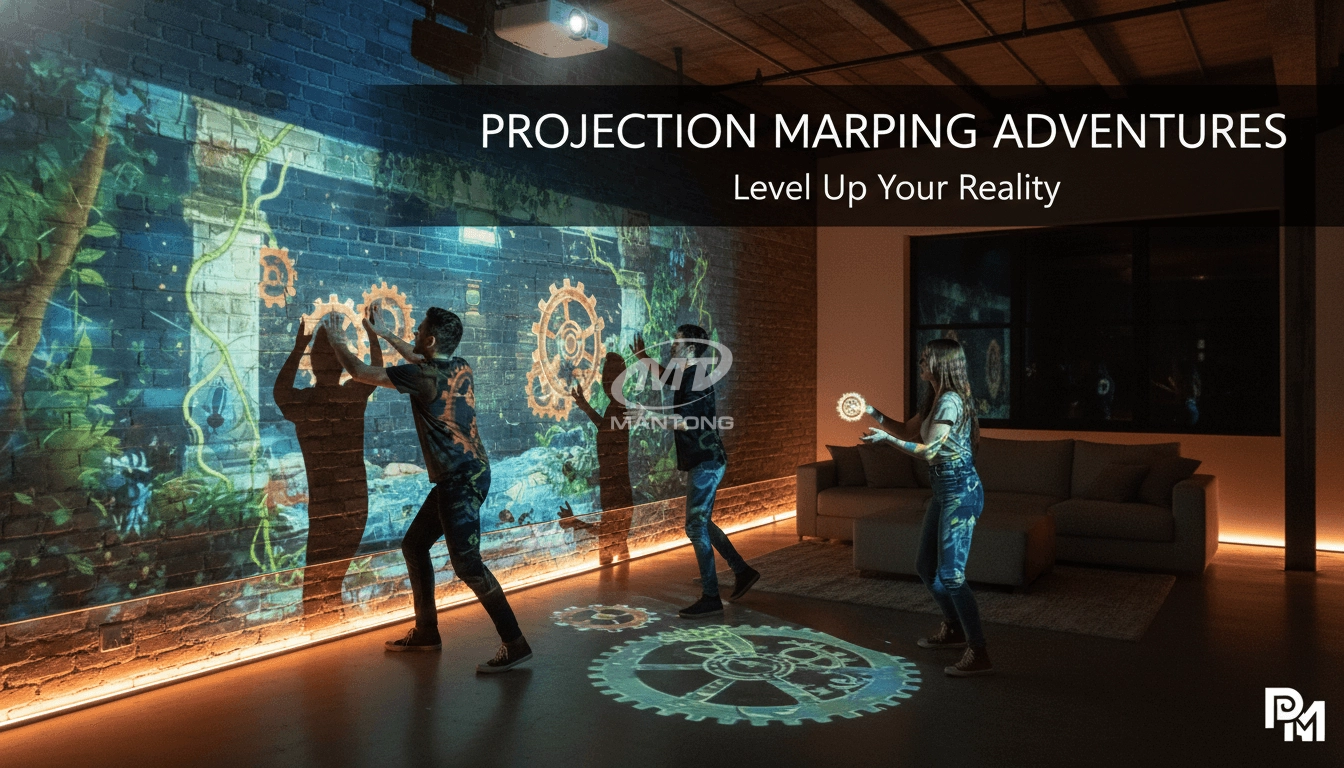
Transform any space with Mantong's immersive projection mapping systems. Our high-lumen projectors (up to 6500 LM) and custom software create captivating interactive experiences for floors and walls. Ideal for museums, events, retail, and hospitality. Each kit includes professional ceiling mounting and 80+ pre-loaded video contents and is backed by a 12-month warranty and CE certification. We offer full customization and support to bring your vision to life.
Contact Us to Start Your Interactive Projection Journey
Contact us now to discuss how to create innovative projection solutions for your space.

Kaida Business Center, Shixin Road, Panyu District,Guangzhou City, Guangdong Province, China.
ManTong
ManTong
ManTong