
What types of sensors are required for an interactive wall projector? | Insights by Mantong
- What Types of Sensors Are Required for an Interactive Wall Projector?
- 1. What Are the Most Common Sensor Technologies Used?
- 2. How Do Sensor Technologies Impact Interactive Wall Performance?
- 3. Are There Hybrid Sensor Systems?
- 4. What Environmental Factors Affect Sensor Selection?
- 5. What Are Popular Brands and Technologies as of 2024?
- Conclusion: Making an Informed Purchase
What Types of Sensors Are Required for an Interactive Wall Projector?
Interactive wall projectors have revolutionized how we engage with digital content in classrooms, corporate environments, retail, and entertainment. At the heart of these systems are sensors that detect user interaction and environmental factors. Understanding sensor types is crucial for procurement professionals and integrators aiming to deploy efficient, responsive interactive walls.
1. What Are the Most Common Sensor Technologies Used?
The primary sensor types used in interactive wall projectors include:
- Infrared (IR) Sensors: IR sensors use an IR light grid to detect touch or gestures. They’re popular due to their reliability and low latency.
- Capacitive Sensors: These sensors detect changes in capacitance caused by human touch, offering high accuracy and multi-touch capability.
- Ultrasonic Sensors: They use sound waves to detect the position and movement of objects near the wall, suitable for gesture recognition beyond touch.
- Camera-Based Systems: RGB or depth cameras (e.g., structured light or time-of-flight sensors) track hand positions and gestures, enabling complex interactions.
- Optical Sensors: These detect interruptions in infrared light beams or laser patterns projected on or near the surface.
2. How Do Sensor Technologies Impact Interactive Wall Performance?
Sensor choice impacts accuracy, latency, multi-touch support, environmental robustness, and cost. For example, camera-based systems (such as Microsoft Kinect-inspired solutions) provide gesture recognition in 3D space but require higher processing power. Infrared-based systems excel in simplicity and fast response but may suffer in bright sunlight. Capacitive sensors offer precise touch detection but can be costly for large surfaces.
3. Are There Hybrid Sensor Systems?
Yes, many advanced interactive projectors combine several sensor types to harness multiple interaction modes. For example, systems may integrate IR grids for touch detection with depth cameras to enhance gesture recognition or ultrasonic sensors to detect presence and distance.
4. What Environmental Factors Affect Sensor Selection?
Lighting conditions, ambient infrared noise, dust, and wall surface qualities influence sensor choice. Infrared sensors can be disrupted by direct sunlight or strong IR sources. Capacitive sensors demand conductive or specially coated surfaces. Hence, procurement must assess deployment environments carefully.
5. What Are Popular Brands and Technologies as of 2024?
Key manufacturers like OptiTrack, Ultraleap, and Lightform have advanced sensor technologies for interactive projections. Ultraleap, for example, specializes in combining ultrasonic haptics with camera-based tracking for immersive experiences. The global interactive projector market is predicted to grow at a CAGR of around 8% through 2028 (source: Grand View Research), driven by educational and corporate adoptions.
Conclusion: Making an Informed Purchase
When selecting sensors for an interactive wall projector, understanding the trade-offs between sensor types, environmental compatibility, and budget is vital. Infrared and capacitive sensors are excellent for traditional touch interactions, while camera and ultrasonic sensors unlock more sophisticated gestures and controls. Hybrid sensor solutions are increasingly prevalent, providing robust, multi-modal interactions.
For industry professionals, staying updated on sensor innovations and conducting thorough site assessments ensure the best deployment outcomes.


One-Stop Projection Solution Provider Since 2011
How to install the projection equipment ?
1) Install the projector in a suitable position. We will provide you with a hanger, which you need to fix on the ceiling with
screws.
2) Connect projectors, computers and other accessories through wires.
3) After completing the above 2 steps, we will carry out the edge blending steps. Our team can complete it through remote
control.
In general, installation instructions for each project need to be specified on a project-by-project basis. The above is for
reference only.
What information do you need to know before making the proposal/solution?
We know that everyone wants to know the price, but the price of our products is determined by many factors since most of our products are custom, so no ready price list. In order to fast understand what you need, can you send us an inquiry like this?
For example: I am really interested in your immersive projection products, we are a company in the USA and want to install some in my restaurant. It is about 50 meters long, and 5m in width. Projection size you can decide but the length should be not less than 20 meters. We want some content about SeaWorld because our place is all about the sea. Thank you.
What about the wall/floor material for the projection?
It’s recommended to choose a light-colored material with minimal reflectivity—pure white or light grey works best. the
common material is cement & plaster board
For optimal projection results, the surface should be free of any patterns or textures, as the projector will display content
directly onto it.
There are no specific material requirements; you may use any commonly available material in your local market, as long as it
meets the above conditions.
How to Write an Interactive-Effect Video Customisation Script ?
① Project Background: Briefly introduce the context in which this interactive scene will be used (e.g., exhibition, museum,
event space, children's area). Example: This scene is part of the “Underwater World” zone in a children's science museum,
designed to be engaging and exploratory.
②Visual Style / Atmosphere: What kind of visual mood are you aiming for? Please describe the color scheme, style, and any
references. it should focus solely on describing the visual aspects of the scene, supported by relevant charts or reference
images.
③ Interaction Points Overview:List each interactive hotspot along with the effect you'd like to trigger when the user
touches or clicks the area. example: when player touch the clownfish, it will swims away with bubble trail (animation effect)
and produce the bubble sound ( sound effect requirement )
④ Static Visual Reference:including but not limited to background image/video, a list of major visual elements (e.g., coral,
rocks, seaweed, fish), which elements should be interactive?
Are you trader or manufacturer ?
We are direct manufacturer who specialize in providing one-stop solution for different outdoor & indoor projection project with our stable software and qualified projectors

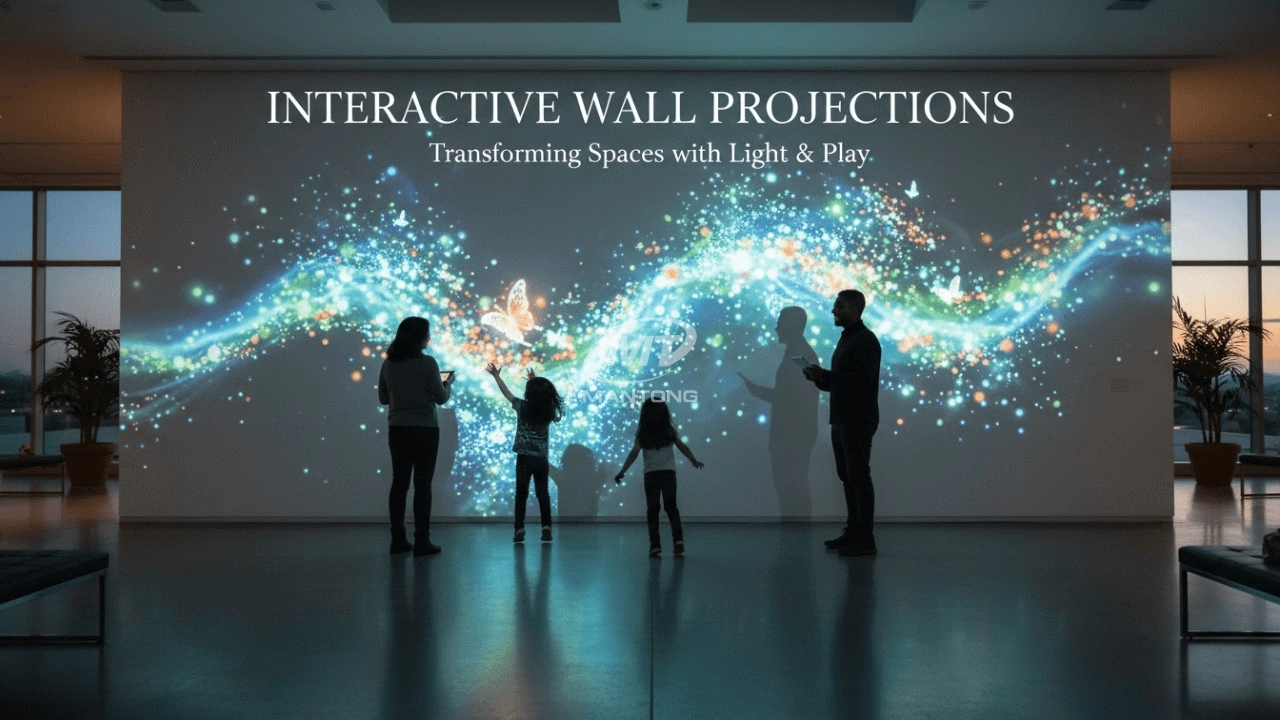
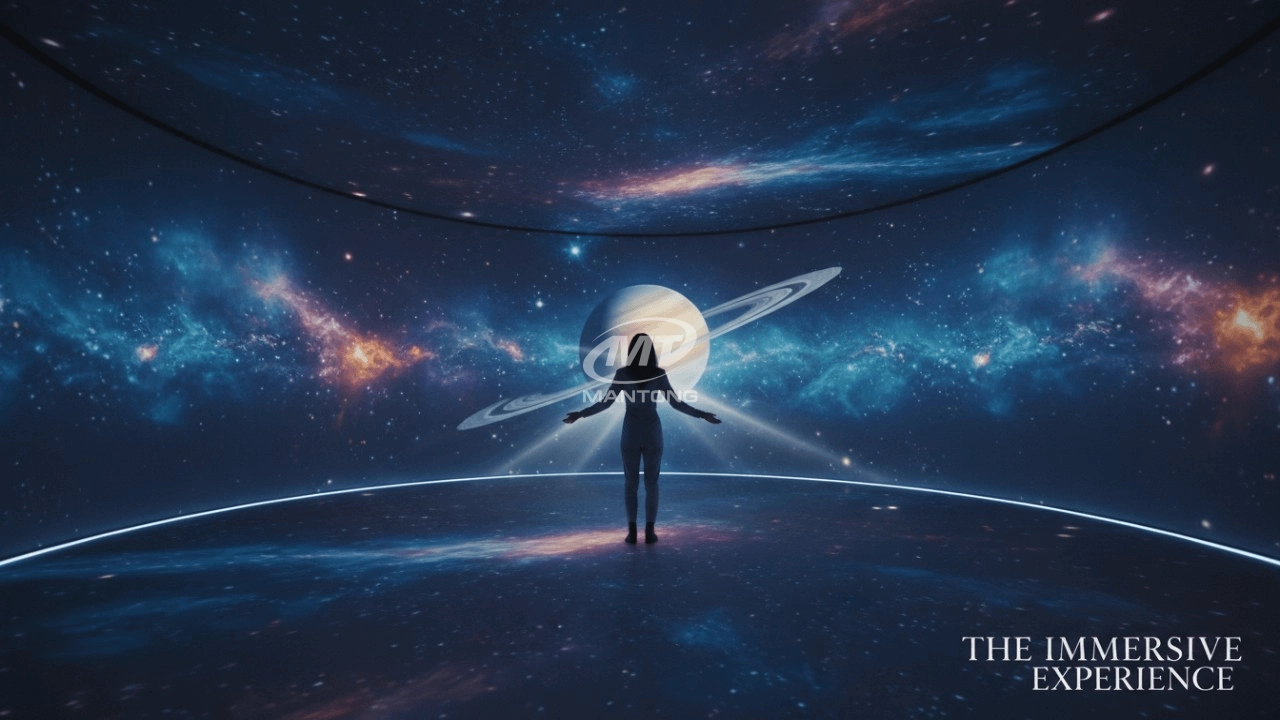
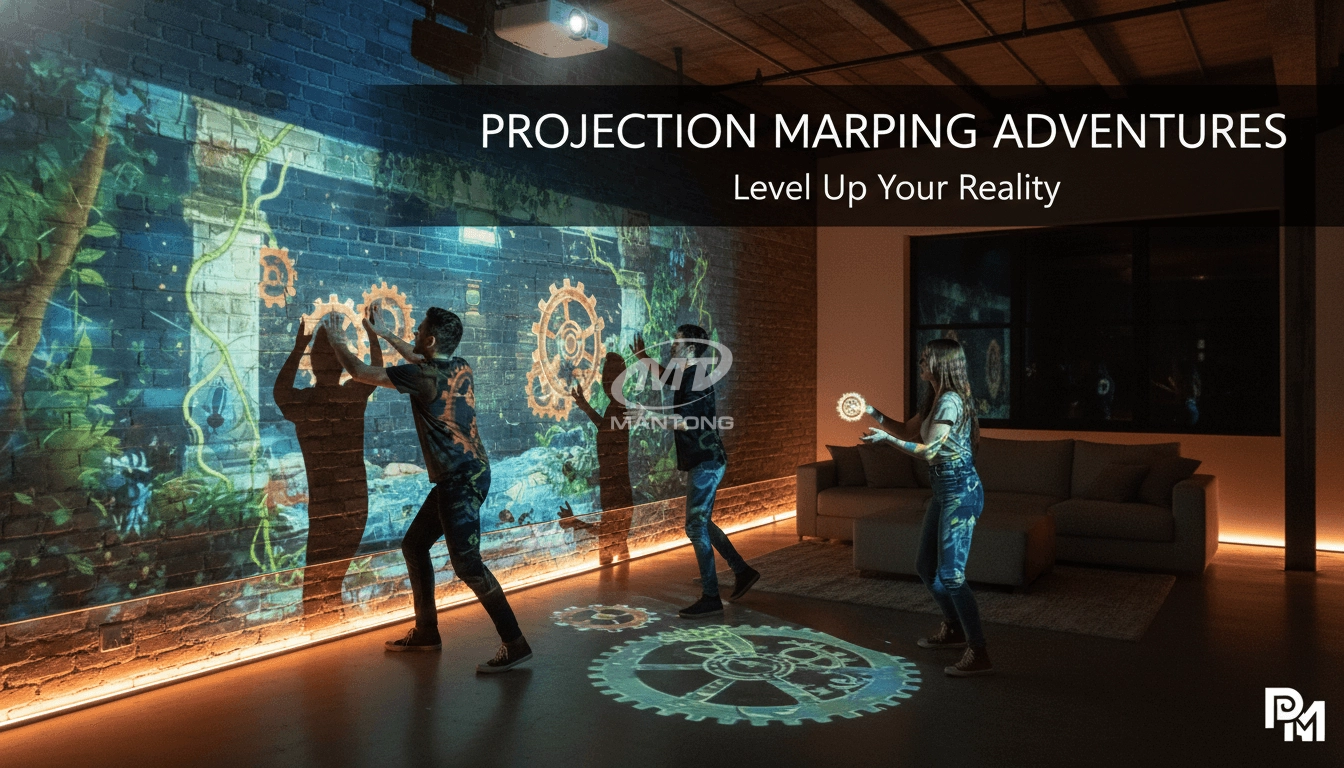
Transform any space with Mantong's immersive projection mapping systems. Our high-lumen projectors (up to 6500 LM) and custom software create captivating interactive experiences for floors and walls. Ideal for museums, events, retail, and hospitality. Each kit includes professional ceiling mounting and 80+ pre-loaded video contents and is backed by a 12-month warranty and CE certification. We offer full customization and support to bring your vision to life.

Indoor interactive floor projections display dynamic themed videos on the floor, commonly used in venues aiming to enhance brand influence or attract foot traffic, such as restaurants, hotel corridors, and brand car retail stores.
By using projectors and compatible software, the interactive content is projected onto the floor, encouraging engagement between people and the projected visuals. A single 5500-lumen indoor floor projector can cover an area of 5 m × 3 m. Typically, each project will use at least 3 units to ensure broad coverage and optimal visual effects.
We also offer customized design and installation support to enhance the interactive experience for your venue.

Combining projection mapping with 3D interactive ground projection technology brings an unprecedented immersive experience to outdoor scenes.

Rapidly Rotating Bouncing Sphere is an interactive space where participants jump on rotating spheres. As they step on it, the spheres surface will show special interactivity
Jumping on spheres of the same color in succession causes them to pop, releasing light particles. The more consecutive jumps, the greater the reward—caterpillars appear, and eventually, all spheres of that color burst, filling the space with light and even more caterpillars.
Contact Us to Start Your Interactive Projection Journey
Contact us now to discuss how to create innovative projection solutions for your space.

Kaida Business Center, Shixin Road, Panyu District,Guangzhou City, Guangdong Province, China.
ManTong
ManTong
ManTong