
The Definitive Guide to Interactive Projection Software: Choosing the Best in 2026
A comprehensive guide to selecting the best interactive projection software in 2026. This article covers definitions, detailed software comparisons (commercial vs. open-source), decision-making frameworks, and future trends like AI and AR integration. It includes practical tips for content creation and setup, catering to professionals in events, education, and marketing.
- Introduction
- What is Interactive Projection Software?
- Types of Interactive Projection Software & Their Best Use Cases
- 1. Game Engines (High-Fidelity & Customization)
- 2. Real-time Visual & Media Servers
- 3. Dedicated Interactive Projection & Mapping Tools
- 4. Open Source & Budget-Friendly Options
- Essential Features to Look for in Interactive Projection Software
- Choosing the Right Interactive Projection Software for Your Project
- Leading Interactive Projection Software Platforms: A Detailed Comparison
- Practical Tips for Content Creation & Implementation
- The Future of Interactive Projection Software
- Frequently Asked Questions
- What is the main difference between projection mapping and interactive projection?
- Can I use interactive projection software without coding skills?
- What kind of sensors are compatible with interactive projection software?
- Is open-source interactive projection software a viable option for commercial projects?
- How do I choose the right projector for an interactive projection setup?
- What are the typical costs associated with interactive projection software?
- Can interactive projection software be used outdoors?
- How can I create custom content for interactive projection systems?
Introduction
In the rapidly evolving landscape of digital experiential design, interactive projection system software has emerged as the critical engine driving immersion. No longer confined to static displays, modern environments—from retail floors to museum exhibits—demand responsiveness. As we move into 2026, the technology bridging physical spaces with digital content has become more accessible yet more sophisticated. This guide serves as a definitive resource for professionals seeking the best interactive projection tools, cutting through the noise to provide actionable, expert-level insights.
What is Interactive Projection Software?
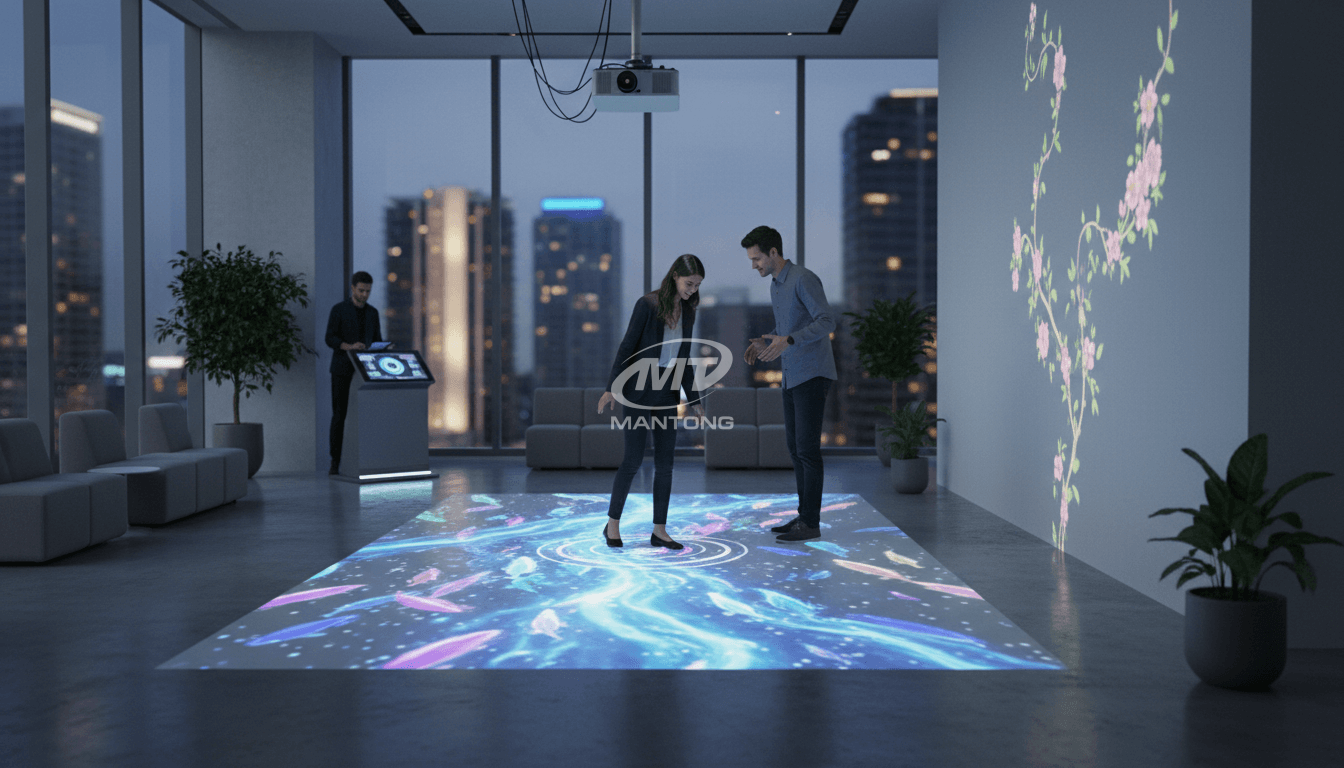
At its core, interactive projection software is the technological brain that allows projected visuals to respond to real-world actions in real-time. Unlike traditional projection mapping software interactive capabilities go beyond merely fitting an image to a 3D surface; they create a bidirectional feedback loop. As defined by general industry standards and concepts found on Wikipedia, projection mapping is the art of using irregularly shaped objects as a display surface for video projection. Interactive software takes this a step further by integrating sensor data—such as motion, touch, or object recognition—to trigger immediate visual changes.
The system relies on a synergy of three critical components:
1. The Projector: The light source delivering the visual content.
2. The Sensors: Devices like LiDAR, depth cameras (e.g., Azure Kinect), or IR sensors that capture user input.
3. The Software: The processing hub that interprets sensor data and renders the corresponding visual output instantly.
Types of Interactive Projection Software & Their Best Use Cases
Selecting the right tool depends entirely on your project's specific demands. The market in 2026 is segmented into distinct categories:
1. Game Engines (High-Fidelity & Customization)
Software like Unity and Unreal Engine remain the heavyweights for custom interactive projection. They offer unparalleled graphical fidelity and are the standard for integrating VR/AR elements. However, they require significant development time and coding expertise (C# or C++).
· Best For: Complex simulations, high-end brand activations, and environments requiring photorealistic physics.
2. Real-time Visual & Media Servers
Tools such as TouchDesigner, Resolume Arena, and Notch excel in live environments. TouchDesigner, known for its node-based visual programming, is a favorite for motion capture projection software setups where sensor data needs to be manipulated in complex ways without writing raw code from scratch.
· Best For: Interactive art installations, concert visuals, and VJing where real-time adaptability is paramount.
3. Dedicated Interactive Projection & Mapping Tools
Platforms like MadMapper, HeavyM, and LUMOplay are designed specifically for this niche. Interactive floor projection software solutions like LUMOplay provide pre-built templates, making it easy to deploy "step-and-play" games in schools or malls. MadMapper is renowned for its "Spatial Scanner" and precise geometric correction tools.
· Best For: Architectural mapping, retail displays, and quick-turnaround event installations.
4. Open Source & Budget-Friendly Options
For developers and educational institutions, open source interactive projection tools like Processing, openFrameworks, and the community edition of VVVV offer immense power without the licensing fees. These require a robust coding background but offer limitless flexibility.
· Best For: Experimental projects, coding education, and developers building proprietary systems.
Essential Features to Look for in Interactive Projection Software
When evaluating interactive display software, prioritize these technical specifications:
· Low Latency Processing: The delay between a user's movement and the visual response must be imperceptible (ideally under 16ms for 60fps) to maintain the illusion of interaction.
· Advanced Calibration: Look for features that support multi-projector edge blending and mesh warping, essential for interactive wall software that covers large, irregular surfaces.
· Sensor Agnosticism: Top-tier software supports a wide range of inputs, from TUIO and OSC protocols to native support for RealSense and Orbbec sensors.
· Content Management: Integrated tools for scheduling, asset management, and remote updates are crucial for permanent installations.
Choosing the Right Interactive Projection Software for Your Project
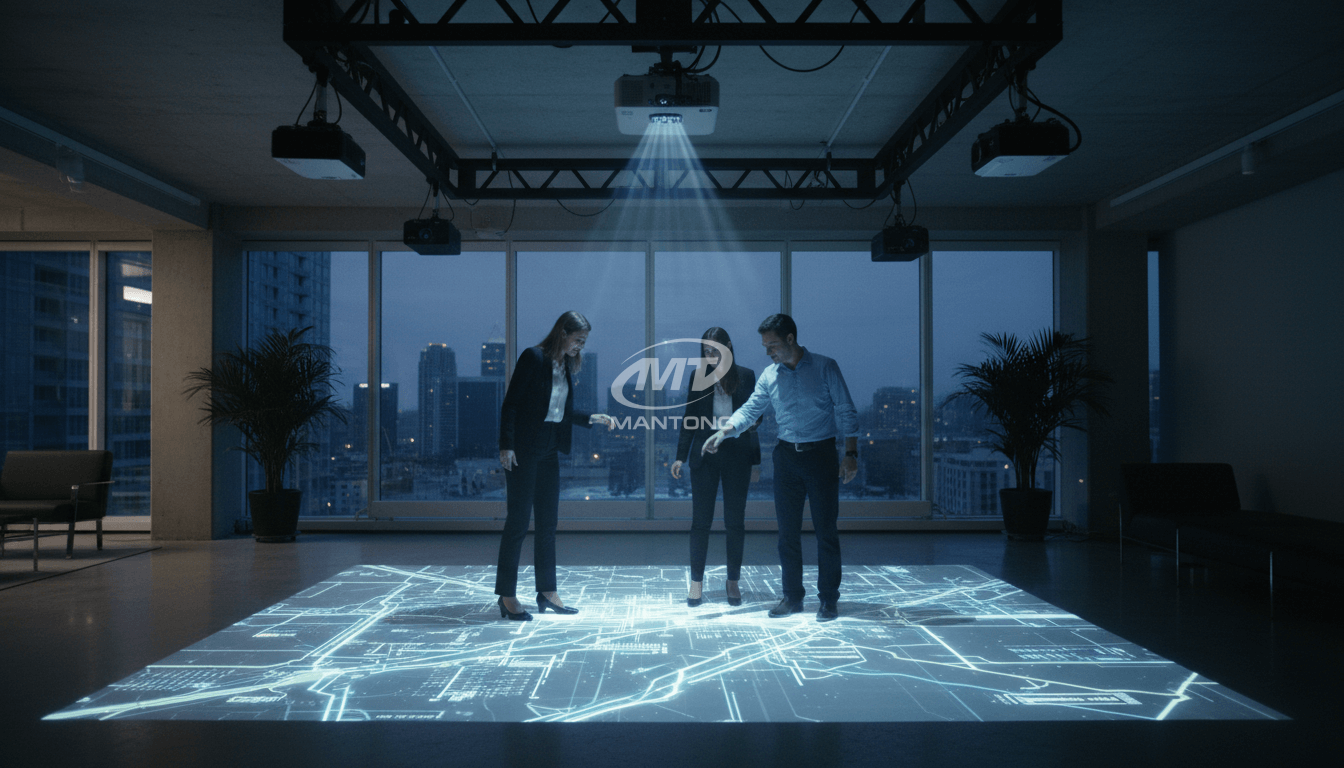
To avoid costly mistakes, apply this decision framework:
1. Define Scope & Interaction: Is this a passive ambient display or a gamified active experience? Projection software for events often needs to be robust and fail-safe, whereas an art installation might prioritize generative aesthetics.
2. Assess Technical Fluency: If your team lacks C++ developers, avoid Unreal Engine. Opt for node-based tools like TouchDesigner or no-code platforms like Intuiface.
3. Budget Strategy: Factor in not just the software license (subscription vs. perpetual) but also the hardware costs. Open-source tools save on licenses but may increase labor costs due to longer setup times.
4. Environment: Outdoor setups utilizing LiDAR sensors require software capable of filtering "noise" from sunlight, a feature found in specialized professional suites.
Leading Interactive Projection Software Platforms: A Detailed Comparison
|
Platform |
Primary Strength |
Learning Curve |
Best Use Case |
Licensing Model |
|
TouchDesigner |
Infinite flexibility, sensor integration |
Steep |
Custom installations, Data Viz |
Commercial/Pro/Edu |
|
Resolume Arena |
Live mixing, stability |
Moderate |
Concerts, Live Events |
Perpetual |
|
MadMapper |
Geometric mapping, Lighting control |
Low-Moderate |
Architectural Mapping, LEDs |
Perpetual/Rent |
|
LUMOplay |
Ease of use, App market |
Low |
Interactive Floors/Walls (Retail/Edu) |
Subscription |
|
Unity |
3D Physics, Graphics |
Steep |
High-end Games, AR/VR |
Tiered Subscription |
|
HeavyM |
Quick preset effects |
Low |
Stage Design, DJ Booths |
Perpetual/Sub |
Practical Tips for Content Creation & Implementation
Creating content for interactive projection tools requires a shift in design thinking. Users are not just viewers; they are participants.
· Contrast is King: In projection, black is simply the absence of light. Use high-contrast visuals to ensure visibility against ambient light.
· Feedback Loops: Ensure every interaction provides immediate visual or auditory feedback. If a user steps on a virtual flower, it must bloom instantly.
· Hardware Calibration: Always rigidly mount sensors and projectors. Even a millimeter of drift can break the alignment between the physical touchpoint and the digital reaction.
The Future of Interactive Projection Software
Looking ahead, the industry is moving toward AI-driven adaptability. Future software versions are expected to use machine learning to analyze crowd sentiment and adjust visuals automatically. Furthermore, the integration of Augmented Reality (AR) layers will allow users to interact with projections via mobile devices, creating a hybrid "phygital" experience. Cloud-based rendering is also on the horizon, potentially reducing the need for powerful local media servers.
Frequently Asked Questions
What is the main difference between projection mapping and interactive projection?
Projection mapping involves projecting visuals onto irregularly shaped surfaces to create optical illusions, often pre-rendered. Interactive projection adds a layer of user engagement, allowing real-time interaction with the projected content through sensors, transforming a passive viewing experience into an active one.
Can I use interactive projection software without coding skills?
Yes, many platforms are designed for non-programmers. LUMOplay, Intuiface, and HeavyM offer intuitive, drag-and-drop interfaces or template-based systems. These allow users to deploy interactive floor projection software setups without writing a single line of code.
What kind of sensors are compatible with interactive projection software?
The most common sensors include depth cameras (like the Intel RealSense or Orbbec line), LiDAR scanners for long-range or outdoor detection, and simple infrared cameras. Motion capture projection software often utilizes these to track skeletal data or blob detection.
Is open-source interactive projection software a viable option for commercial projects?
Yes, but with caveats. Open source interactive projection tools like Processing or openFrameworks are incredibly powerful and cost-effective. However, they typically lack official support channels, meaning you need a skilled developer on hand to troubleshoot issues during critical commercial deployments.
How do I choose the right projector for an interactive projection setup?
You must consider brightness (lumens), especially for interactive display software used in well-lit retail environments. Throw ratio is also critical; ultra-short-throw projectors are preferred for interactive walls and floors to minimize the shadows cast by users standing in the projection beam.
What are the typical costs associated with interactive projection software?
Costs vary wildly. Open-source tools are free. Consumer-friendly options like LUMOplay might charge a monthly subscription (e.g., $50-$100/month). Professional industry standards like TouchDesigner or Resolume can cost significantly more for perpetual licenses, often ranging from several hundred to over two thousand dollars depending on the feature set.
Can interactive projection software be used outdoors?
Yes, but it presents challenges. You need high-brightness projectors and weather-resistant enclosures. Furthermore, for interaction, you typically need LiDAR sensors, as standard IR depth cameras often fail in direct sunlight due to infrared interference.
How can I create custom content for interactive projection systems?
Content can be designed in standard tools like Adobe After Effects or Blender and imported. However, for truly reactive experiences, content is often "generative," meaning it is created in real-time by the software (like Unity or TouchDesigner) based on code and sensor data, rather than being a pre-recorded video file.


One-Stop Projection Solution Provider Since 2011
What about the wall/floor material for the projection?
It’s recommended to choose a light-colored material with minimal reflectivity—pure white or light grey works best. the
common material is cement & plaster board
For optimal projection results, the surface should be free of any patterns or textures, as the projector will display content
directly onto it.
There are no specific material requirements; you may use any commonly available material in your local market, as long as it
meets the above conditions.
What's the application of Immersive projection ?
It can be used in various venues, such as art exhibition, entertainment venues, educational institution, Wedding hall /Banquet/Bar,Yoga Studio and so on. It often involves advanced projection techniques, multimedia content, and interactive elements to engage and captivate the audience's senses.
How to Write an Interactive-Effect Video Customisation Script ?
① Project Background: Briefly introduce the context in which this interactive scene will be used (e.g., exhibition, museum,
event space, children's area). Example: This scene is part of the “Underwater World” zone in a children's science museum,
designed to be engaging and exploratory.
②Visual Style / Atmosphere: What kind of visual mood are you aiming for? Please describe the color scheme, style, and any
references. it should focus solely on describing the visual aspects of the scene, supported by relevant charts or reference
images.
③ Interaction Points Overview:List each interactive hotspot along with the effect you'd like to trigger when the user
touches or clicks the area. example: when player touch the clownfish, it will swims away with bubble trail (animation effect)
and produce the bubble sound ( sound effect requirement )
④ Static Visual Reference:including but not limited to background image/video, a list of major visual elements (e.g., coral,
rocks, seaweed, fish), which elements should be interactive?
What information do you need to know before making the proposal/solution?
We know that everyone wants to know the price, but the price of our products is determined by many factors since most of our products are custom, so no ready price list. In order to fast understand what you need, can you send us an inquiry like this?
For example: I am really interested in your immersive projection products, we are a company in the USA and want to install some in my restaurant. It is about 50 meters long, and 5m in width. Projection size you can decide but the length should be not less than 20 meters. We want some content about SeaWorld because our place is all about the sea. Thank you.
How to install the projection equipment ?
1) Install the projector in a suitable position. We will provide you with a hanger, which you need to fix on the ceiling with
screws.
2) Connect projectors, computers and other accessories through wires.
3) After completing the above 2 steps, we will carry out the edge blending steps. Our team can complete it through remote
control.
In general, installation instructions for each project need to be specified on a project-by-project basis. The above is for
reference only.

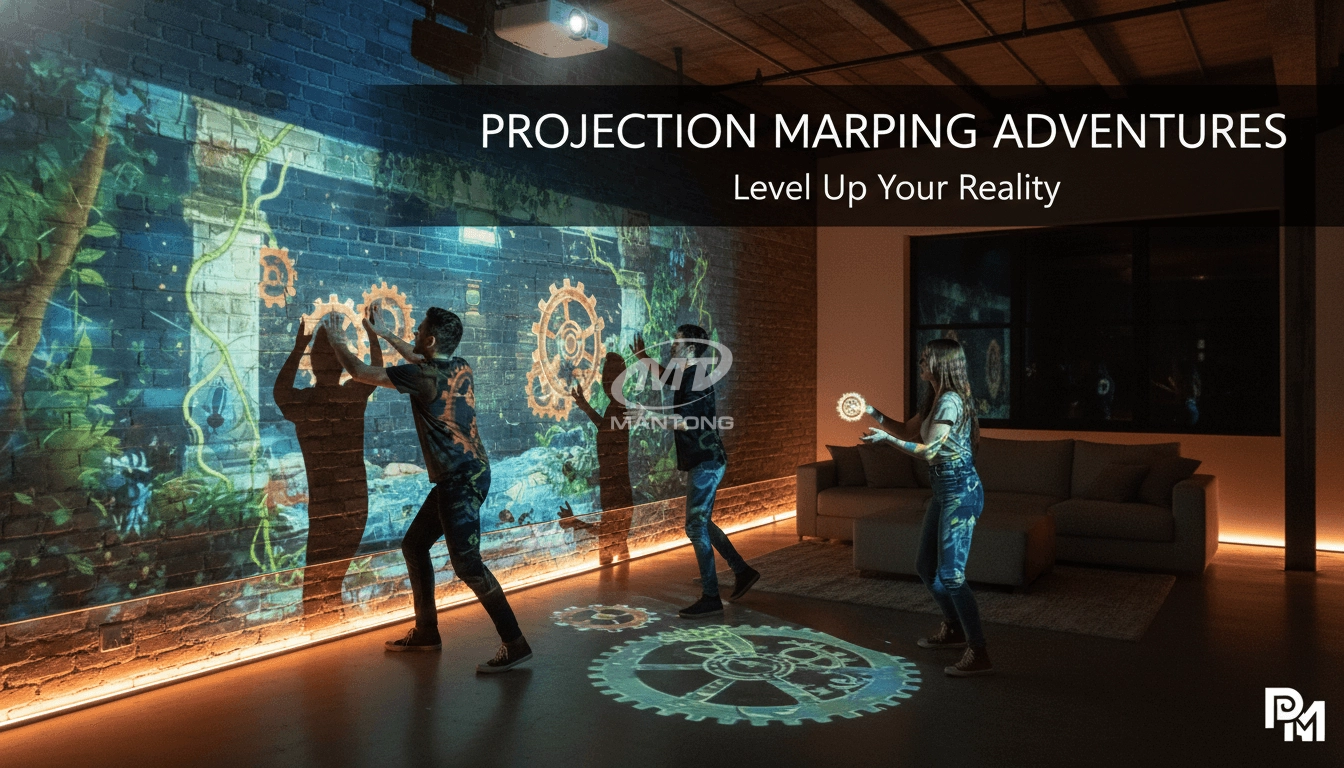
Transform any space with Mantong's immersive projection mapping systems. Our high-lumen projectors (up to 6500 LM) and custom software create captivating interactive experiences for floors and walls. Ideal for museums, events, retail, and hospitality. Each kit includes professional ceiling mounting and 80+ pre-loaded video contents and is backed by a 12-month warranty and CE certification. We offer full customization and support to bring your vision to life.

Rapidly Rotating Bouncing Sphere is an interactive space where participants jump on rotating spheres. As they step on it, the spheres surface will show special interactivity
Jumping on spheres of the same color in succession causes them to pop, releasing light particles. The more consecutive jumps, the greater the reward—caterpillars appear, and eventually, all spheres of that color burst, filling the space with light and even more caterpillars.

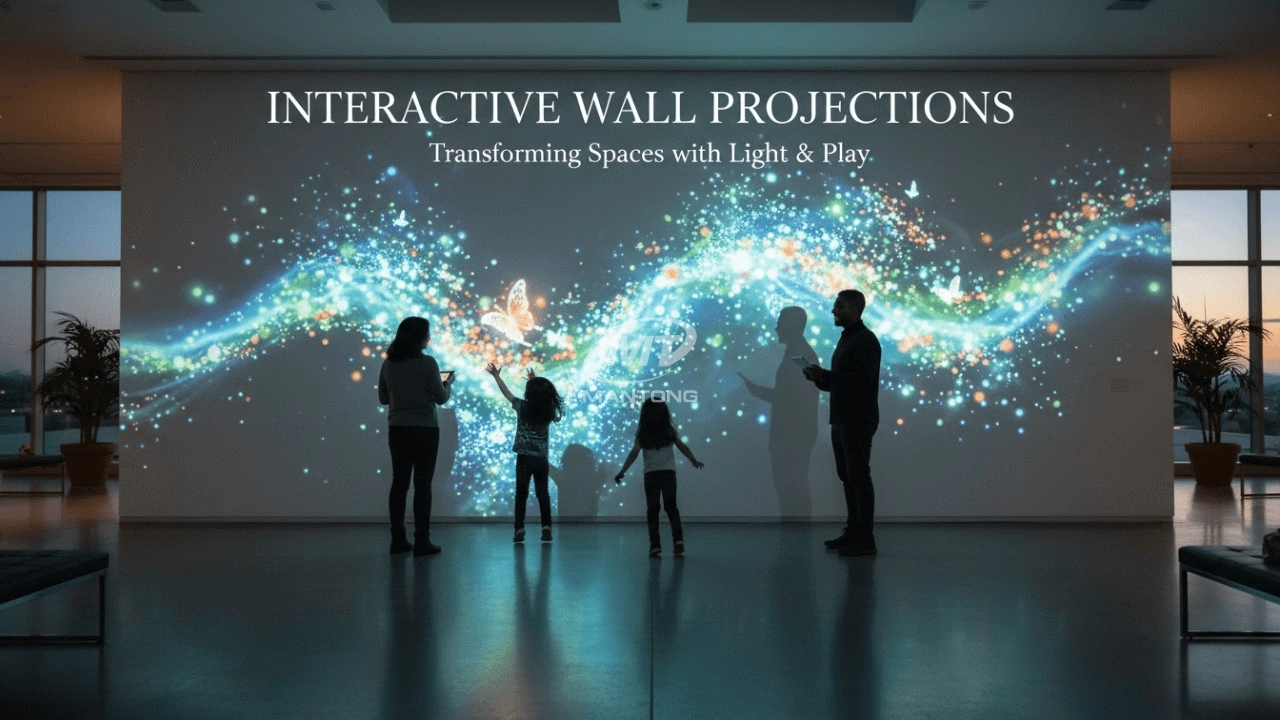
Bring imagination to life with interactive sandbox projection mapping games designed for kids’ play parks. Using cutting-edge projection technology and real-time motion sensing, children can dig, build, and explore virtual worlds directly in the sand. Educational, engaging, and endlessly fun — it’s the perfect blend of play and learning.

Indoor interactive floor projections display dynamic themed videos on the floor, commonly used in venues aiming to enhance brand influence or attract foot traffic, such as restaurants, hotel corridors, and brand car retail stores.
By using projectors and compatible software, the interactive content is projected onto the floor, encouraging engagement between people and the projected visuals. A single 5500-lumen indoor floor projector can cover an area of 5 m × 3 m. Typically, each project will use at least 3 units to ensure broad coverage and optimal visual effects.
We also offer customized design and installation support to enhance the interactive experience for your venue.
Contact Us to Start Your Interactive Projection Journey
Contact us now to discuss how to create innovative projection solutions for your space.

Kaida Business Center, Shixin Road, Panyu District,Guangzhou City, Guangdong Province, China.
ManTong
ManTong
ManTong