
What tools are needed for interactive projector installation?
- 1. What Are the Essential Tools Needed for Interactive Projection Installation?
- Projector Selection
- Sensor Integration
- Computing and Media Playback
- Software Tools
- Mounting and Installation Accessories
- Environmental Considerations
- Maintenance Tools
- Conclusion: Why Choose Mantong for Your Interactive Projection Needs?
Interactive projection systems offer immersive and engaging experiences across various applications, from educational settings to entertainment venues. Proper installation is crucial to ensure optimal performance and longevity. This guide addresses common questions and provides insights into the essential tools and considerations for installing interactive projection systems.
1. What Are the Essential Tools Needed for Interactive Projection Installation?
Projector Selection
Choosing the right projector is fundamental. Key factors include:
Brightness (Lumens): For indoor installations, a projector with 3,000–8,000 lumens is typically sufficient. ((https://www.mtprojection.com/interactive-projection-installation-guide.html))
Resolution: Higher resolutions (e.g., 1080p) provide clearer images, enhancing the interactive experience.
Throw Ratio: Determines the distance between the projector and the screen; short throw projectors are ideal for limited spaces.
Light Source: Laser projectors offer longer lifespans (20,000–30,000+ hours) compared to lamp projectors (2,000–5,000 hours). ((https://www.mtprojection.com/interactive-projection-installation-guide.html))
Sensor Integration
Sensors detect user interactions and are vital for an interactive setup. Options include:
Infrared (IR) Cameras: Suitable for high-ambient-light conditions.
Depth Cameras: Effective for floor interactions up to several meters.
Vision Cameras with Computer-Vision Algorithms: Offer flexibility in interaction types.
Selecting sensors based on the environment and interaction requirements ensures responsiveness and accuracy. ((https://www.mtprojection.com/interactive-projection-installation-guide.html))
Computing and Media Playback
A robust computing system is essential for processing and displaying interactive content. Considerations include:
Media Servers: Ideal for high-resolution mapping and real-time interactive content.
All-in-One PCs: Suitable for less complex setups.
Compact PCs (e.g., NUCs): Cost-effective for single-projector installations.
Ensure the chosen system supports the required software and output resolutions. ((https://www.mtprojection.com/interactive-projection-installation-guide.html))
Software Tools
Software plays a pivotal role in content creation and system management. Notable tools include:
Epson's Easy Interactive Tools: Facilitates interactive content creation and management.
Digital Projection's Multi Projection Simulator Pro: Assists in designing and implementing complex installations.
Jamma's Auto-Calibration System: Ensures precise alignment and calibration of interactive wall projectors.
Mounting and Installation Accessories
Proper mounting ensures stability and optimal projection angles. Essential accessories include:
Ceiling Mounts: Secure projectors to the ceiling, allowing for adjustable angles.
Wall Mounts: Suitable for wall installations, providing flexibility in positioning.
Cables and Connectors: High-quality cables ensure reliable data and power transmission.
Calibration Tools: Software and hardware tools that assist in aligning and calibrating the projection system.
Environmental Considerations
The installation environment significantly impacts system performance:
Ambient Light: High ambient light can wash out projections; controlling lighting is essential for clear visuals. ((https://www.mtprojection.com/interactive-projection-installation-guide-1.html))
Surface Characteristics: The color, texture, and reflectivity of projection surfaces impact image quality. ((https://www.mtprojection.com/interactive-projection-installation-guide-1.html))
Space Dimensions: Room size and layout influence projection angles and image scaling. ((https://www.mtprojection.com/interactive-projection-installation-guide-1.html))
Maintenance Tools
Regular maintenance ensures longevity and optimal performance:
Cleaning Supplies: Tools for dusting and cleaning projectors and sensors.
Software Update Mechanisms: Systems to manage and deploy software updates.
Diagnostic Tools: Software and hardware tools to monitor system health and troubleshoot issues.
Conclusion: Why Choose Mantong for Your Interactive Projection Needs?
Mantong offers comprehensive solutions for interactive projection installations, providing:
Customized Designs: Tailored solutions to meet specific venue requirements.
High-Quality Equipment: Utilizing top-tier projectors, sensors, and software for superior performance.
Expert Installation Services: Professional installation ensuring optimal setup and calibration.
Ongoing Support: Dedicated customer service for maintenance and troubleshooting.
Choosing Mantong ensures a seamless and immersive interactive projection experience, backed by industry expertise and commitment to quality.
Sources:


One-Stop Projection Solution Provider Since 2011
How to install the projection equipment ?
1) Install the projector in a suitable position. We will provide you with a hanger, which you need to fix on the ceiling with
screws.
2) Connect projectors, computers and other accessories through wires.
3) After completing the above 2 steps, we will carry out the edge blending steps. Our team can complete it through remote
control.
In general, installation instructions for each project need to be specified on a project-by-project basis. The above is for
reference only.
What's the application of Immersive projection ?
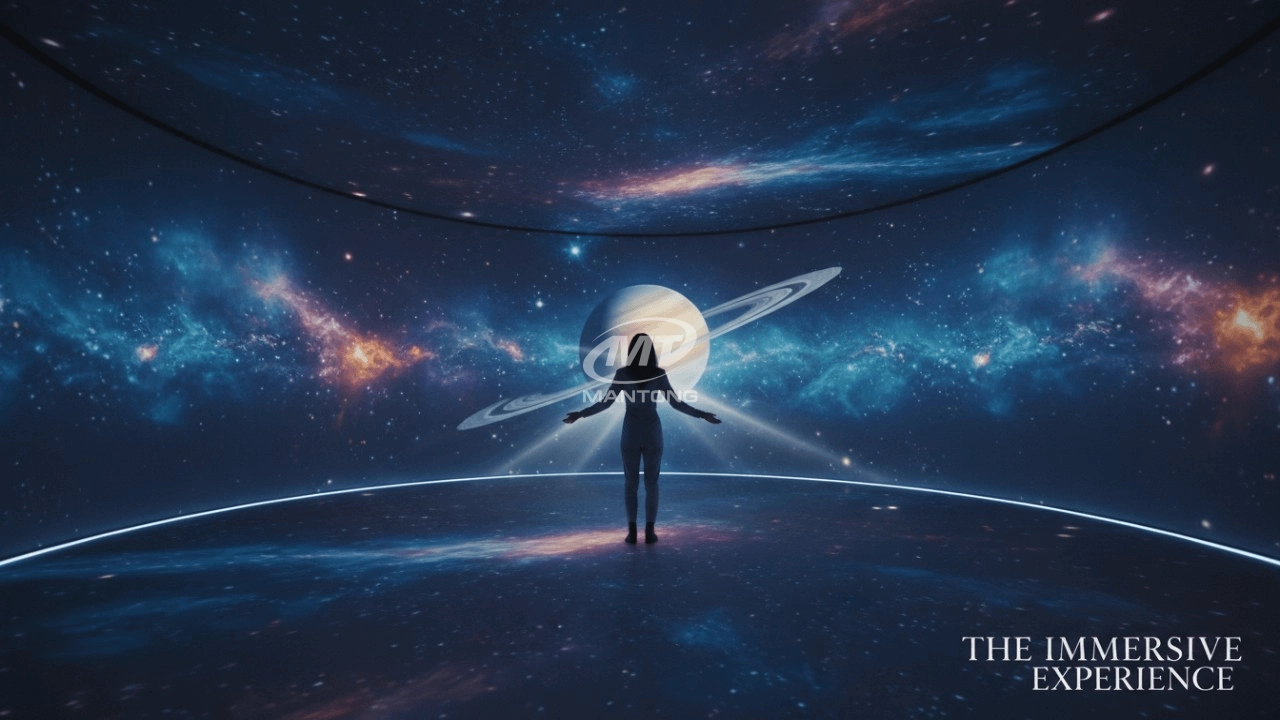
It can be used in various venues, such as art exhibition, entertainment venues, educational institution, Wedding hall /Banquet/Bar,Yoga Studio and so on. It often involves advanced projection techniques, multimedia content, and interactive elements to engage and captivate the audience's senses.
What's Immersive Projection ?
Immersive projection refers to a technology that creates a captivating and all-encompassing visual experience for viewers by projecting images or videos onto large surfaces, such as walls, floors, or even entire rooms. This technology aims to immerse the audience in a simulated environment, blurring the boundaries between the physical and virtual worlds.
What about the wall/floor material for the projection?
It’s recommended to choose a light-colored material with minimal reflectivity—pure white or light grey works best. the
common material is cement & plaster board
For optimal projection results, the surface should be free of any patterns or textures, as the projector will display content
directly onto it.
There are no specific material requirements; you may use any commonly available material in your local market, as long as it
meets the above conditions.
What information do you need to know before making the proposal/solution?
We know that everyone wants to know the price, but the price of our products is determined by many factors since most of our products are custom, so no ready price list. In order to fast understand what you need, can you send us an inquiry like this?
For example: I am really interested in your immersive projection products, we are a company in the USA and want to install some in my restaurant. It is about 50 meters long, and 5m in width. Projection size you can decide but the length should be not less than 20 meters. We want some content about SeaWorld because our place is all about the sea. Thank you.

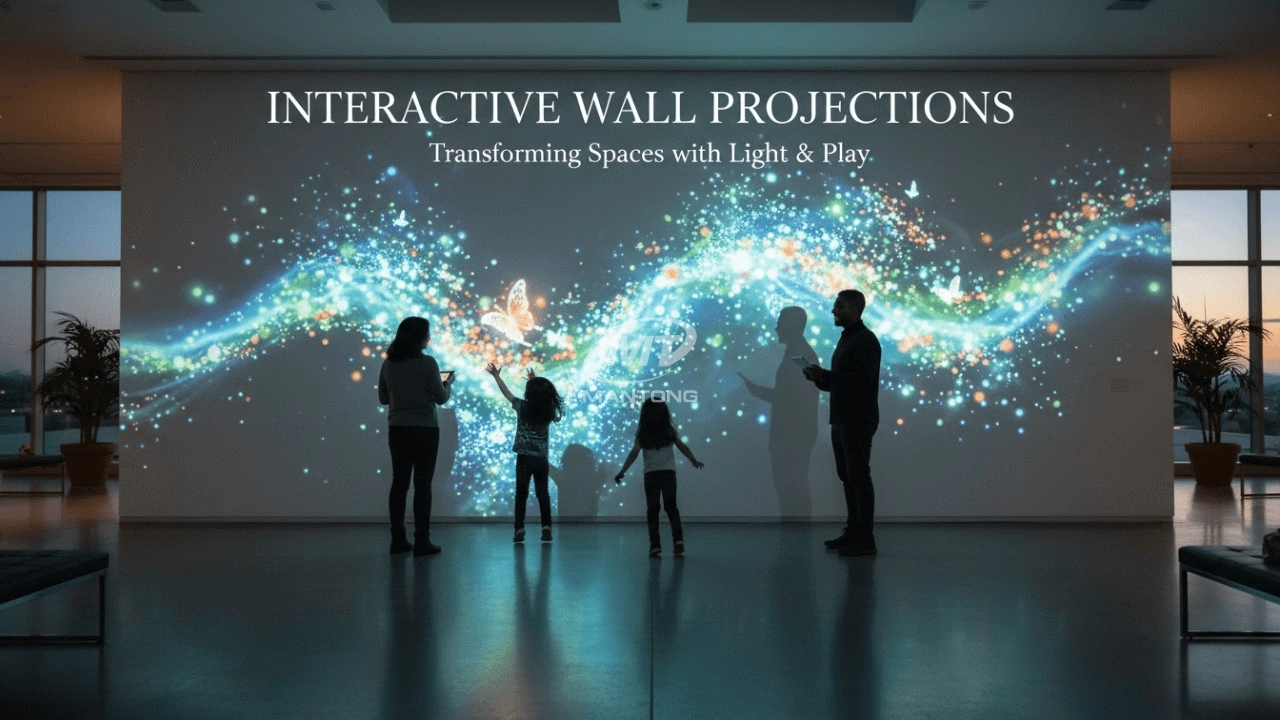
Indoor interactive floor projections display dynamic themed videos on the floor, commonly used in venues aiming to enhance brand influence or attract foot traffic, such as restaurants, hotel corridors, and brand car retail stores.
By using projectors and compatible software, the interactive content is projected onto the floor, encouraging engagement between people and the projected visuals. A single 5500-lumen indoor floor projector can cover an area of 5 m × 3 m. Typically, each project will use at least 3 units to ensure broad coverage and optimal visual effects.
We also offer customized design and installation support to enhance the interactive experience for your venue.

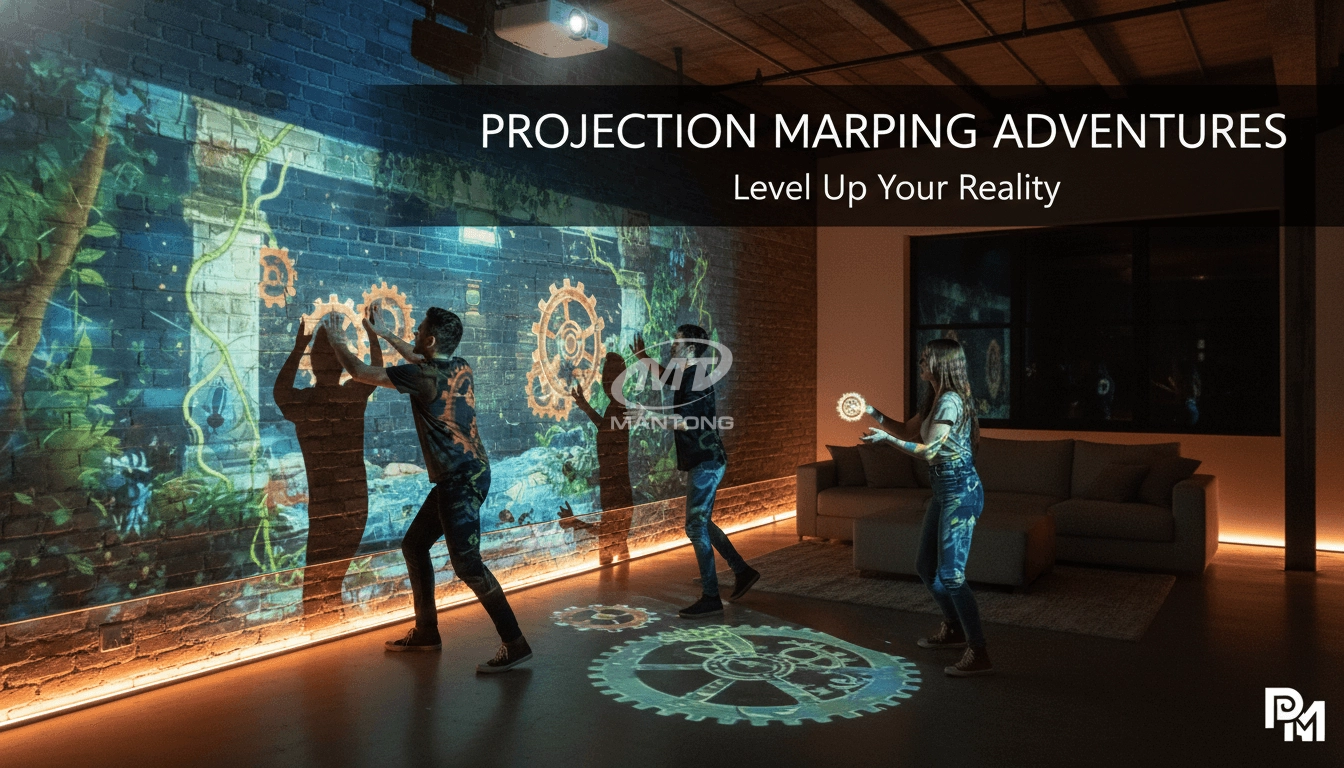
Combining projection mapping with 3D interactive ground projection technology brings an unprecedented immersive experience to outdoor scenes.

Rapidly Rotating Bouncing Sphere is an interactive space where participants jump on rotating spheres. As they step on it, the spheres surface will show special interactivity
Jumping on spheres of the same color in succession causes them to pop, releasing light particles. The more consecutive jumps, the greater the reward—caterpillars appear, and eventually, all spheres of that color burst, filling the space with light and even more caterpillars.

Transform any space with Mantong's immersive projection mapping systems. Our high-lumen projectors (up to 6500 LM) and custom software create captivating interactive experiences for floors and walls. Ideal for museums, events, retail, and hospitality. Each kit includes professional ceiling mounting and 80+ pre-loaded video contents and is backed by a 12-month warranty and CE certification. We offer full customization and support to bring your vision to life.
Contact Us to Start Your Interactive Projection Journey
Contact us now to discuss how to create innovative projection solutions for your space.

Kaida Business Center, Shixin Road, Panyu District,Guangzhou City, Guangdong Province, China.
ManTong
ManTong
ManTong