
How to install an interactive projector on curved or uneven walls?
- Interactive Projector Installation: Expert Answers to Common Questions
- 1. How do I install an interactive projector on curved or uneven walls?
- 2. What are the key factors to consider when positioning a projector for curved screens?
- 3. Can I use a standard projector for curved screens?
- 4. How does ambient light affect projection quality on curved screens?
- 5. What are the benefits of ceiling mounting a projector?
- 6. How do I calculate the ideal throw distance for my projector?
- 7. What are the advantages of using a short-throw projector?
- 8. How do I ensure proper vertical alignment of my projector?
- Conclusion: Why Choose Mantong for Your Interactive Projection Needs?
Interactive Projector Installation: Expert Answers to Common Questions
Installing an interactive projector requires careful planning and execution to ensure optimal performance, especially when dealing with curved or uneven walls. Below are expert answers to common questions that professionals should consider when purchasing and installing interactive projectors.
1. How do I install an interactive projector on curved or uneven walls?
Installing a projector on a curved or uneven wall presents unique challenges. To achieve a clear, undistorted image:
Use Warping Software: Employ software solutions that can adjust the image to fit the curvature of the wall. Options include VIOSO Player, which offers multi-projection video with warping and blending capabilities.
Adjust Projector Positioning: Ensure the projector lens is perpendicular to the curved surface. Utilize a level or laser tool for precise alignment.
Consider Screen Material: For a DIY approach, materials like Thrifty Whiteboard can be flexed to match the curve, providing a cost-effective solution.
2. What are the key factors to consider when positioning a projector for curved screens?
Proper positioning is crucial for curved screens:
Lens Alignment: The projector lens should be perpendicular to the curved screen to prevent distortion.
Throw Distance: Adjust the distance between the projector and the screen to ensure even coverage without distortion.
Lens Shift and Focus: Utilize lens shift features to fine-tune the image alignment and focus across the screen.
3. Can I use a standard projector for curved screens?
Yes, standard projectors can be used for curved screens, but compatibility with the screen material is essential. Projectors with lens shift and keystone correction features are particularly effective in minimizing distortion on curved surfaces.
4. How does ambient light affect projection quality on curved screens?
Ambient light can significantly impact projection quality:
Reduced Contrast: Ambient light can wash out images, reducing contrast and clarity.
Use of ALR Screens: In rooms with significant ambient light, Ambient Light Rejecting (ALR) screens can enhance image quality by filtering out ambient light.
5. What are the benefits of ceiling mounting a projector?
Ceiling mounting offers several advantages:
Space Efficiency: Freed-up floor space allows for more flexible room usage.
Consistent Alignment: Fixed positioning ensures consistent image alignment without the need for adjustments before each viewing session.
Aesthetic Appeal: A ceiling-mounted projector provides a clean, professional look, enhancing the overall room aesthetic.
6. How do I calculate the ideal throw distance for my projector?
The ideal throw distance is determined by the projector's throw ratio and the desired screen size:
Throw Ratio: This ratio indicates how far the projector should be from the screen to achieve a specific image size.
Calculation: Multiply the screen width by the throw ratio to determine the optimal distance.
7. What are the advantages of using a short-throw projector?
Short-throw projectors have several benefits:
Flexible Placement: They can be placed close to the screen, reducing the need for long throw distances.
Reduced Shadows: Positioning the projector near the screen minimizes shadows cast by viewers.
8. How do I ensure proper vertical alignment of my projector?
Proper vertical alignment is essential for image clarity:
Use a Level: Employ a laser level to ensure the projector is mounted horizontally.
Adjust Lens Shift: Utilize the projector's lens shift feature to fine-tune vertical alignment.
Conclusion: Why Choose Mantong for Your Interactive Projection Needs?
Mantong offers a range of interactive projectors designed for seamless installation on various surfaces, including curved and uneven walls. With advanced features like lens shift, keystone correction, and compatibility with warping software, Mantong ensures high-quality, distortion-free projections tailored to your specific requirements.


One-Stop Projection Solution Provider Since 2011
How to install the projection equipment ?
1) Install the projector in a suitable position. We will provide you with a hanger, which you need to fix on the ceiling with
screws.
2) Connect projectors, computers and other accessories through wires.
3) After completing the above 2 steps, we will carry out the edge blending steps. Our team can complete it through remote
control.
In general, installation instructions for each project need to be specified on a project-by-project basis. The above is for
reference only.
What's the application of Immersive projection ?
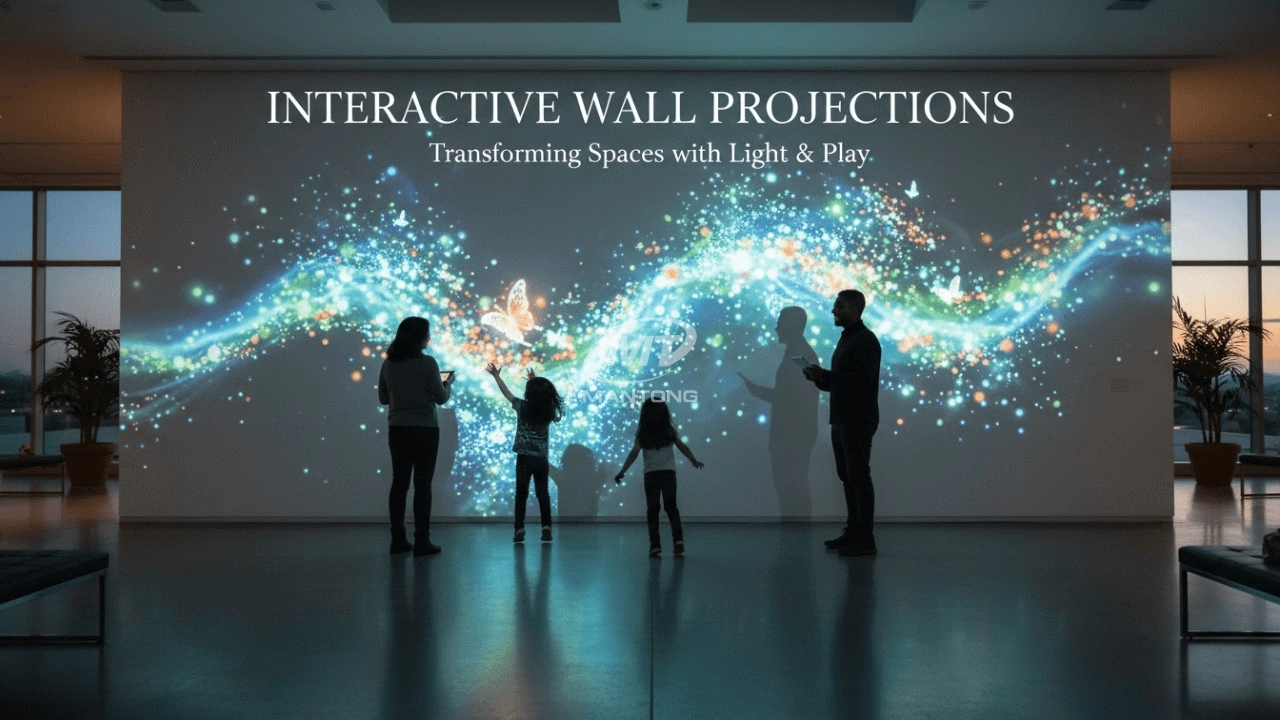
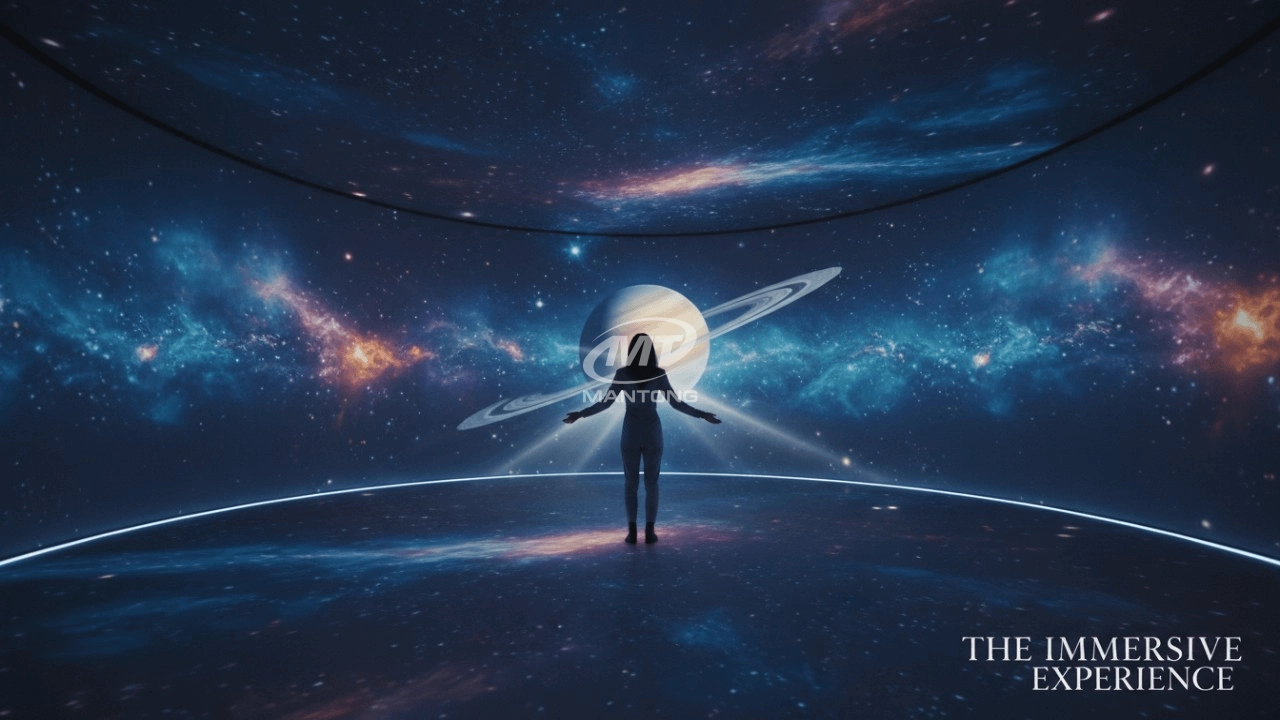
It can be used in various venues, such as art exhibition, entertainment venues, educational institution, Wedding hall /Banquet/Bar,Yoga Studio and so on. It often involves advanced projection techniques, multimedia content, and interactive elements to engage and captivate the audience's senses.
What information do you need to know before making the proposal/solution?
We know that everyone wants to know the price, but the price of our products is determined by many factors since most of our products are custom, so no ready price list. In order to fast understand what you need, can you send us an inquiry like this?
For example: I am really interested in your immersive projection products, we are a company in the USA and want to install some in my restaurant. It is about 50 meters long, and 5m in width. Projection size you can decide but the length should be not less than 20 meters. We want some content about SeaWorld because our place is all about the sea. Thank you.
Are you trader or manufacturer ?
We are direct manufacturer who specialize in providing one-stop solution for different outdoor & indoor projection project with our stable software and qualified projectors
What about the wall/floor material for the projection?
It’s recommended to choose a light-colored material with minimal reflectivity—pure white or light grey works best. the
common material is cement & plaster board
For optimal projection results, the surface should be free of any patterns or textures, as the projector will display content
directly onto it.
There are no specific material requirements; you may use any commonly available material in your local market, as long as it
meets the above conditions.

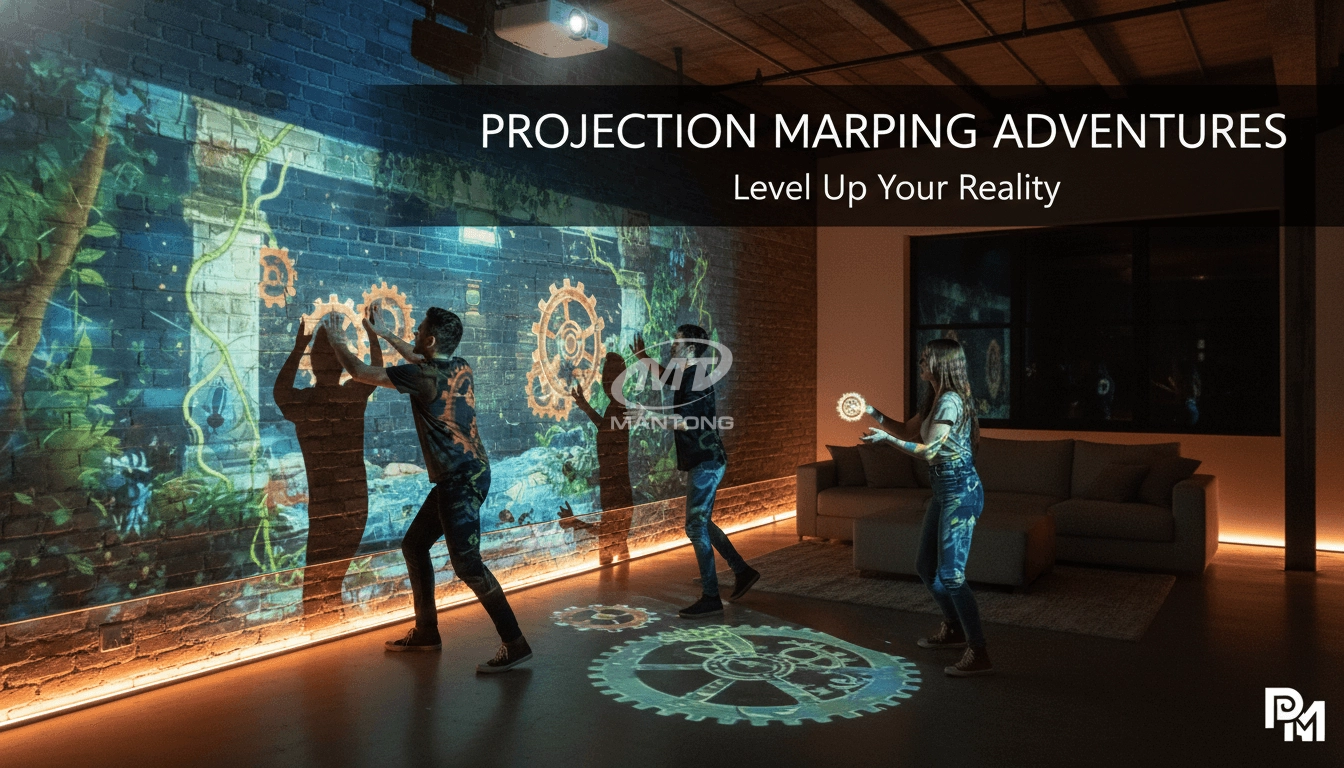
Indoor interactive floor projections display dynamic themed videos on the floor, commonly used in venues aiming to enhance brand influence or attract foot traffic, such as restaurants, hotel corridors, and brand car retail stores.
By using projectors and compatible software, the interactive content is projected onto the floor, encouraging engagement between people and the projected visuals. A single 5500-lumen indoor floor projector can cover an area of 5 m × 3 m. Typically, each project will use at least 3 units to ensure broad coverage and optimal visual effects.
We also offer customized design and installation support to enhance the interactive experience for your venue.

Combining projection mapping with 3D interactive ground projection technology brings an unprecedented immersive experience to outdoor scenes.

Rapidly Rotating Bouncing Sphere is an interactive space where participants jump on rotating spheres. As they step on it, the spheres surface will show special interactivity
Jumping on spheres of the same color in succession causes them to pop, releasing light particles. The more consecutive jumps, the greater the reward—caterpillars appear, and eventually, all spheres of that color burst, filling the space with light and even more caterpillars.

Transform any space with Mantong's immersive projection mapping systems. Our high-lumen projectors (up to 6500 LM) and custom software create captivating interactive experiences for floors and walls. Ideal for museums, events, retail, and hospitality. Each kit includes professional ceiling mounting and 80+ pre-loaded video contents and is backed by a 12-month warranty and CE certification. We offer full customization and support to bring your vision to life.
Contact Us to Start Your Interactive Projection Journey
Contact us now to discuss how to create innovative projection solutions for your space.

Kaida Business Center, Shixin Road, Panyu District,Guangzhou City, Guangdong Province, China.
ManTong
ManTong
ManTong