
What hardware is required for interactive projection mapping?
- 1. What are the essential hardware components for setting up an interactive projection mapping system?
- 2. How do I choose the right projector for my interactive projection mapping project?
- 3. What are the common challenges in interactive projection mapping hardware setups, and how can they be addressed?
- 4. How do I integrate sensors and tracking devices into my interactive projection mapping system?
- 5. What are the computer hardware requirements for running projection mapping software effectively?
- 6. How can I ensure seamless integration and synchronization of all hardware components in my interactive projection mapping setup?
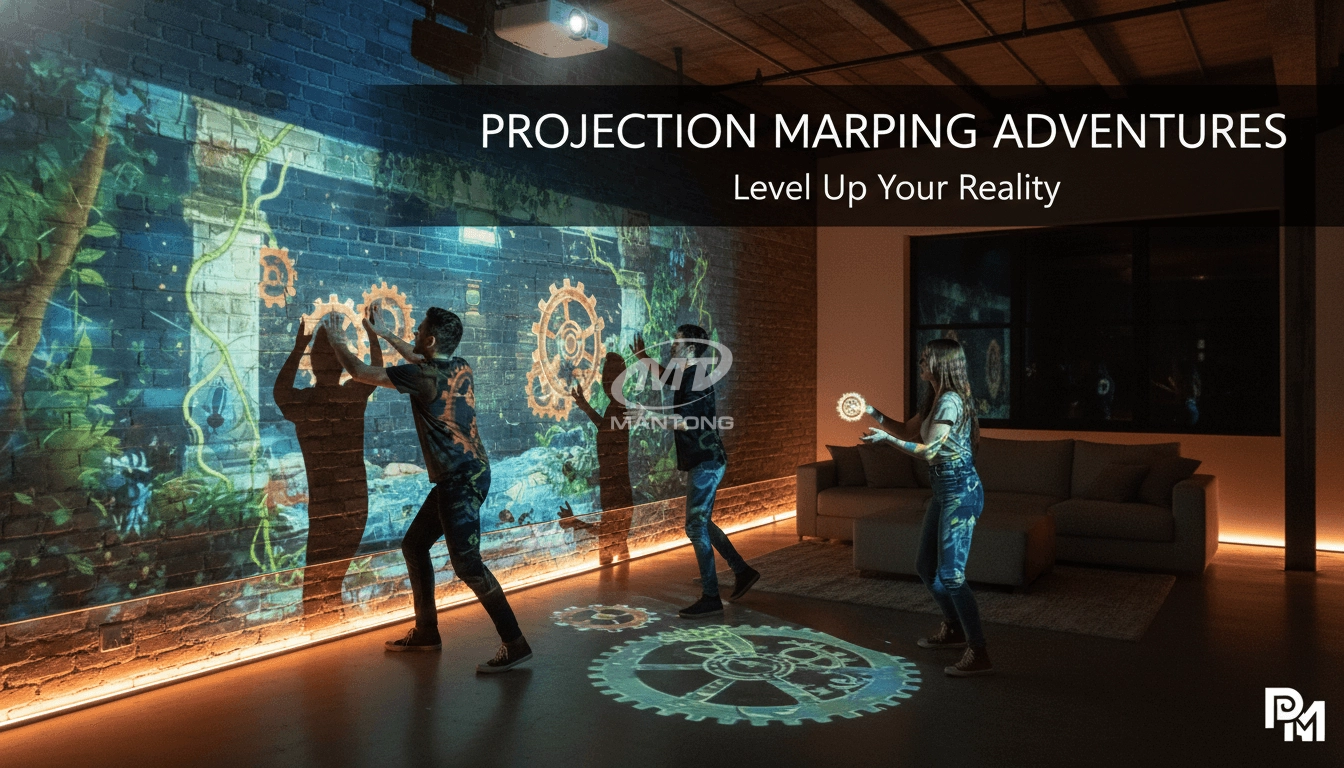
Interactive projection mapping is a captivating technology that blends digital visuals with physical environments, creating immersive experiences. For beginners venturing into this field, understanding the necessary hardware components and potential challenges is crucial. Below are six specific questions often posed by newcomers, accompanied by detailed answers to guide your journey.
1. What are the essential hardware components for setting up an interactive projection mapping system?
To establish an interactive projection mapping setup, the following hardware components are essential:
Projectors: High-lumen projectors are vital for clear and vivid displays. For indoor environments, projectors with 3,000–5,000 lumens are suitable, while outdoor settings may require projectors with at least 10,000 lumens to combat ambient light.
Media Servers: These devices store and process high-resolution content, ensuring smooth playback and real-time adjustments during events.
Sensors and Tracking Devices: Incorporating sensors enhances interactivity by detecting user movements and interactions. Options include infrared (IR) cameras, depth cameras, and motion capture devices like Microsoft's Kinect. ((https://www.mtprojection.com/interactive-projection-mapping-hardware-guide.html))
Computers and Media Players: A robust computer or media player is essential for controlling projections and managing content. Ensure the system has sufficient processing power, RAM, and a dedicated graphics card to handle real-time rendering. ((https://www.mtprojection.com/interactive-projection-mapping-hardware-guide.html))
Projection Mounts: Adjustable and stable mounts are necessary for precise alignment. Consider motorized mounts for projects that require frequent adjustments.
Backup Systems: Always have backup projectors, servers, and power supplies on hand to prevent disruptions during live events.
2. How do I choose the right projector for my interactive projection mapping project?
Selecting the appropriate projector involves considering several factors:
Brightness: Measured in lumens, brightness determines the visibility of your projection. For indoor settings, projectors with 3,000–5,000 lumens are typically sufficient.
Resolution: Higher resolutions, such as 1080p or 4K, provide clearer and more detailed images, enhancing the quality of your projections. ((https://www.mtprojection.com/interactive-projection-mapping-hardware-guide.html))
Throw Distance: This refers to the distance between the projector and the projection surface. Ensure the projector's throw ratio aligns with your setup to achieve the desired image size and clarity. ((https://www.mtprojection.com/interactive-projection-mapping-hardware-guide.html))
Light Source: Laser projectors offer longer lifespans (20,000–30,000+ hours) compared to lamp projectors (2,000–5,000 hours), reducing maintenance costs over time. ((https://www.mtprojection.com/interactive-projection-installation-guide.html))
3. What are the common challenges in interactive projection mapping hardware setups, and how can they be addressed?
Common challenges include:
Ambient Light Interference: Ambient light can wash out projections. To mitigate this, conduct site surveys at the same time of day the event will occur and use ultra-short-throw projectors to minimize shadows cast by users. ((https://www.mtprojection.com/blog/guide-to-interactive-projection-mapping.html))
Equipment Failures: Technical glitches can disrupt projections. To prevent this, conduct thorough testing before events, use high-quality equipment, and have backup systems in place.
Complex Surface Mapping: Projecting onto irregular surfaces can be challenging. Utilize advanced software and multiple projectors to achieve accurate mapping.
4. How do I integrate sensors and tracking devices into my interactive projection mapping system?
Integrating sensors involves:
Selecting Appropriate Sensors: Choose sensors based on interaction distance and environment. Depth sensors work well up to several meters for floor interactions, while IR camera systems are robust for high-ambient-light conditions. ((https://www.mtprojection.com/interactive-projection-installation-guide.html))
Ensuring Compatibility: Verify that the sensors are compatible with your projection mapping software and hardware.
Calibration: Accurate calibration is essential for precise interaction detection. Regularly test and adjust sensor settings to maintain responsiveness.
5. What are the computer hardware requirements for running projection mapping software effectively?
Key computer hardware requirements include:
Graphics Processing Unit (GPU): A dedicated GPU with at least 1 GB of memory ensures smooth rendering of high-resolution content. ((https://www.mtprojection.com/interactive-projection-mapping-hardware-guide.html))
Central Processing Unit (CPU): A multi-core processor with a clock speed above 1.7 GHz is recommended for basic setups. For more complex projects, higher specifications may be necessary. ((https://www.mtprojection.com/interactive-projection-mapping-hardware-guide.html))
Random Access Memory (RAM): A minimum of 8GB RAM is sufficient for basic projection mapping. For complex projects, 16GB or more is recommended.
Storage: Solid-state drives (SSDs) provide faster project loading and media playback. Ensure adequate storage capacity for large media files.
6. How can I ensure seamless integration and synchronization of all hardware components in my interactive projection mapping setup?
To achieve seamless integration:
Comprehensive Testing: Conduct thorough testing of all components before the event to identify and resolve potential issues.
Software Compatibility: Ensure that all hardware components are compatible with your chosen projection mapping software.
Professional Assistance: Consider consulting with professionals experienced in interactive projection mapping to assist with setup and troubleshooting.
Conclusion
Embarking on an interactive projection mapping project requires careful planning and understanding of the necessary hardware components. By addressing common challenges and ensuring compatibility among all elements, you can create immersive and engaging experiences. For expert guidance and tailored solutions, consider reaching out to Mantong, a leader in interactive projection technology.
Contact Us
For personalized assistance and a detailed quote, please visit our website at (http://www.mtprojection.com) or email us at Mira@mtprojection.com.


One-Stop Projection Solution Provider Since 2011
How to install the projection equipment ?
1) Install the projector in a suitable position. We will provide you with a hanger, which you need to fix on the ceiling with
screws.
2) Connect projectors, computers and other accessories through wires.
3) After completing the above 2 steps, we will carry out the edge blending steps. Our team can complete it through remote
control.
In general, installation instructions for each project need to be specified on a project-by-project basis. The above is for
reference only.
What's Immersive Projection ?
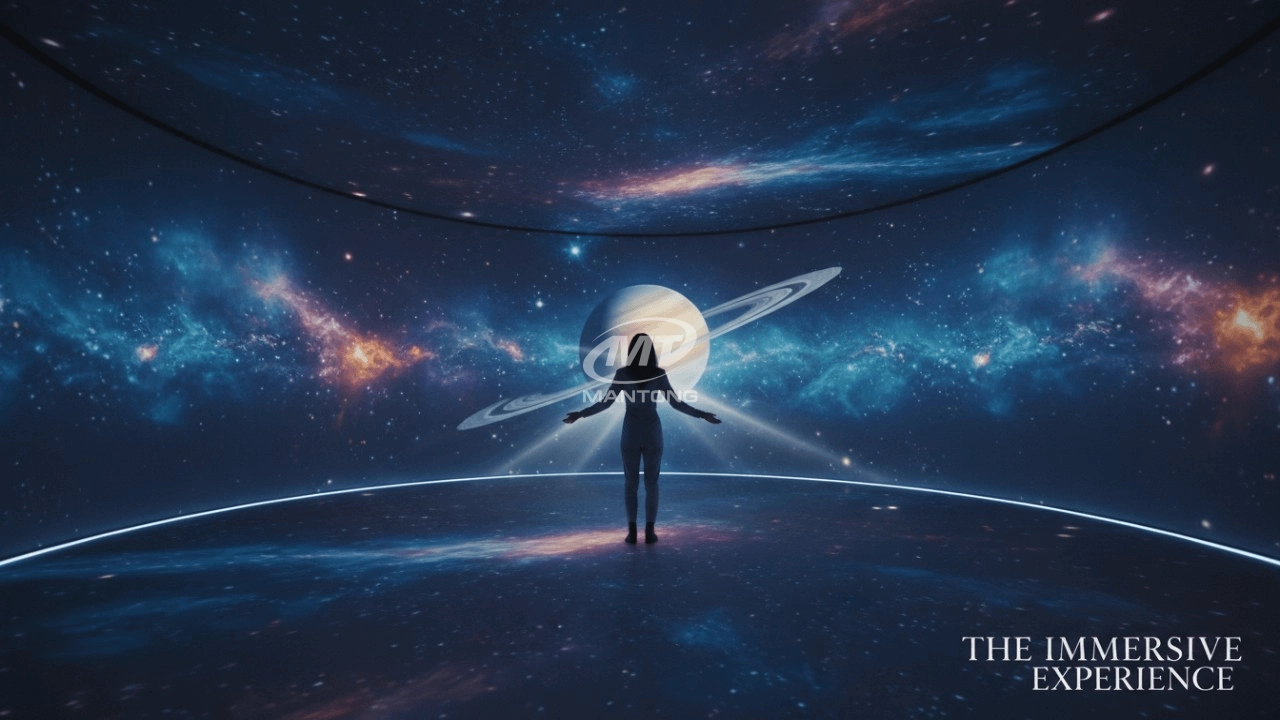
Immersive projection refers to a technology that creates a captivating and all-encompassing visual experience for viewers by projecting images or videos onto large surfaces, such as walls, floors, or even entire rooms. This technology aims to immerse the audience in a simulated environment, blurring the boundaries between the physical and virtual worlds.
What information do you need to know before making the proposal/solution?
We know that everyone wants to know the price, but the price of our products is determined by many factors since most of our products are custom, so no ready price list. In order to fast understand what you need, can you send us an inquiry like this?
For example: I am really interested in your immersive projection products, we are a company in the USA and want to install some in my restaurant. It is about 50 meters long, and 5m in width. Projection size you can decide but the length should be not less than 20 meters. We want some content about SeaWorld because our place is all about the sea. Thank you.
How to Write an Interactive-Effect Video Customisation Script ?
① Project Background: Briefly introduce the context in which this interactive scene will be used (e.g., exhibition, museum,
event space, children's area). Example: This scene is part of the “Underwater World” zone in a children's science museum,
designed to be engaging and exploratory.
②Visual Style / Atmosphere: What kind of visual mood are you aiming for? Please describe the color scheme, style, and any
references. it should focus solely on describing the visual aspects of the scene, supported by relevant charts or reference
images.
③ Interaction Points Overview:List each interactive hotspot along with the effect you'd like to trigger when the user
touches or clicks the area. example: when player touch the clownfish, it will swims away with bubble trail (animation effect)
and produce the bubble sound ( sound effect requirement )
④ Static Visual Reference:including but not limited to background image/video, a list of major visual elements (e.g., coral,
rocks, seaweed, fish), which elements should be interactive?
What's the application of Immersive projection ?
It can be used in various venues, such as art exhibition, entertainment venues, educational institution, Wedding hall /Banquet/Bar,Yoga Studio and so on. It often involves advanced projection techniques, multimedia content, and interactive elements to engage and captivate the audience's senses.

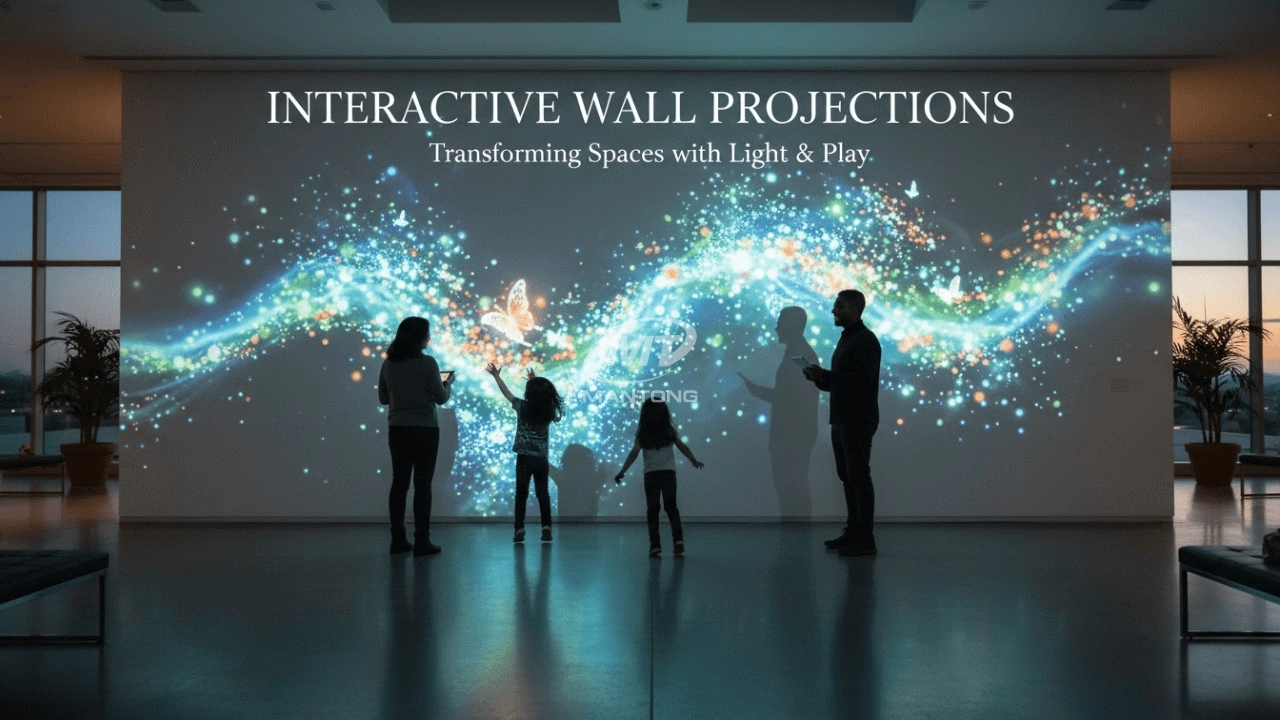
Transform any space with Mantong's immersive projection mapping systems. Our high-lumen projectors (up to 6500 LM) and custom software create captivating interactive experiences for floors and walls. Ideal for museums, events, retail, and hospitality. Each kit includes professional ceiling mounting and 80+ pre-loaded video contents and is backed by a 12-month warranty and CE certification. We offer full customization and support to bring your vision to life.

Rapidly Rotating Bouncing Sphere is an interactive space where participants jump on rotating spheres. As they step on it, the spheres surface will show special interactivity
Jumping on spheres of the same color in succession causes them to pop, releasing light particles. The more consecutive jumps, the greater the reward—caterpillars appear, and eventually, all spheres of that color burst, filling the space with light and even more caterpillars.

Bring imagination to life with interactive sandbox projection mapping games designed for kids’ play parks. Using cutting-edge projection technology and real-time motion sensing, children can dig, build, and explore virtual worlds directly in the sand. Educational, engaging, and endlessly fun — it’s the perfect blend of play and learning.

Combining projection mapping with 3D interactive ground projection technology brings an unprecedented immersive experience to outdoor scenes.
Contact Us to Start Your Interactive Projection Journey
Contact us now to discuss how to create innovative projection solutions for your space.

Kaida Business Center, Shixin Road, Panyu District,Guangzhou City, Guangdong Province, China.
ManTong
ManTong
ManTong