
How do interactive projectors affect classroom collaboration?
- Interactive Projectors for Education: Enhancing Classroom Collaboration
- 1. What are interactive projectors, and how do they function in educational settings?
- 2. How do interactive projectors enhance classroom collaboration?
- 3. What are the key features to consider when selecting an interactive projector for educational use?
- 4. What is the cost range for interactive projectors suitable for classrooms?
- 5. Are interactive projectors easy to set up and use in classrooms?
- 6. How do interactive projectors support diverse learners and inclusive education?
- 7. What are the durability considerations for interactive projectors in educational settings?
- 8. What are the latest trends in interactive projector technology for education?
- Conclusion: Why Choose Mantong Digital for Classroom Projection?
Interactive Projectors for Education: Enhancing Classroom Collaboration
Interactive projectors are revolutionizing educational settings by transforming traditional teaching methods into dynamic, collaborative learning experiences. These devices project interactive content onto any flat surface, allowing students and teachers to engage directly with the material. This article addresses common questions about interactive projectors, providing insights to assist in making informed procurement decisions.
1. What are interactive projectors, and how do they function in educational settings?
Interactive projectors are devices that project images onto surfaces like whiteboards, walls, or tables, enabling touch-based interaction. In classrooms, they allow multiple users to write, draw, and manipulate content simultaneously, fostering a collaborative learning environment. For instance, BenQ's interactive projectors support multi-touch capabilities, allowing several students to interact with the projected content at once.
2. How do interactive projectors enhance classroom collaboration?
By enabling direct interaction with projected content, interactive projectors encourage active participation among students. They support multi-touch and dual-screen capabilities, allowing multiple students to share, write, and annotate simultaneously, which enhances collaboration and engagement.
3. What are the key features to consider when selecting an interactive projector for educational use?
When choosing an interactive projector, consider the following features:
Resolution: A minimum of 1080p HD is recommended for clear visuals; 4K is preferred for detailed content.
Touch Accuracy: Infrared or capacitive touch with at least 30-point capability ensures smooth multi-user interaction.
Brightness: At least 4,000 lumens are necessary for well-lit classrooms.
Response Time: Below 15ms to prevent lag during live annotations.
Durability: IP-rated enclosures and shock-resistant housing for high-use environments.
4. What is the cost range for interactive projectors suitable for classrooms?
Interactive projectors for classrooms typically range from $800 to $3,000, depending on features like resolution, interactivity options, and brand. The market is expected to grow to $7.47 billion by 2031, reflecting increasing affordability and innovation. ((https://www.mtprojection.com/guides/interactive-projectors-education-guide.html))
5. Are interactive projectors easy to set up and use in classrooms?
Many modern interactive projectors offer plug-and-play functionality, wireless connectivity, and intuitive software for interactive features. Ultra-short-throw projectors, for instance, require minimal space and alignment, making installation straightforward. ((https://www.mtprojection.com/guides/interactive-projectors-education-guide.html))
6. How do interactive projectors support diverse learners and inclusive education?
Interactive projectors cater to diverse learning styles by offering multisensory activities, adjustable difficulty levels, and support for various educational programs. They align with Universal Design for Learning (UDL) principles, accommodating different learning styles—kinesthetic, visual, and auditory—ensuring all students can participate and thrive. ((https://www.mtprojection.com/guides/interactive-projectors-education-guide.html))
7. What are the durability considerations for interactive projectors in educational settings?
Durability is crucial for educational environments. Modern interactive projectors are designed with robust builds to withstand daily use. Many models feature dust-resistant designs and long-lasting laser light sources, with lifespans up to 20,000 hours, reducing maintenance costs. ((https://www.mtprojection.com/guides/interactive-projectors-education-guide.html))
8. What are the latest trends in interactive projector technology for education?
Recent trends include integration with AI and cloud-based learning platforms, enhancing remote and hybrid learning capabilities. 4K resolution and HDR support are becoming standard in premium models, providing sharper visuals for detailed content. Projectors with built-in speakers and streaming capabilities are also gaining traction for multimedia lessons. ((https://www.mtprojection.com/guides/interactive-projectors-education-guide.html))
Conclusion: Why Choose Mantong Digital for Classroom Projection?
Mantong Digital offers customized interactive projection solutions tailored to educational needs. With a focus on enhancing collaboration and engagement, Mantong's products integrate seamlessly into various classroom settings, providing durable, user-friendly, and cost-effective options for modern education environments.
Sources:
BenQ Interactive Projectors:
Interactive Projectors for Education: Essential Features and Top Picks: ((https://www.mtprojection.com/guides/interactive-projectors-education-guide.html))
Interactive Projectors for the Classroom:
Interactive Projectors for Education - S&S Blog:
Interactive Projectors & Educational Games: Buyer’s Guide: ((https://www.mtprojection.com/interactive-projectors-educational-games-buyer-s-guide.html))
Best Interactive Projectors for Classrooms 2025 | Mantong Digital: ((https://www.mtprojection.com/interactive-projectors-classrooms-2025.html))
The Latest Displays & Projectors for K-12 | Tech & Learning:
Best Projectors for Schools | Tech & Learning:
Educational (Classroom) Projectors - Best Buy:
Preschool Education Solutions Technology that lets:
BenQ Smart Education Projectors:


One-Stop Projection Solution Provider Since 2011
What information do you need to know before making the proposal/solution?
We know that everyone wants to know the price, but the price of our products is determined by many factors since most of our products are custom, so no ready price list. In order to fast understand what you need, can you send us an inquiry like this?
For example: I am really interested in your immersive projection products, we are a company in the USA and want to install some in my restaurant. It is about 50 meters long, and 5m in width. Projection size you can decide but the length should be not less than 20 meters. We want some content about SeaWorld because our place is all about the sea. Thank you.
Are you trader or manufacturer ?
We are direct manufacturer who specialize in providing one-stop solution for different outdoor & indoor projection project with our stable software and qualified projectors
What's Immersive Projection ?
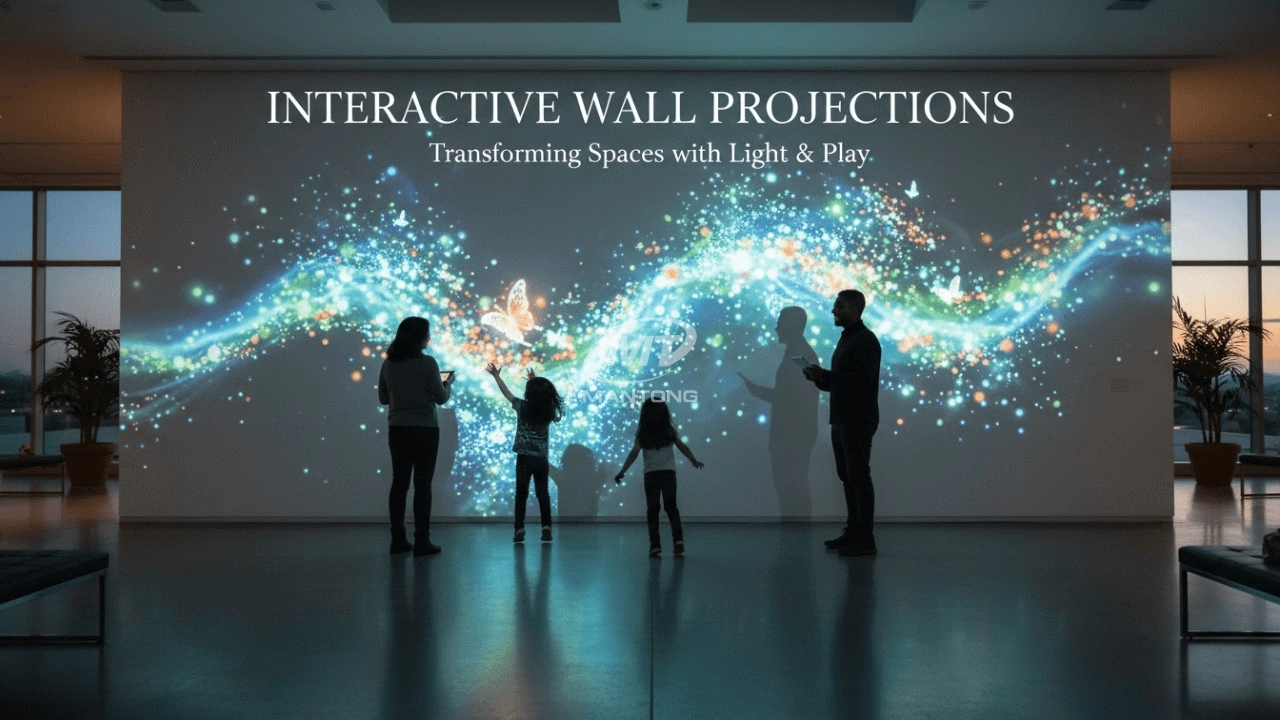
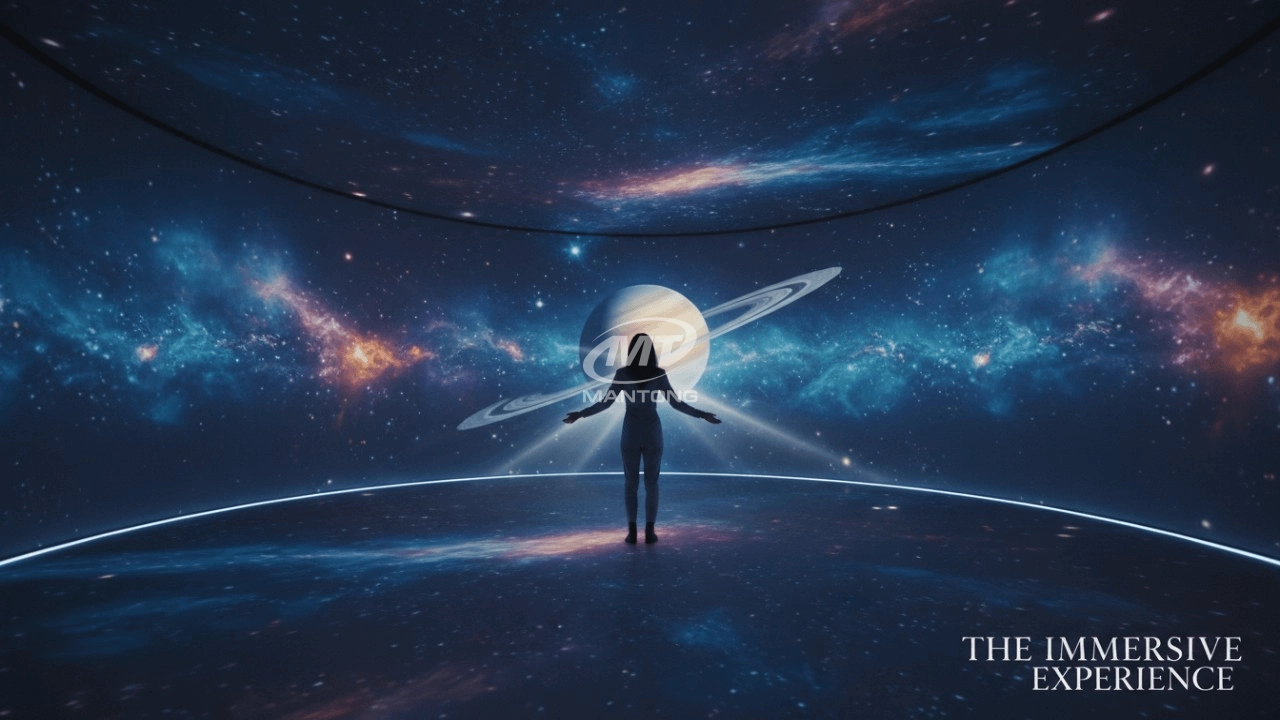
Immersive projection refers to a technology that creates a captivating and all-encompassing visual experience for viewers by projecting images or videos onto large surfaces, such as walls, floors, or even entire rooms. This technology aims to immerse the audience in a simulated environment, blurring the boundaries between the physical and virtual worlds.
How to Write an Interactive-Effect Video Customisation Script ?
① Project Background: Briefly introduce the context in which this interactive scene will be used (e.g., exhibition, museum,
event space, children's area). Example: This scene is part of the “Underwater World” zone in a children's science museum,
designed to be engaging and exploratory.
②Visual Style / Atmosphere: What kind of visual mood are you aiming for? Please describe the color scheme, style, and any
references. it should focus solely on describing the visual aspects of the scene, supported by relevant charts or reference
images.
③ Interaction Points Overview:List each interactive hotspot along with the effect you'd like to trigger when the user
touches or clicks the area. example: when player touch the clownfish, it will swims away with bubble trail (animation effect)
and produce the bubble sound ( sound effect requirement )
④ Static Visual Reference:including but not limited to background image/video, a list of major visual elements (e.g., coral,
rocks, seaweed, fish), which elements should be interactive?
How to install the projection equipment ?
1) Install the projector in a suitable position. We will provide you with a hanger, which you need to fix on the ceiling with
screws.
2) Connect projectors, computers and other accessories through wires.
3) After completing the above 2 steps, we will carry out the edge blending steps. Our team can complete it through remote
control.
In general, installation instructions for each project need to be specified on a project-by-project basis. The above is for
reference only.

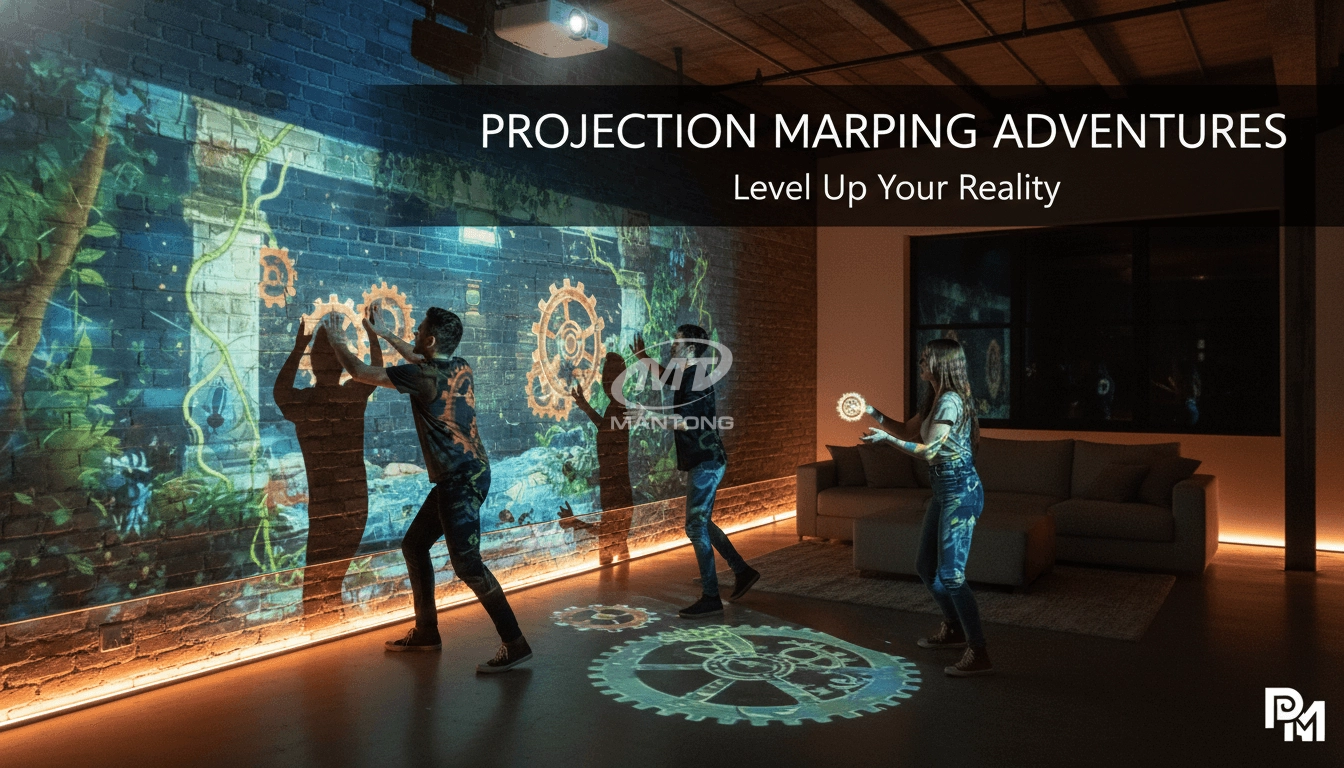
Transform any space with Mantong's immersive projection mapping systems. Our high-lumen projectors (up to 6500 LM) and custom software create captivating interactive experiences for floors and walls. Ideal for museums, events, retail, and hospitality. Each kit includes professional ceiling mounting and 80+ pre-loaded video contents and is backed by a 12-month warranty and CE certification. We offer full customization and support to bring your vision to life.

Rapidly Rotating Bouncing Sphere is an interactive space where participants jump on rotating spheres. As they step on it, the spheres surface will show special interactivity
Jumping on spheres of the same color in succession causes them to pop, releasing light particles. The more consecutive jumps, the greater the reward—caterpillars appear, and eventually, all spheres of that color burst, filling the space with light and even more caterpillars.

Bring imagination to life with interactive sandbox projection mapping games designed for kids’ play parks. Using cutting-edge projection technology and real-time motion sensing, children can dig, build, and explore virtual worlds directly in the sand. Educational, engaging, and endlessly fun — it’s the perfect blend of play and learning.

Combining projection mapping with 3D interactive ground projection technology brings an unprecedented immersive experience to outdoor scenes.
Contact Us to Start Your Interactive Projection Journey
Contact us now to discuss how to create innovative projection solutions for your space.

Kaida Business Center, Shixin Road, Panyu District,Guangzhou City, Guangdong Province, China.
ManTong
ManTong
ManTong